- 1
Check your shop
Open Accessibility under Analytics and press Check my shop now. It reads your home, shop, cart, checkout, tracking, contact and a product page — this takes a minute or two.
- 2
Read the result
Last check gives the score out of 100 and what to fix. What this check cannot tell you lists what needs a person to look at.
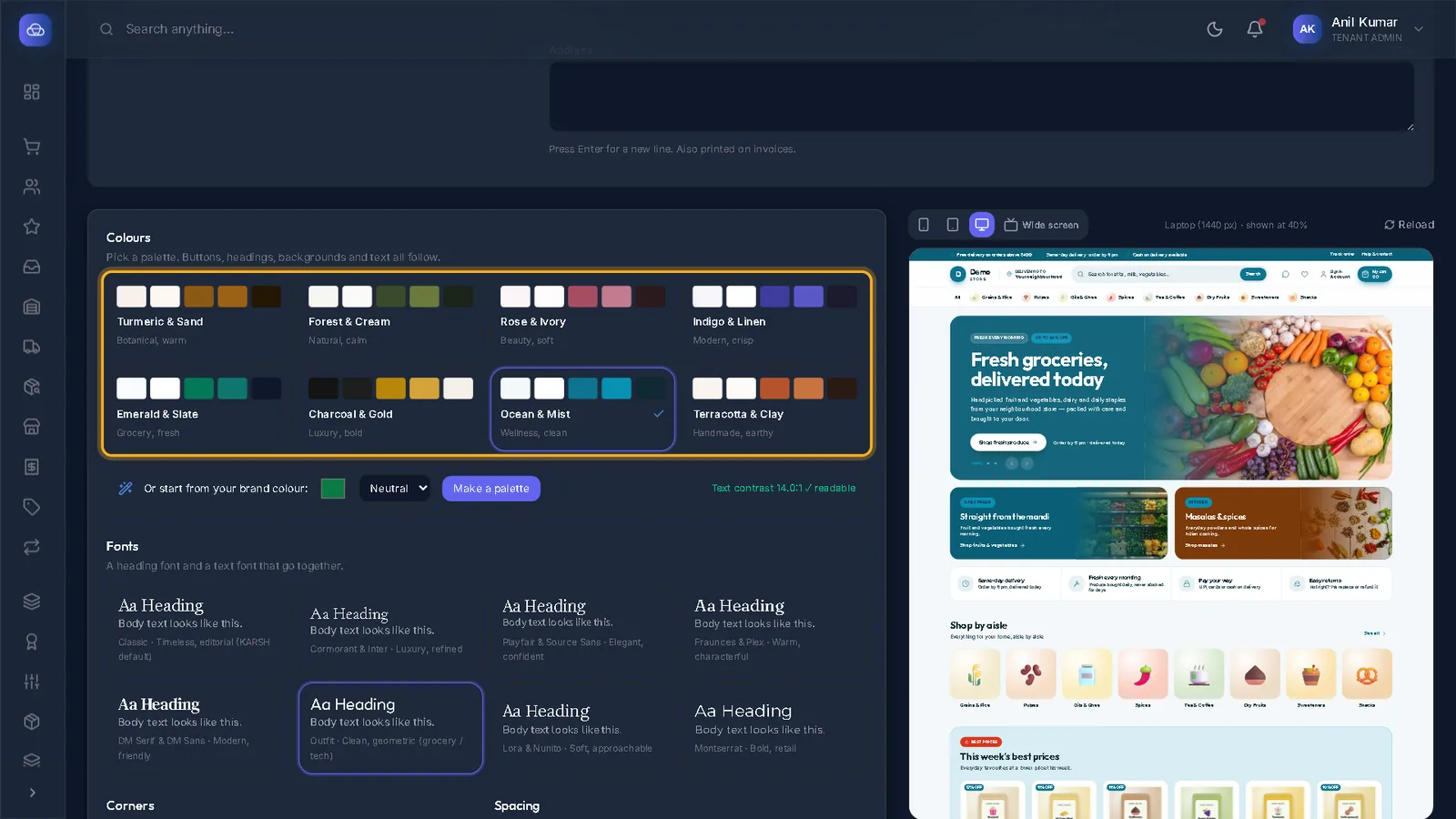
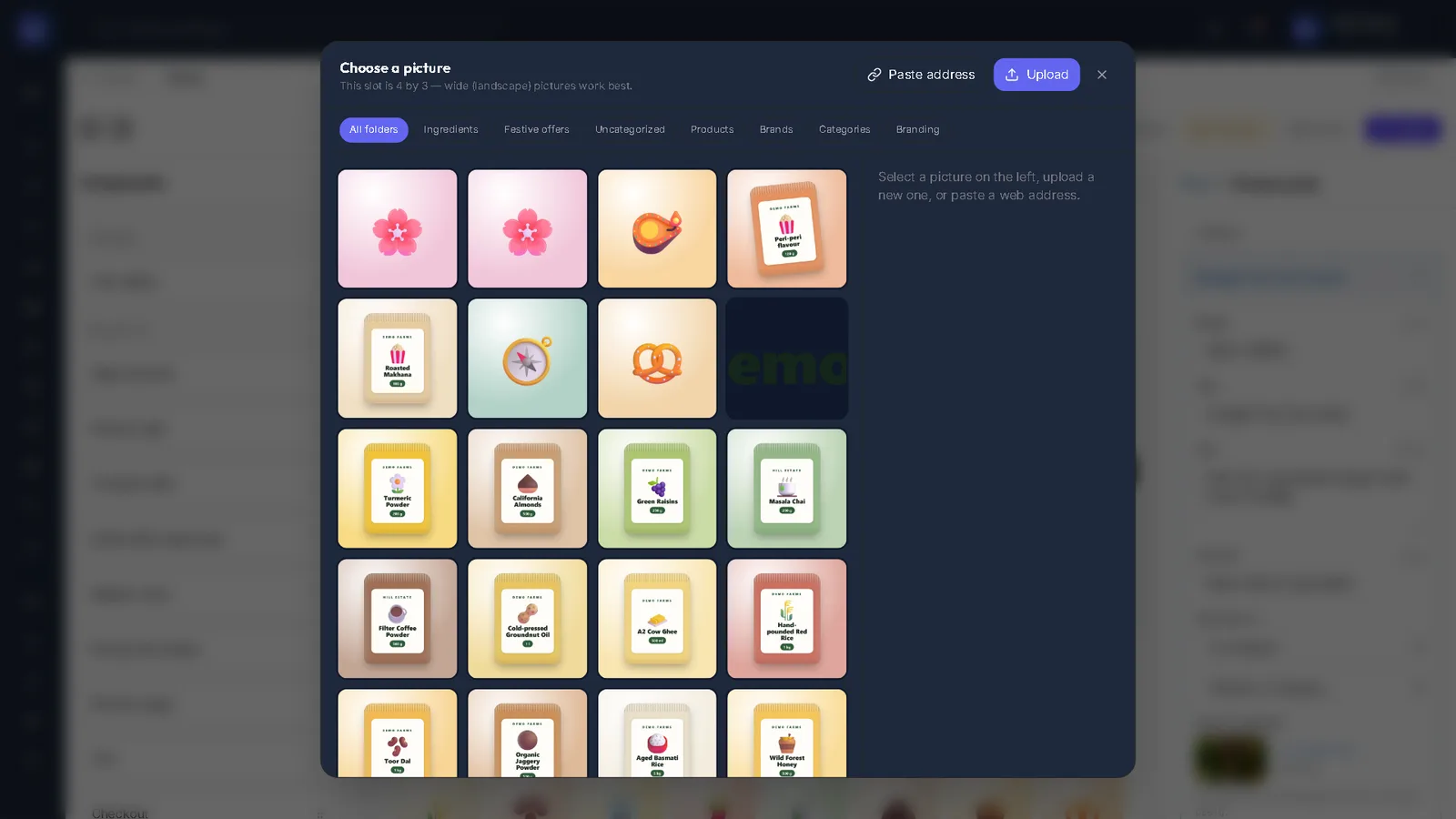
Tip: Most problems are fixed in Studio: describe every picture, and keep text colours readable — the Design tab shows a Text contrast reading.
- 3
Record your own checks
Record a check notes a check done by hand — what was checked, on which page, and whether it passes.
Stuck on a step?
Book a short call and we will walk through it with your own shop on screen. Book a call