Online store trainingLearn every part of your store.
Short guides for everything you do in the CloudMart24 store admin — each step with a screenshot, and a video of the whole thing.
60 guides · 59 videos · 47 minutes in all
Start here
Your first hour with CloudMart24.
Follow these in order and your shop is ready to take its first order.
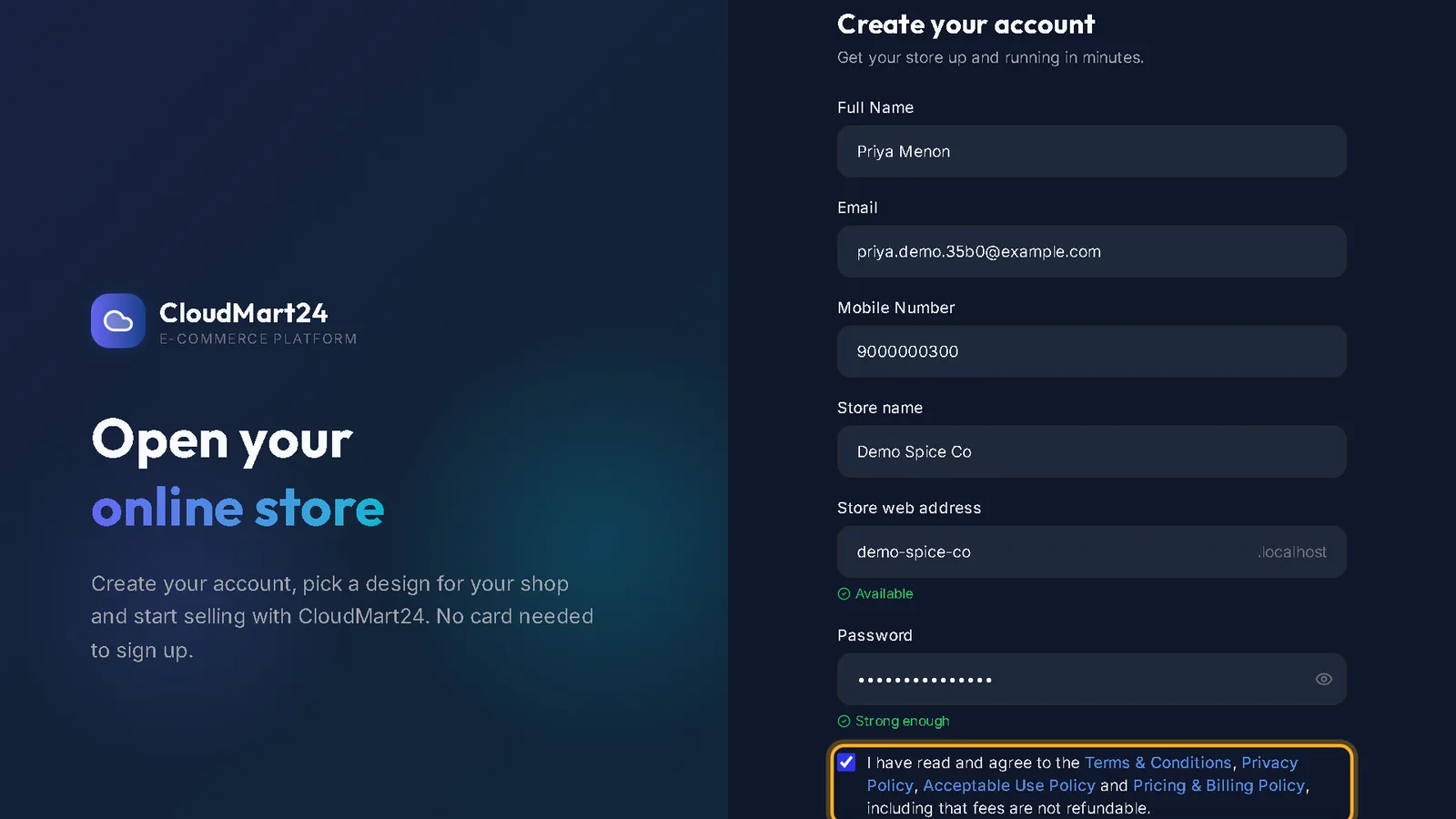
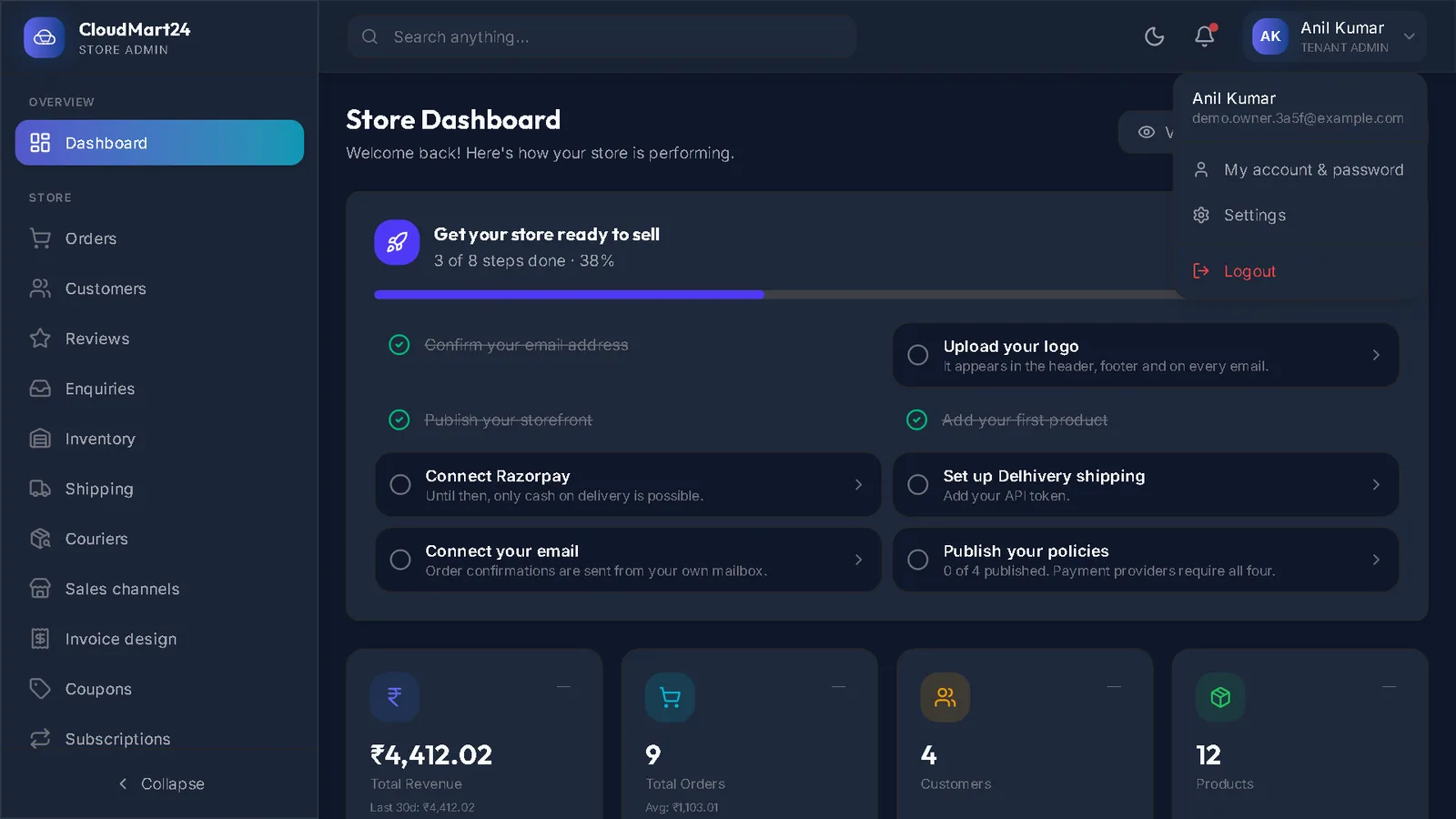
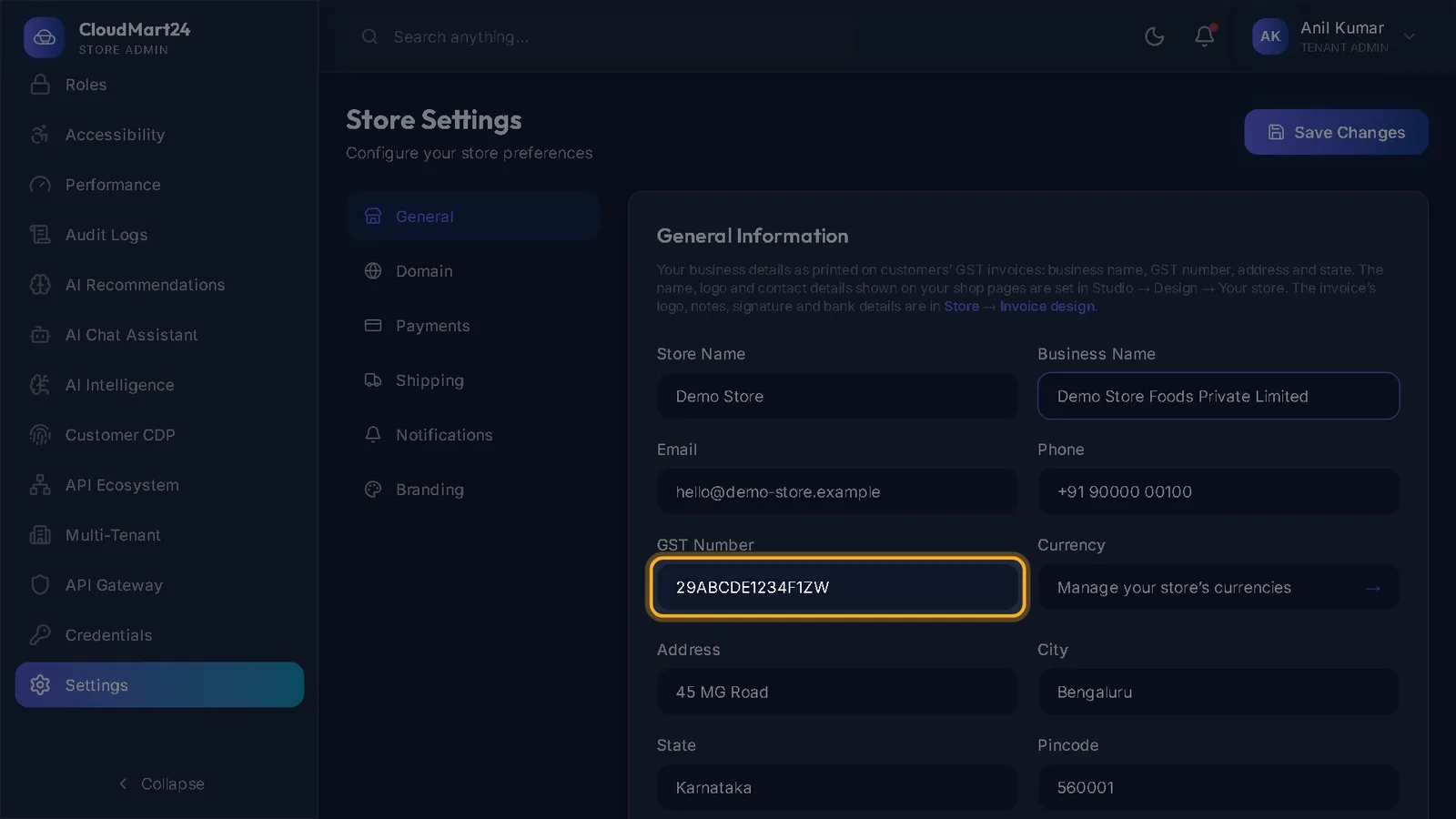
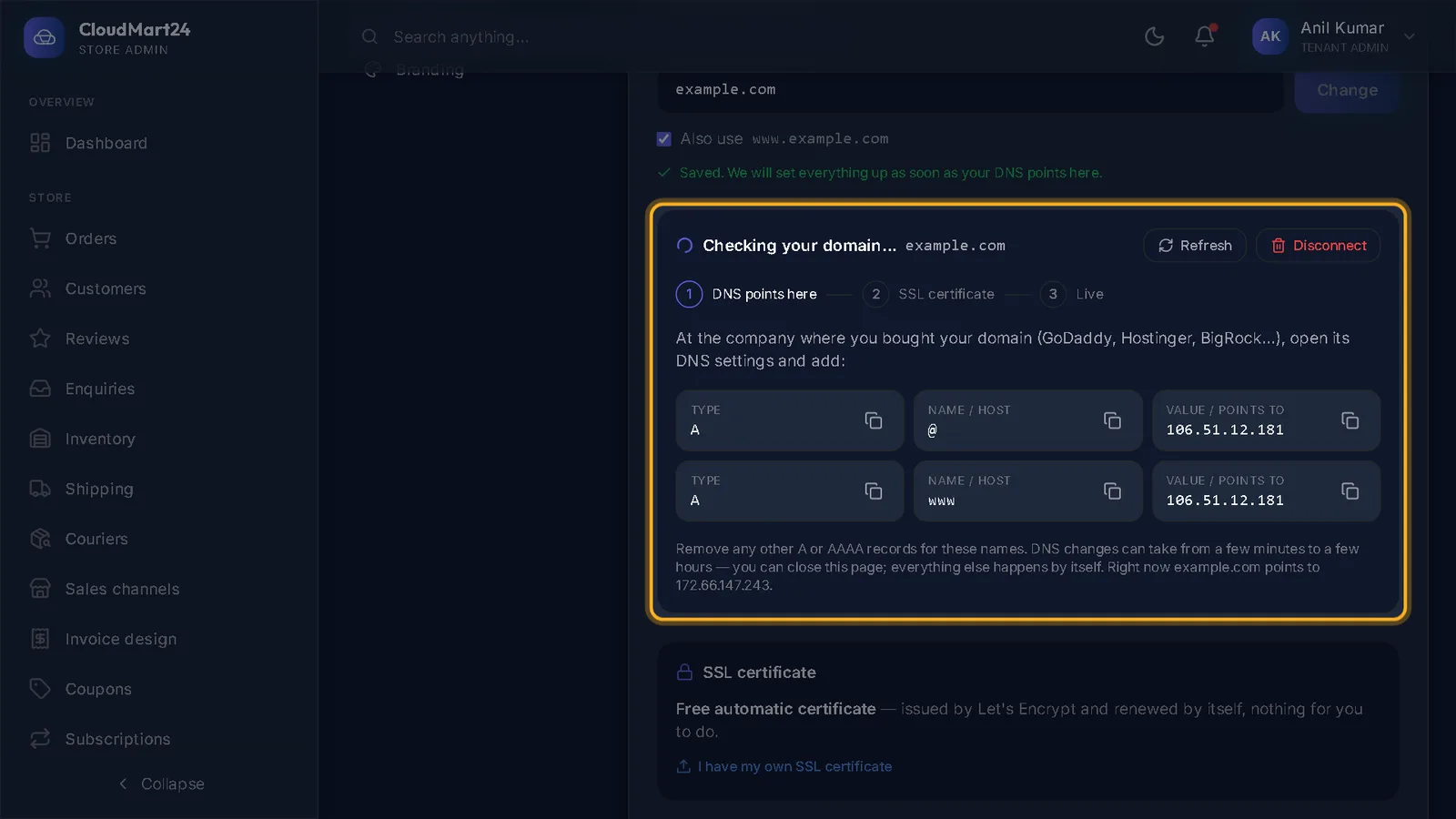
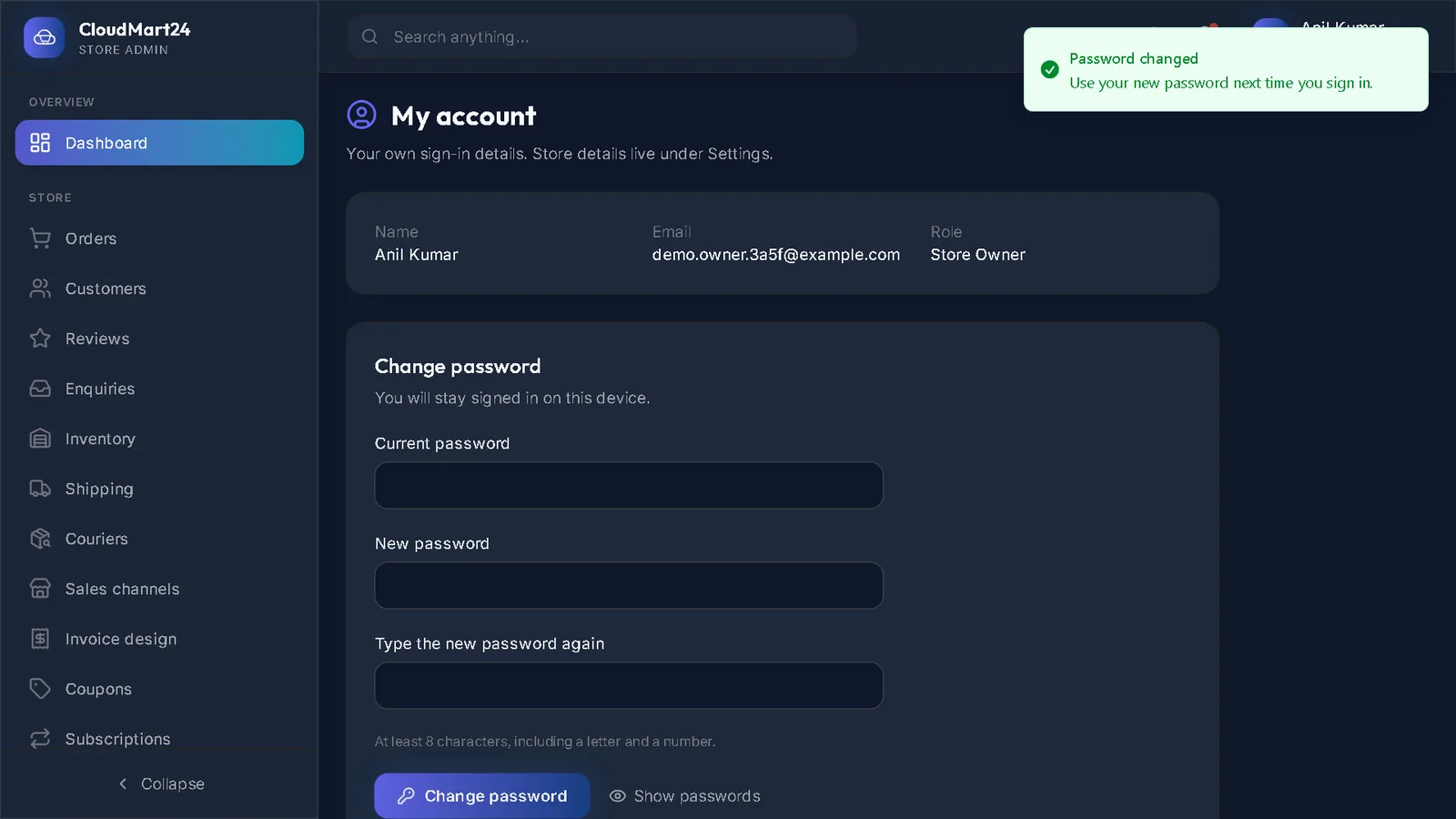
Getting started
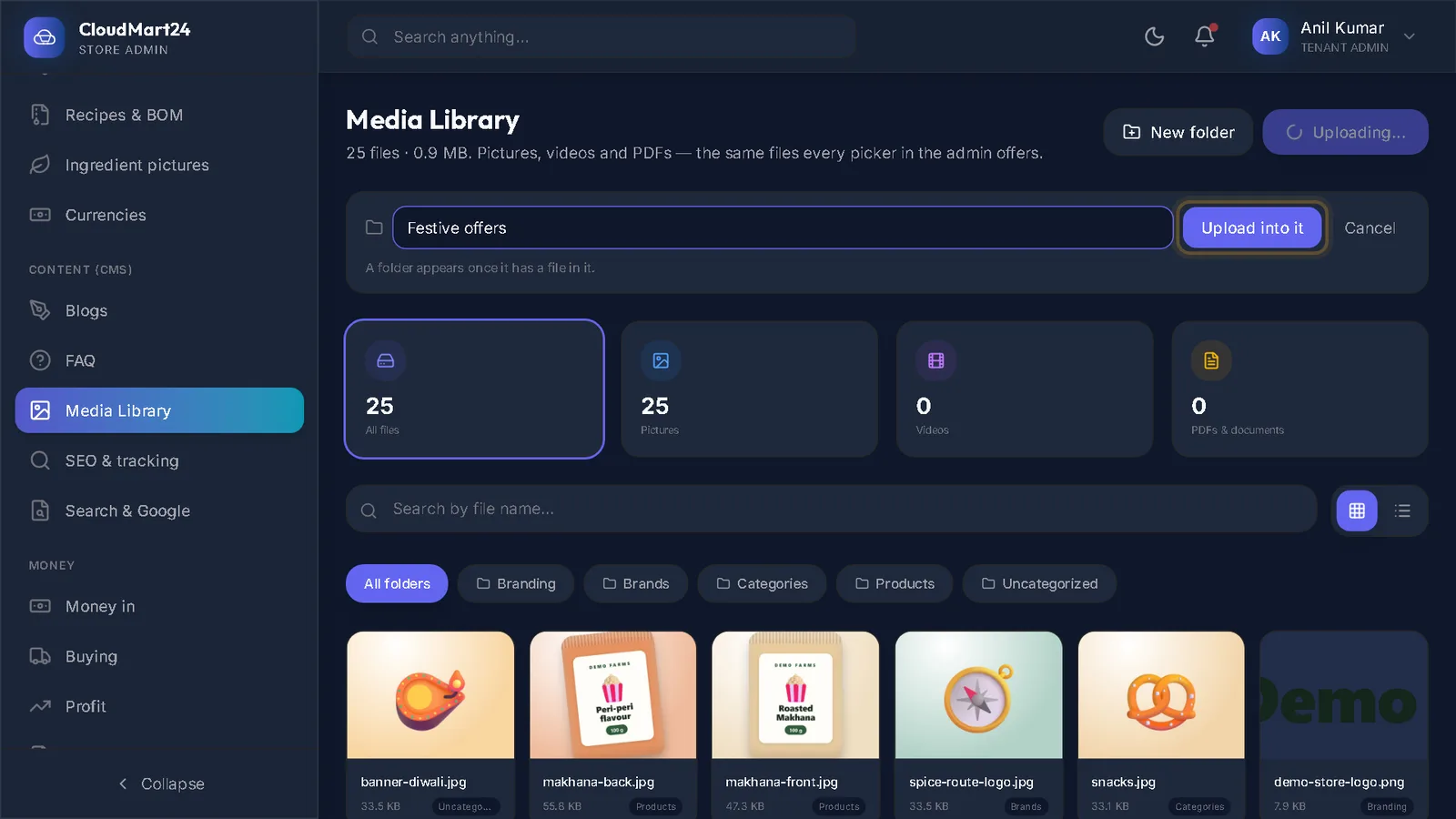
Sign up, find your way round the admin and set up your store details.
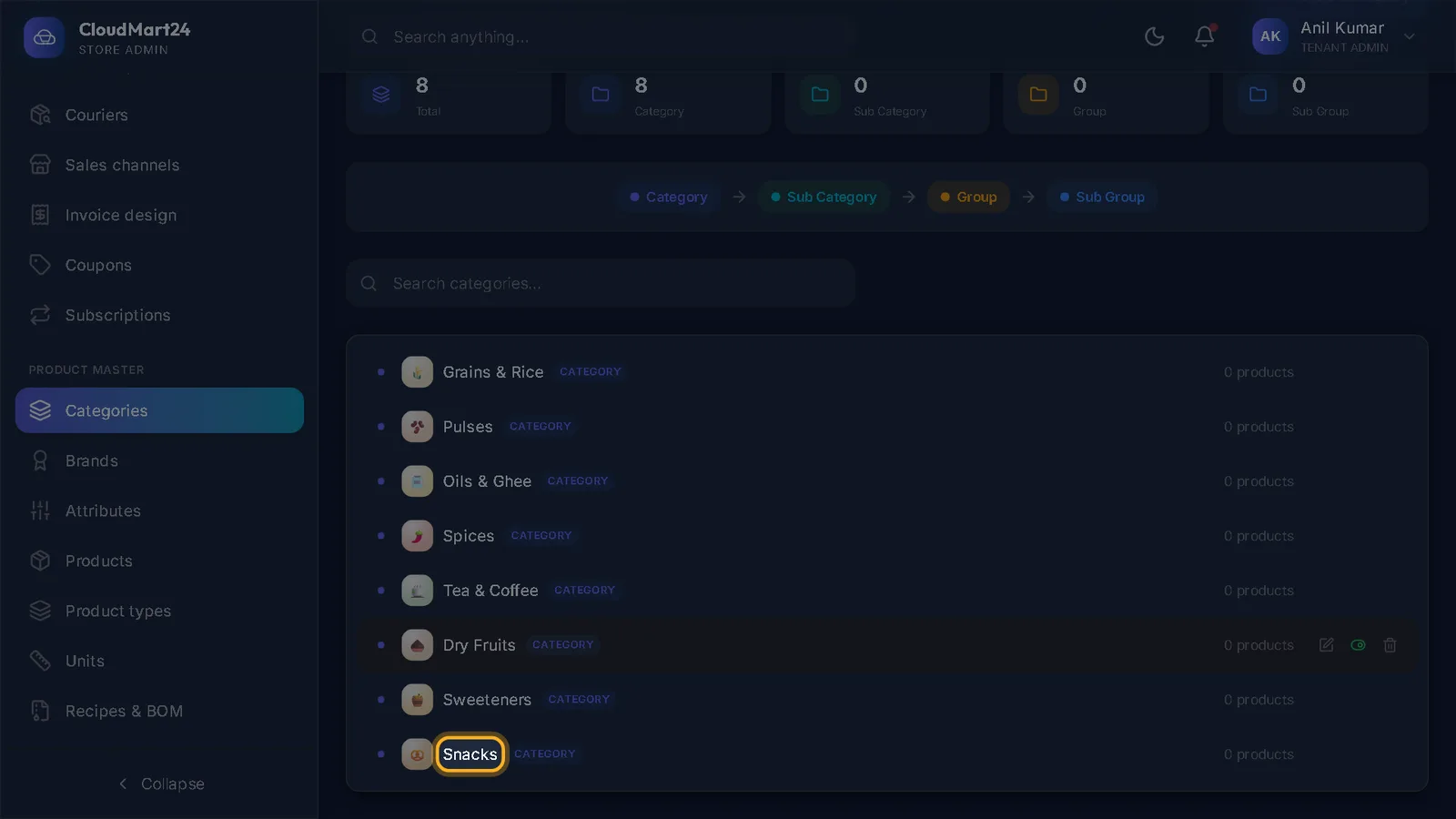
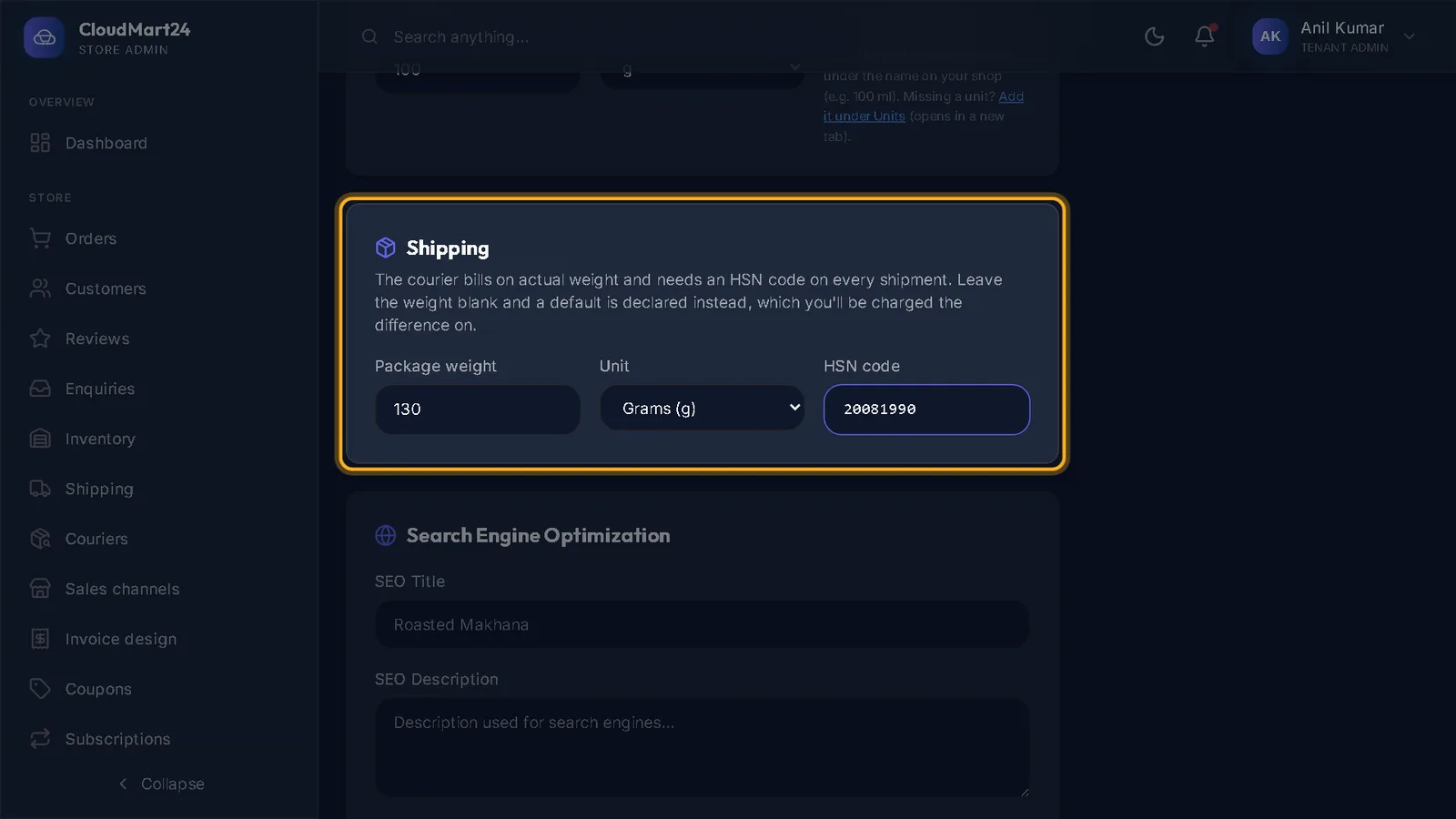
Products & catalogue
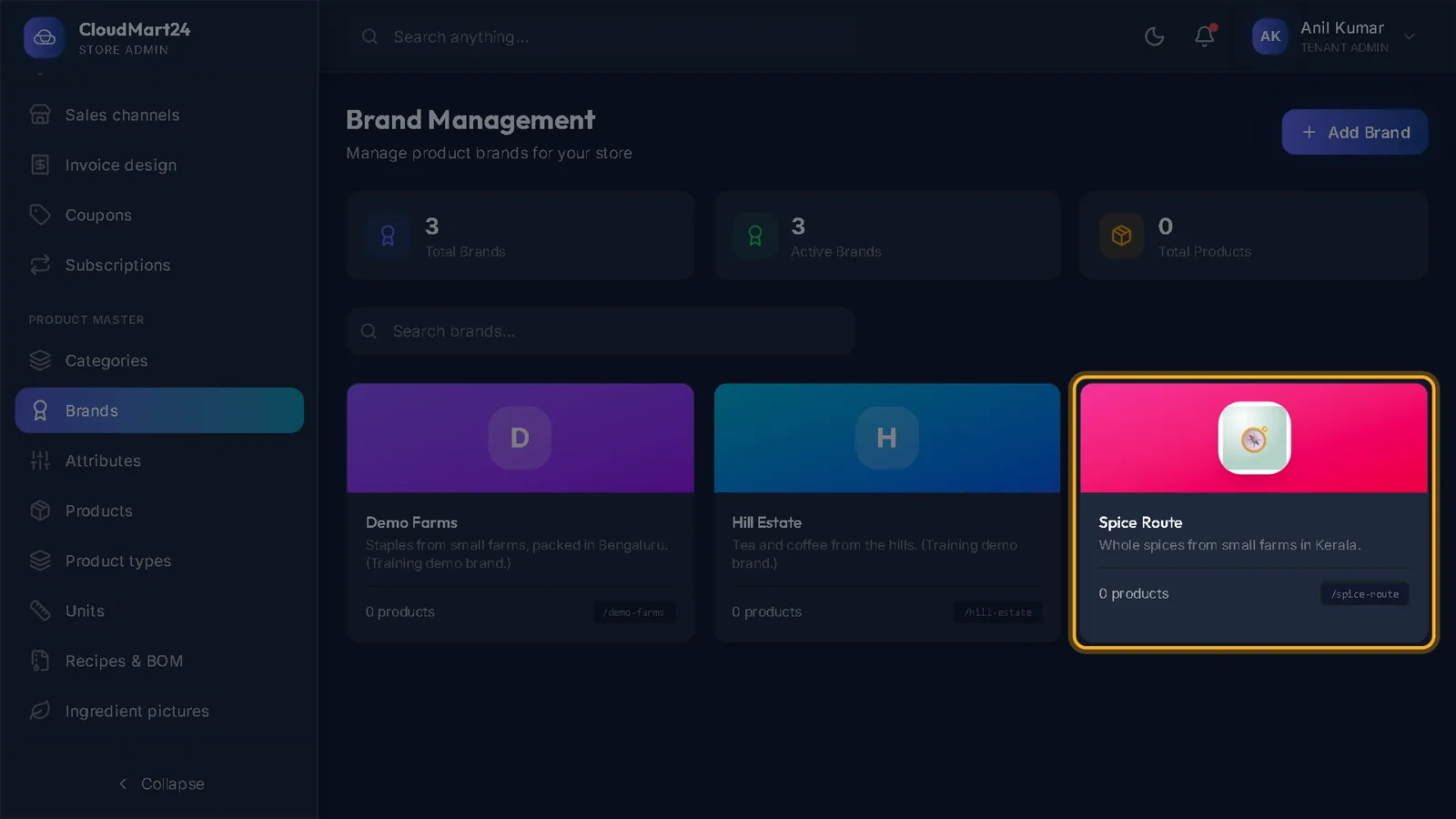
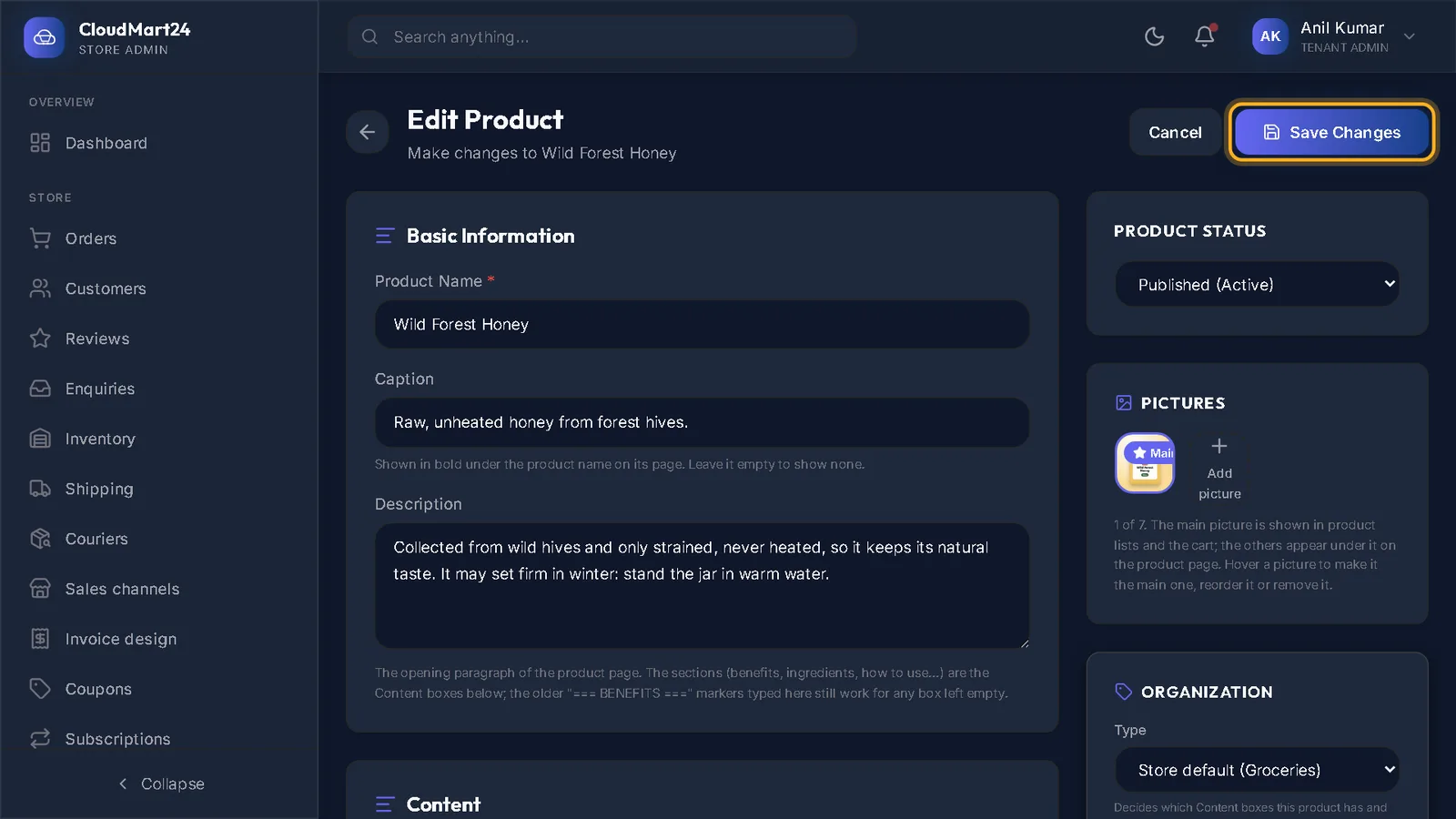
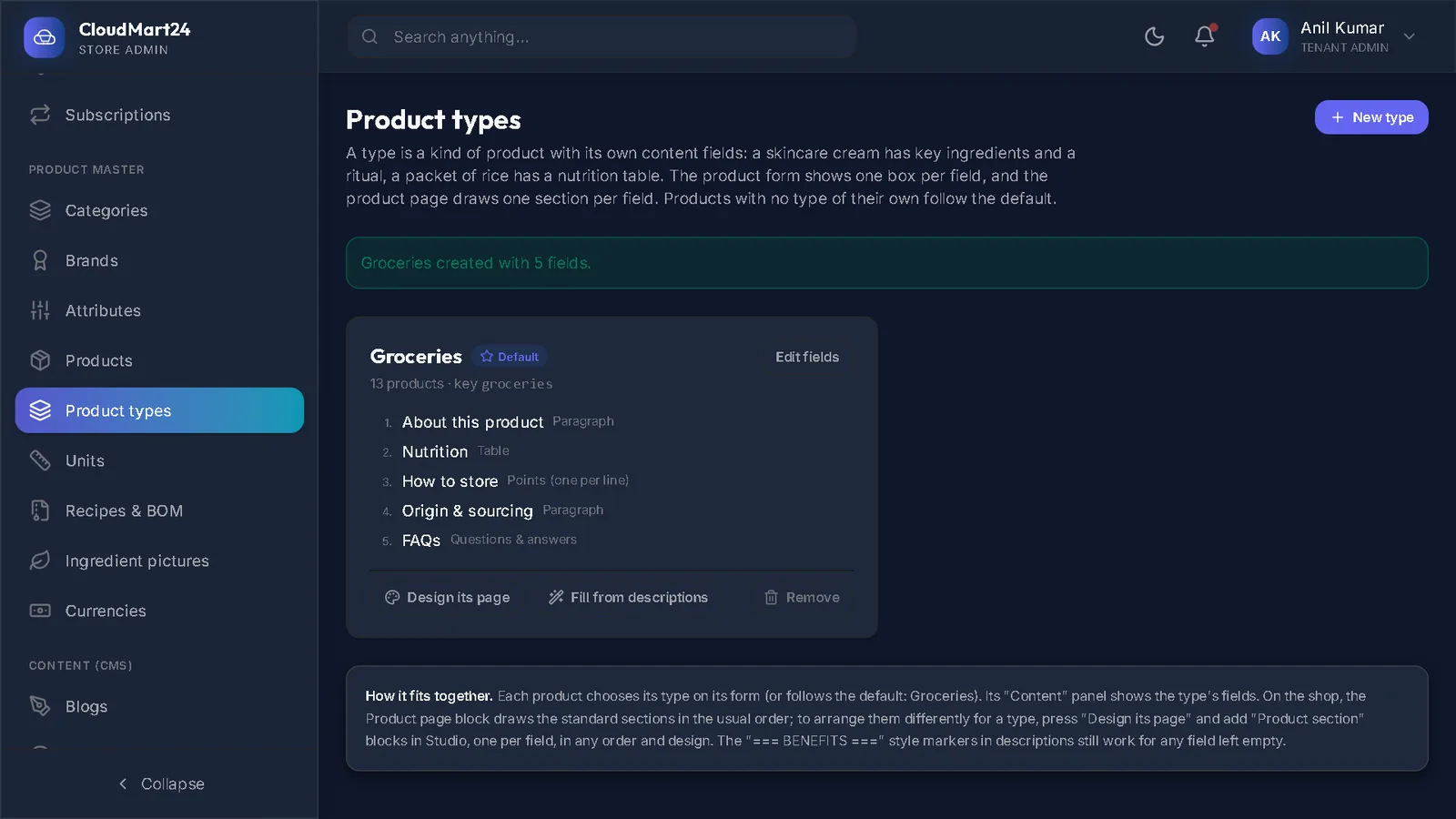
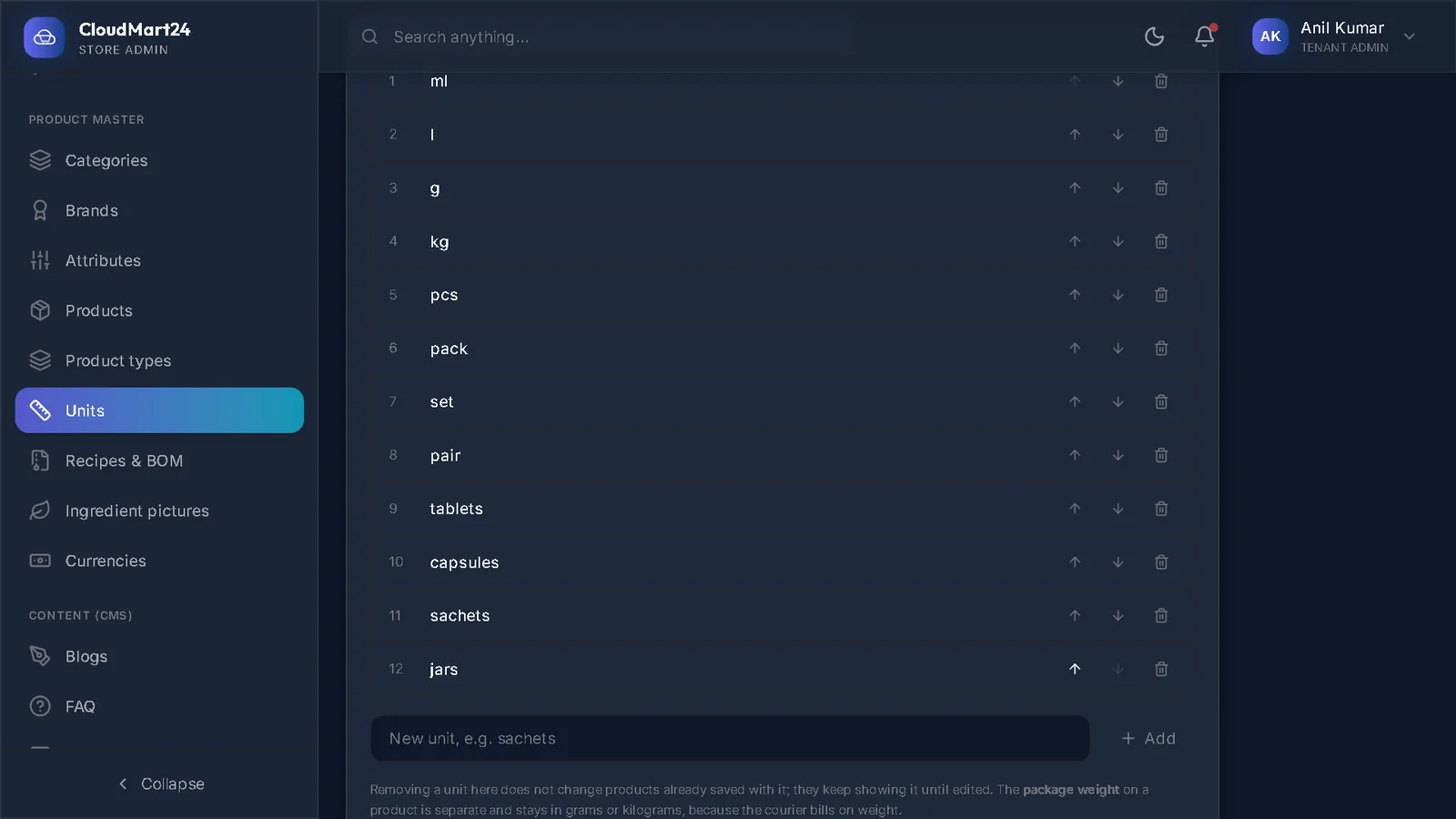
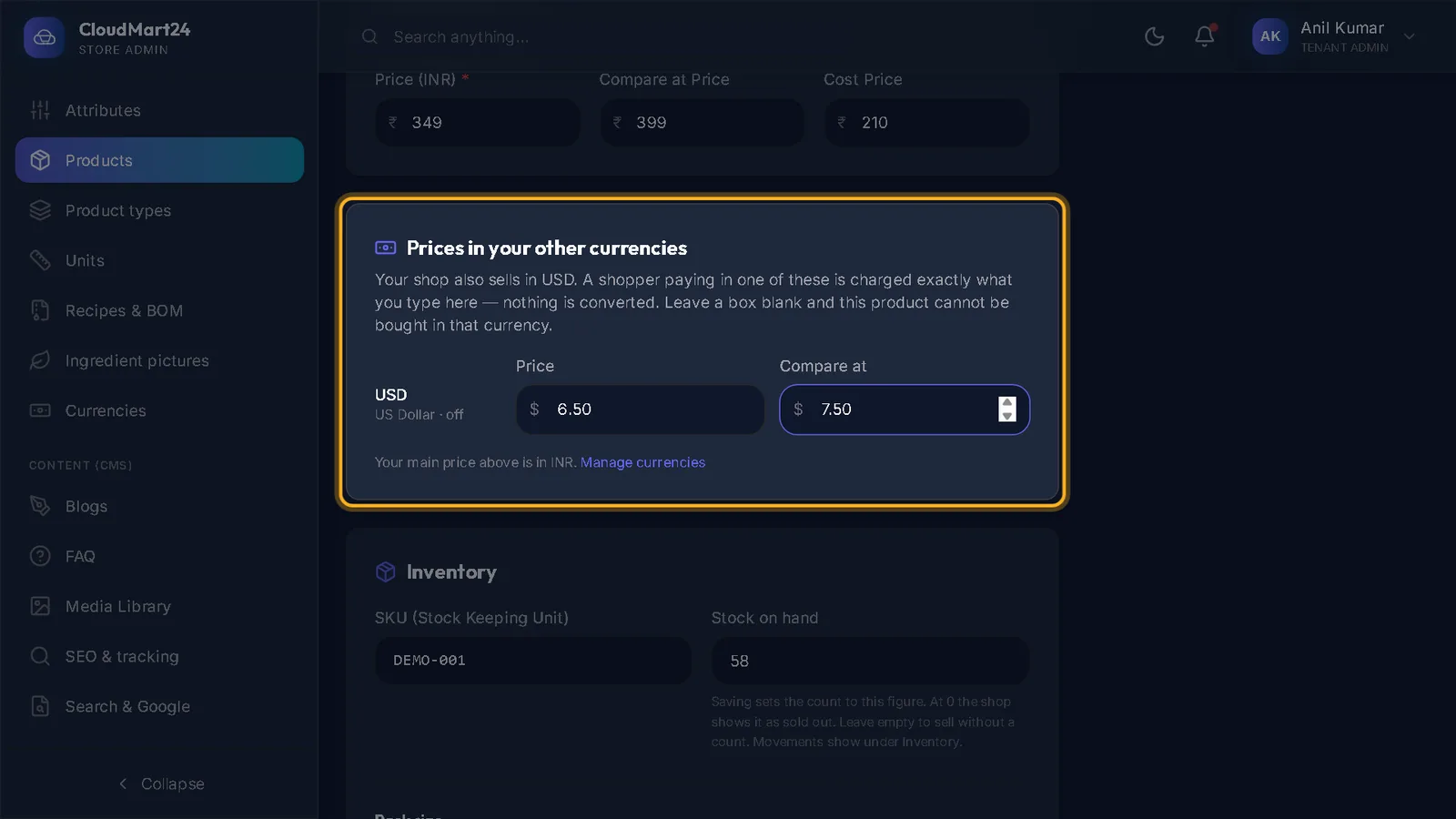
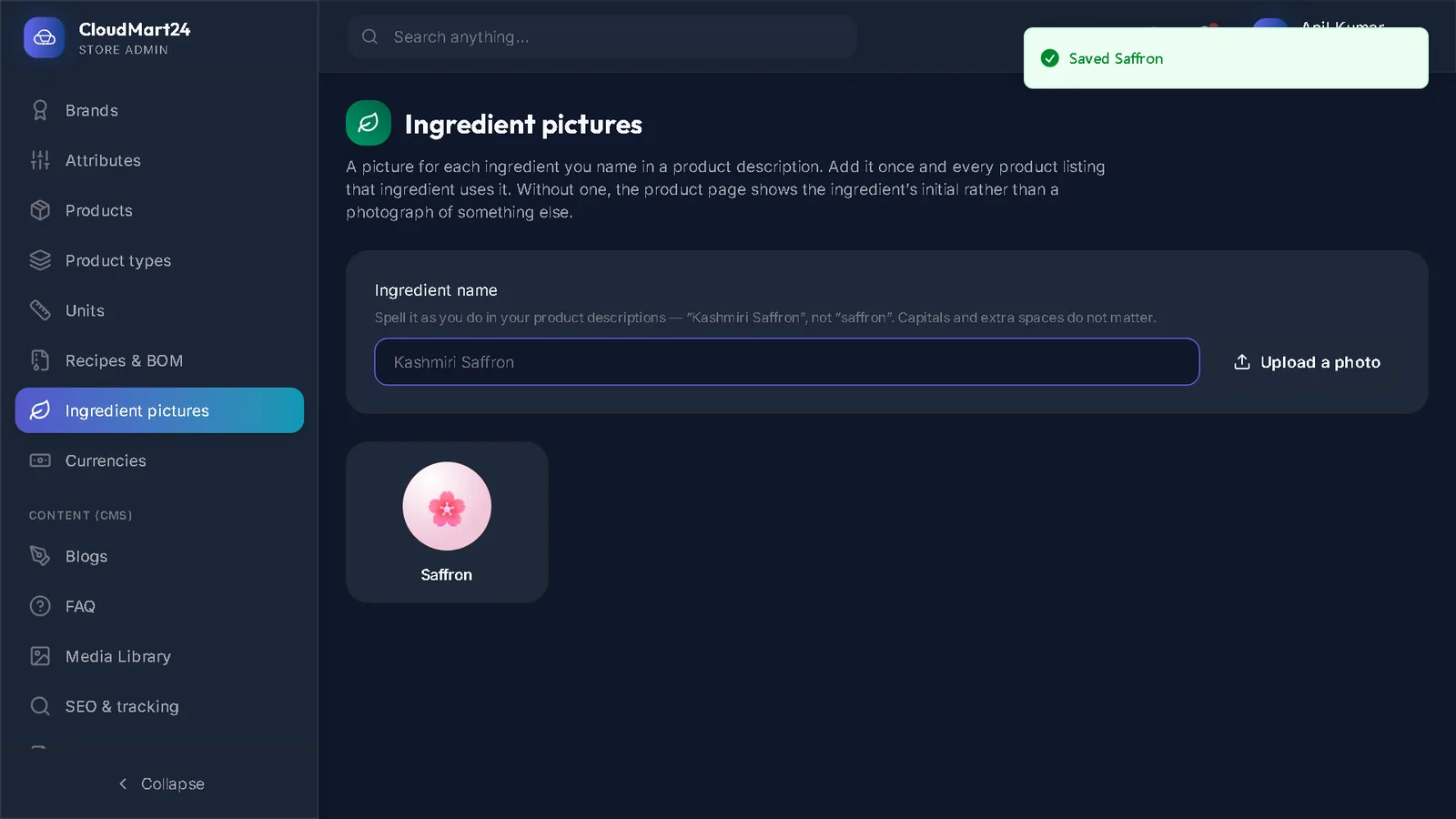
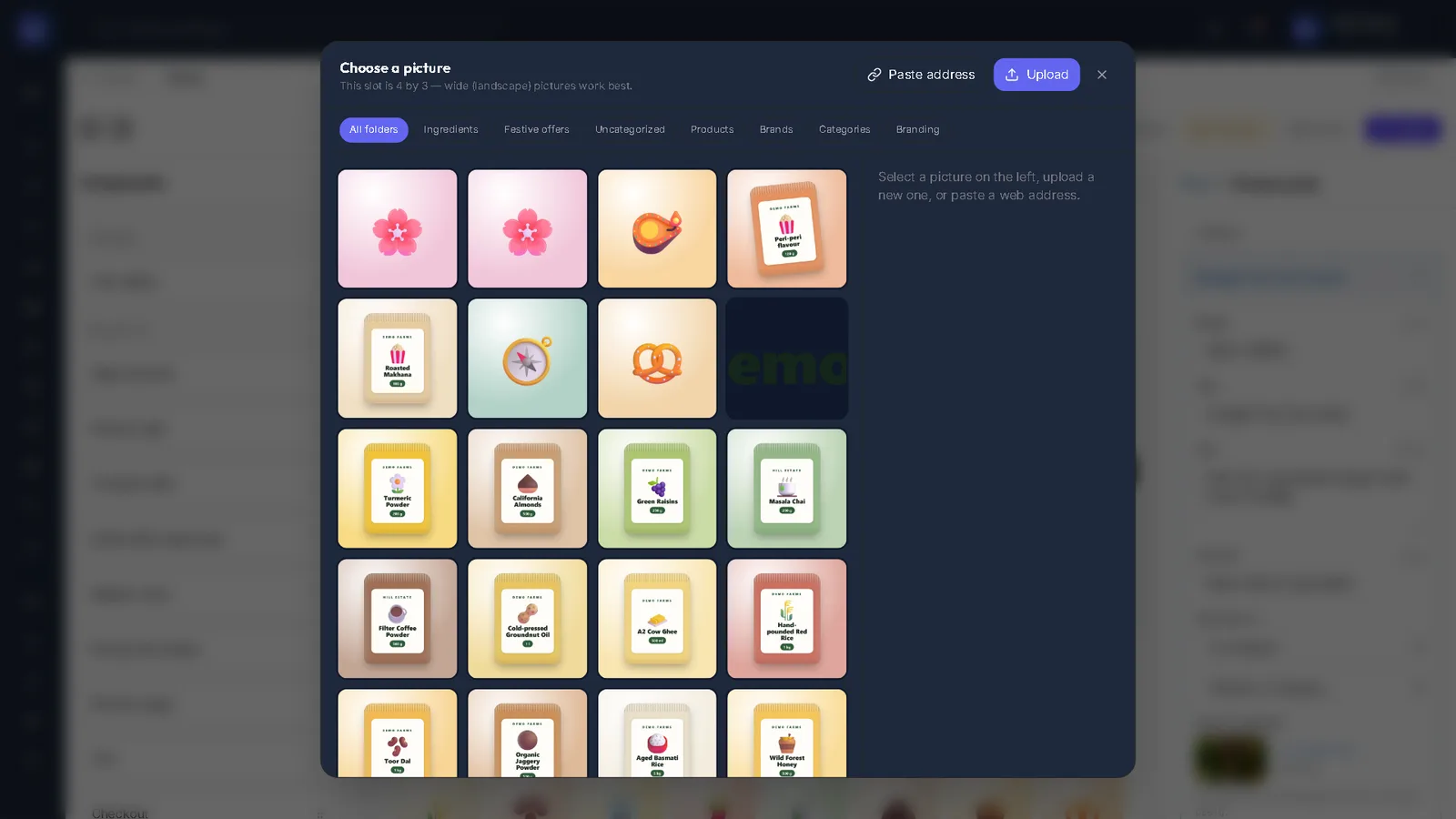
Categories, brands, products with pictures and prices, and what each product page shows.
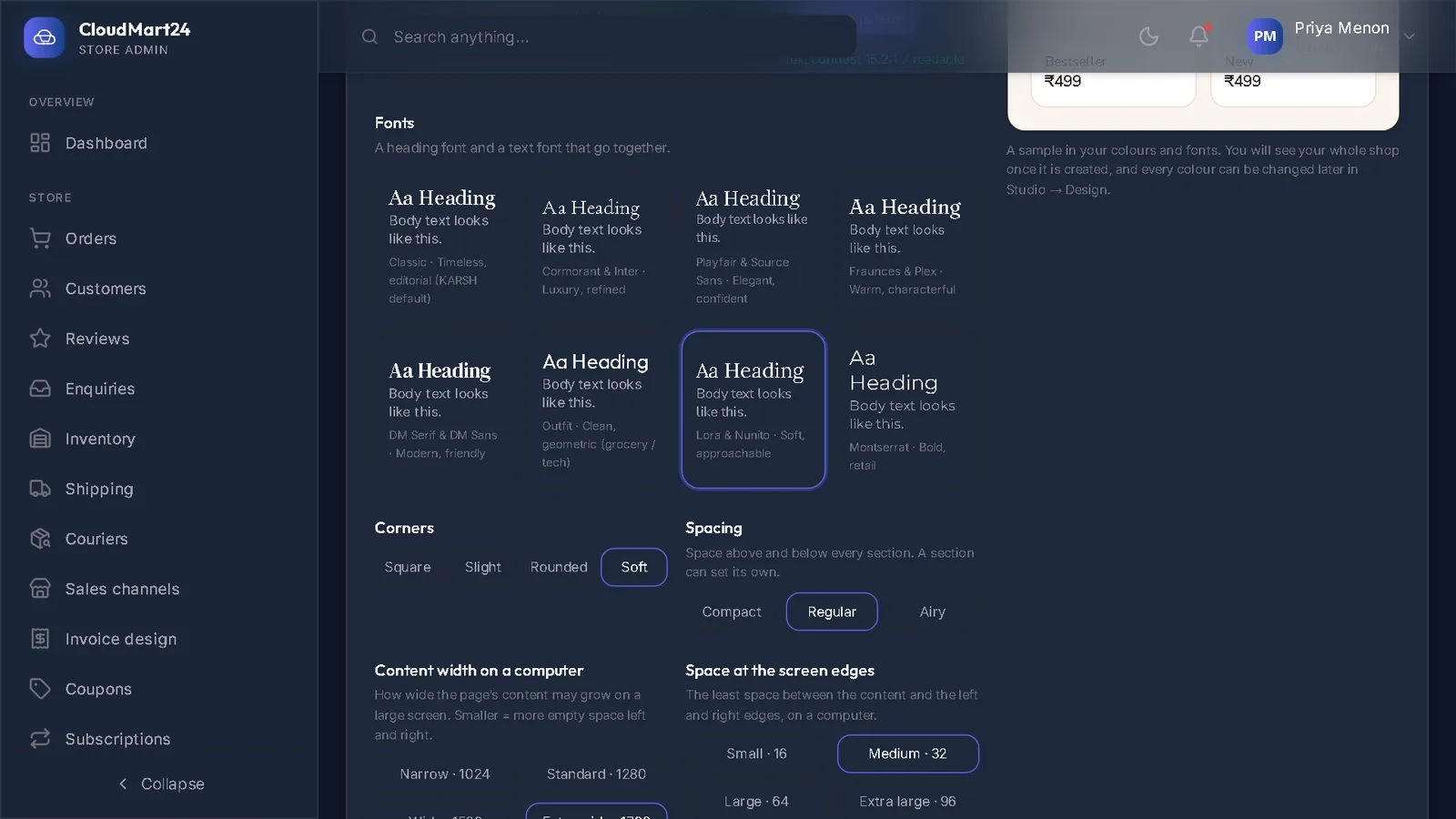
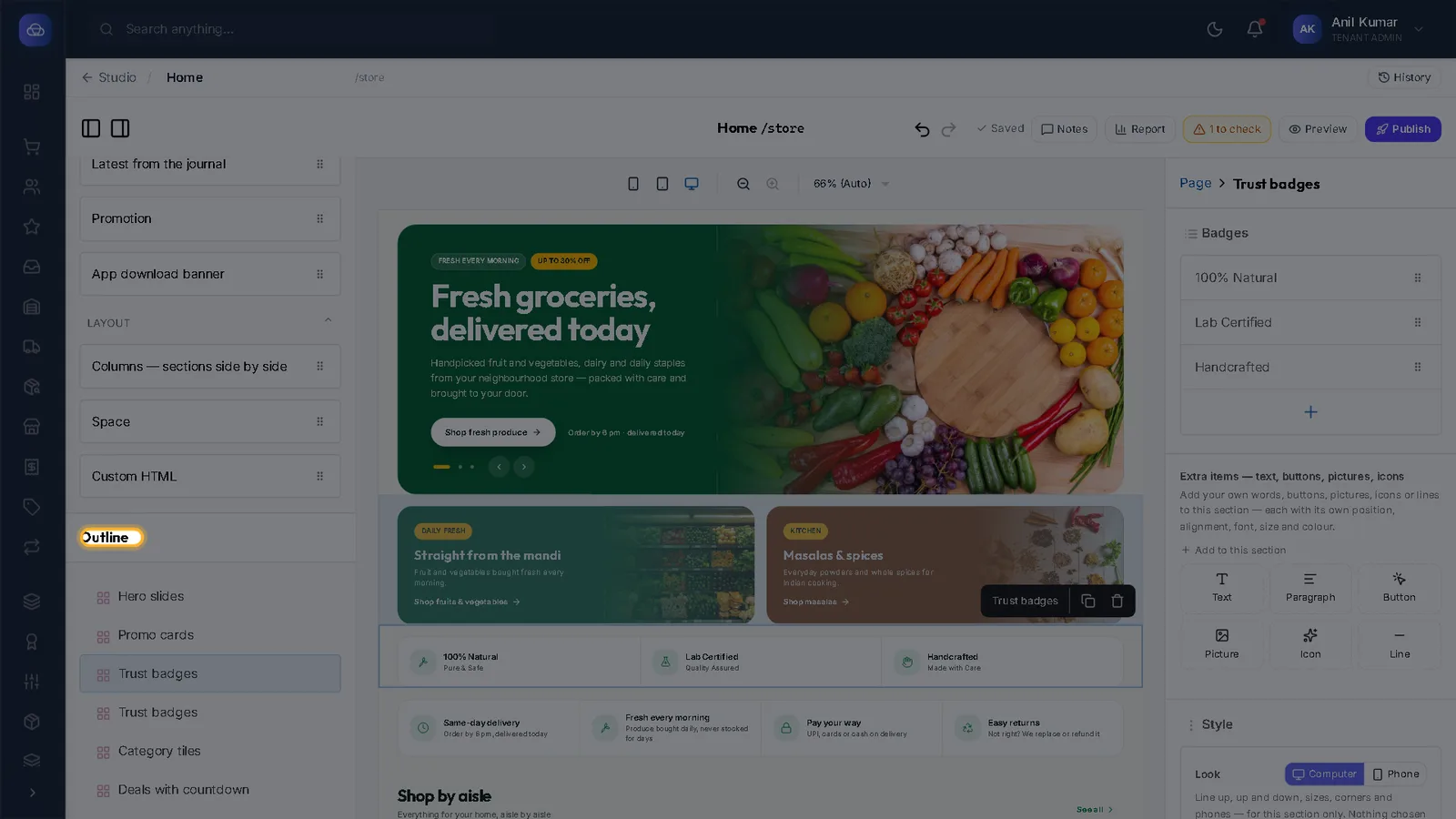
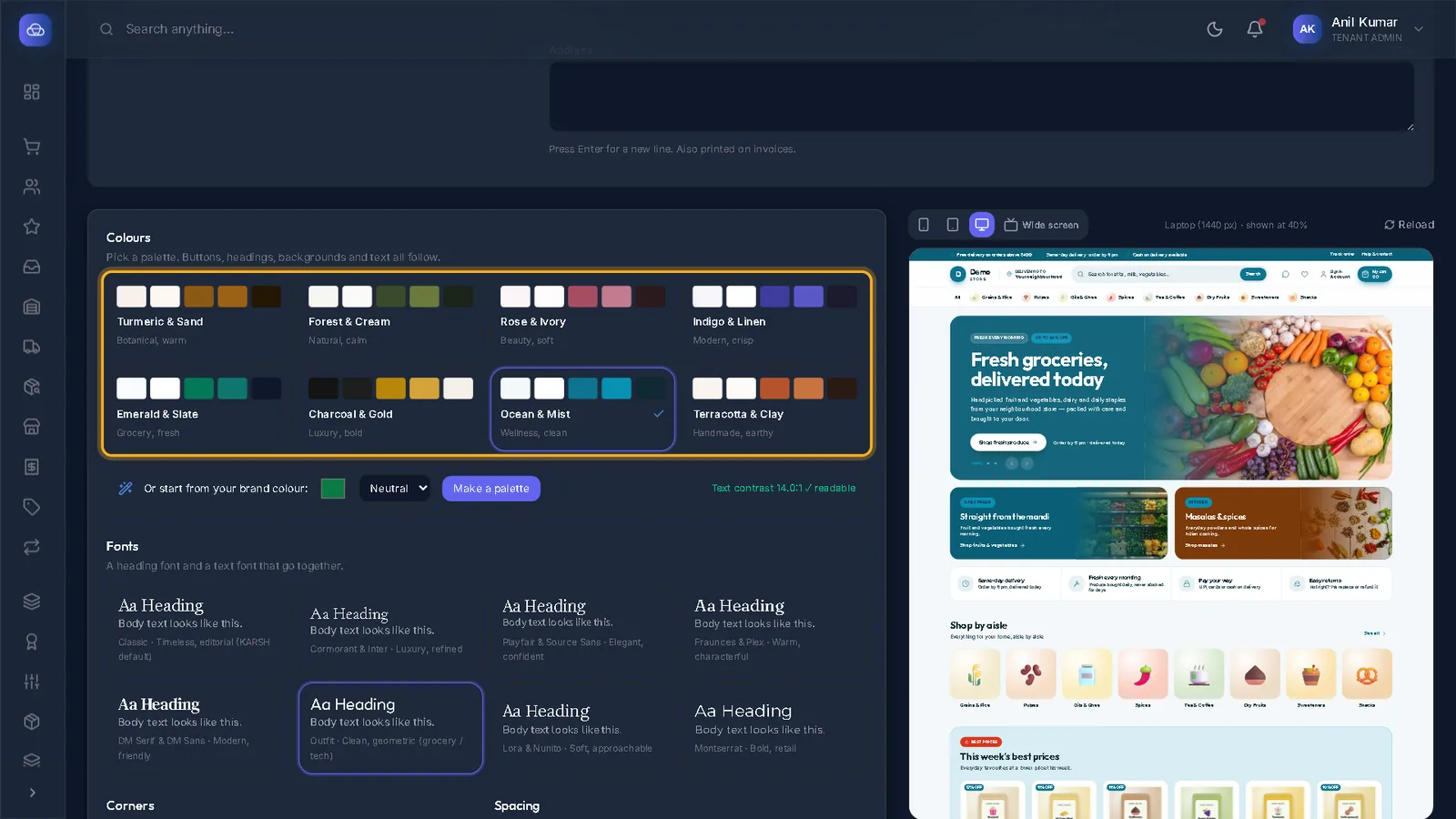
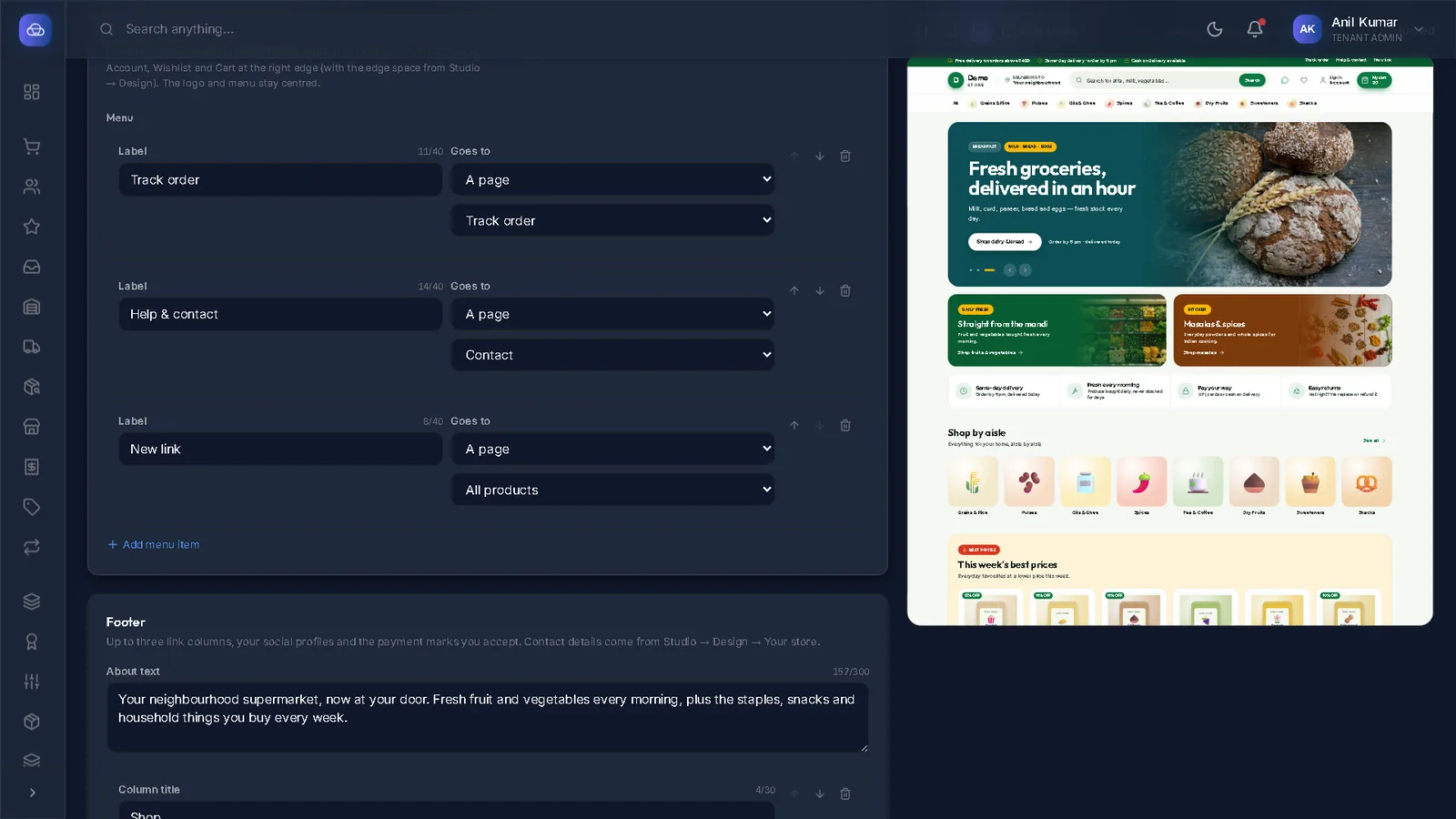
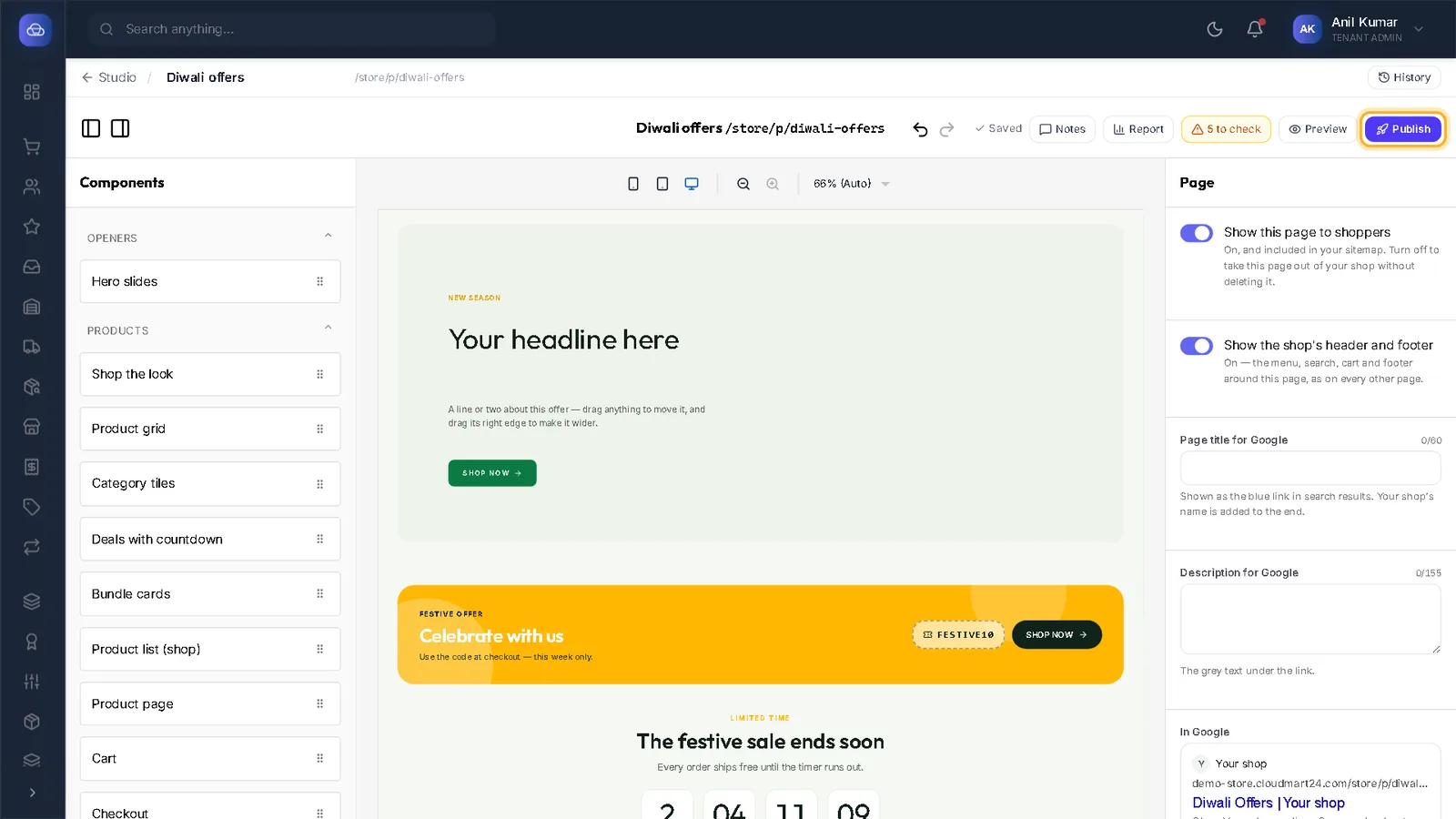
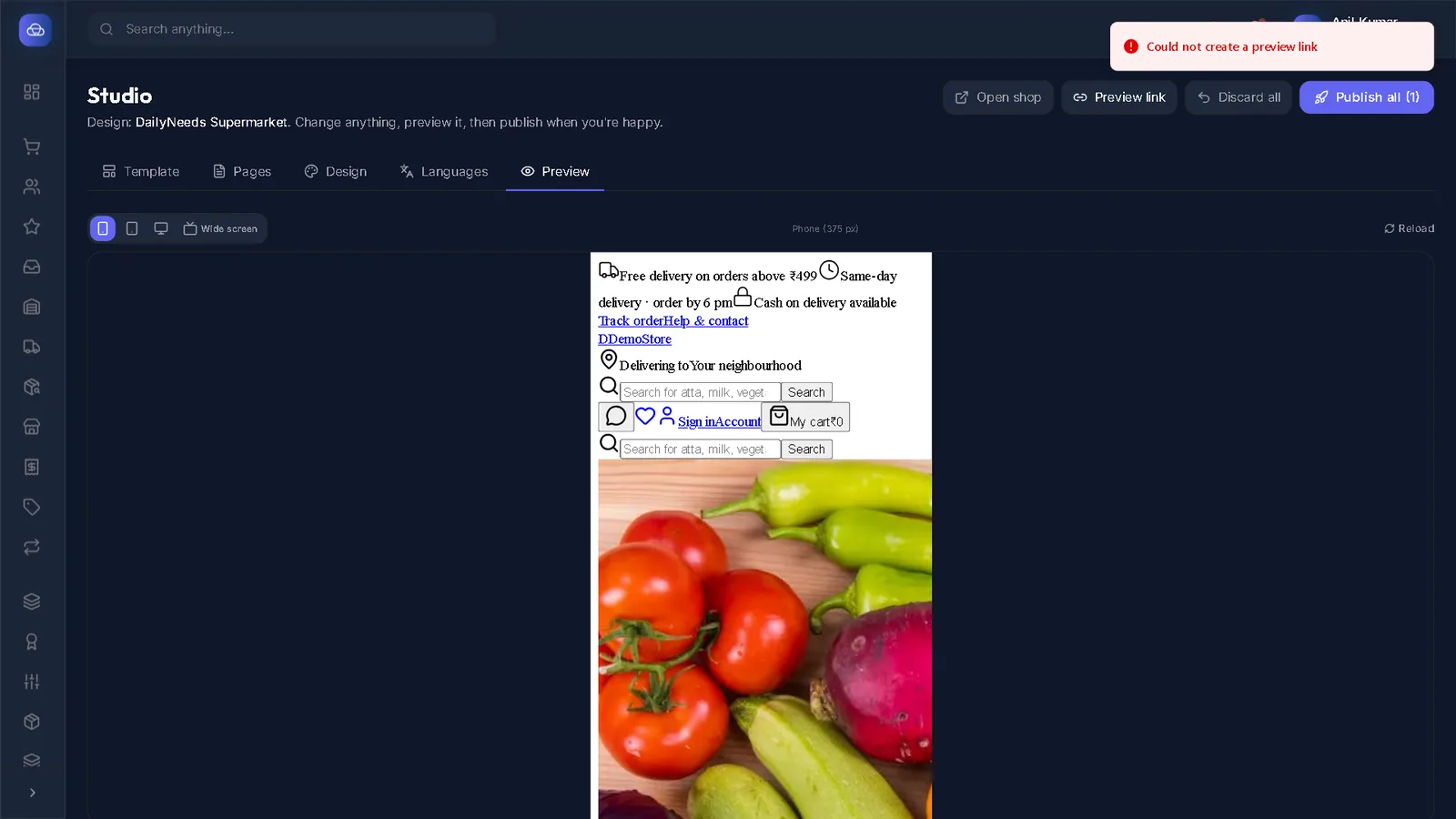
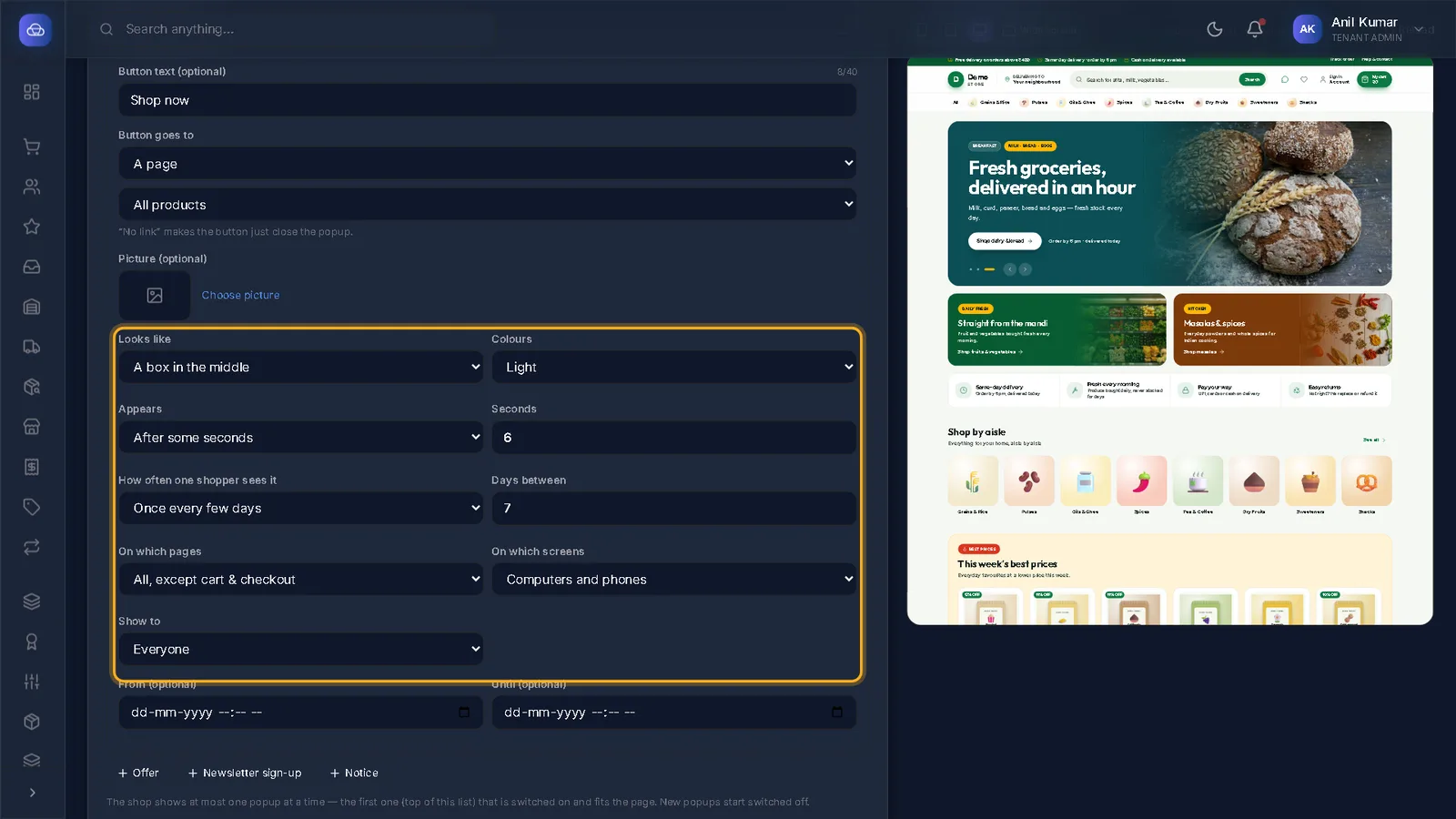
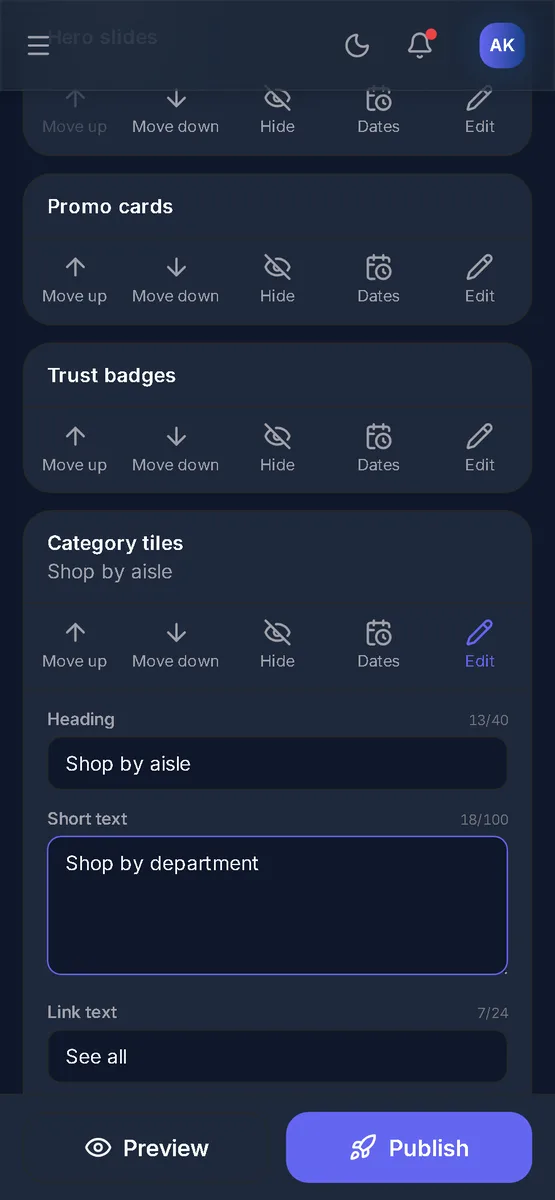
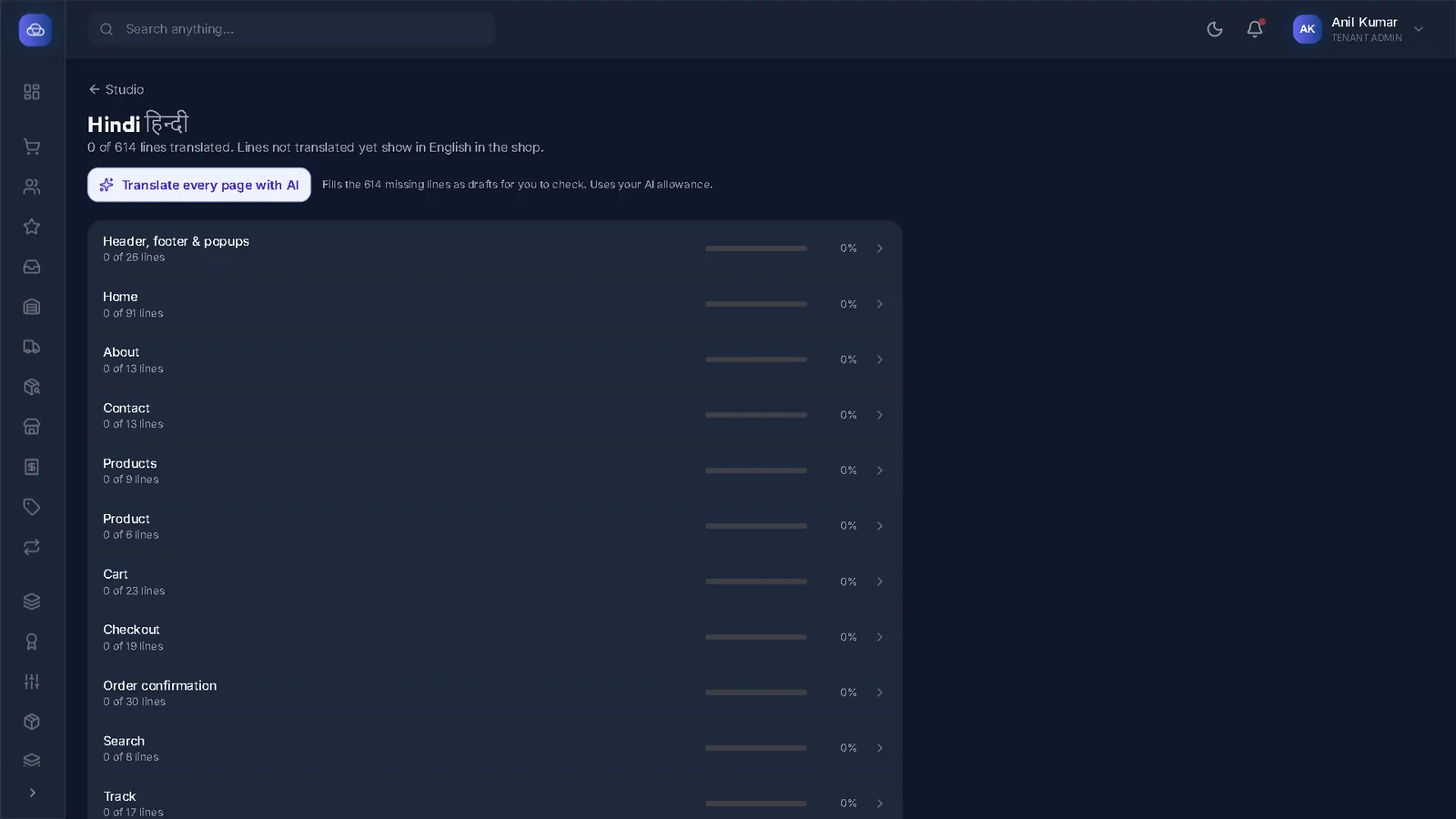
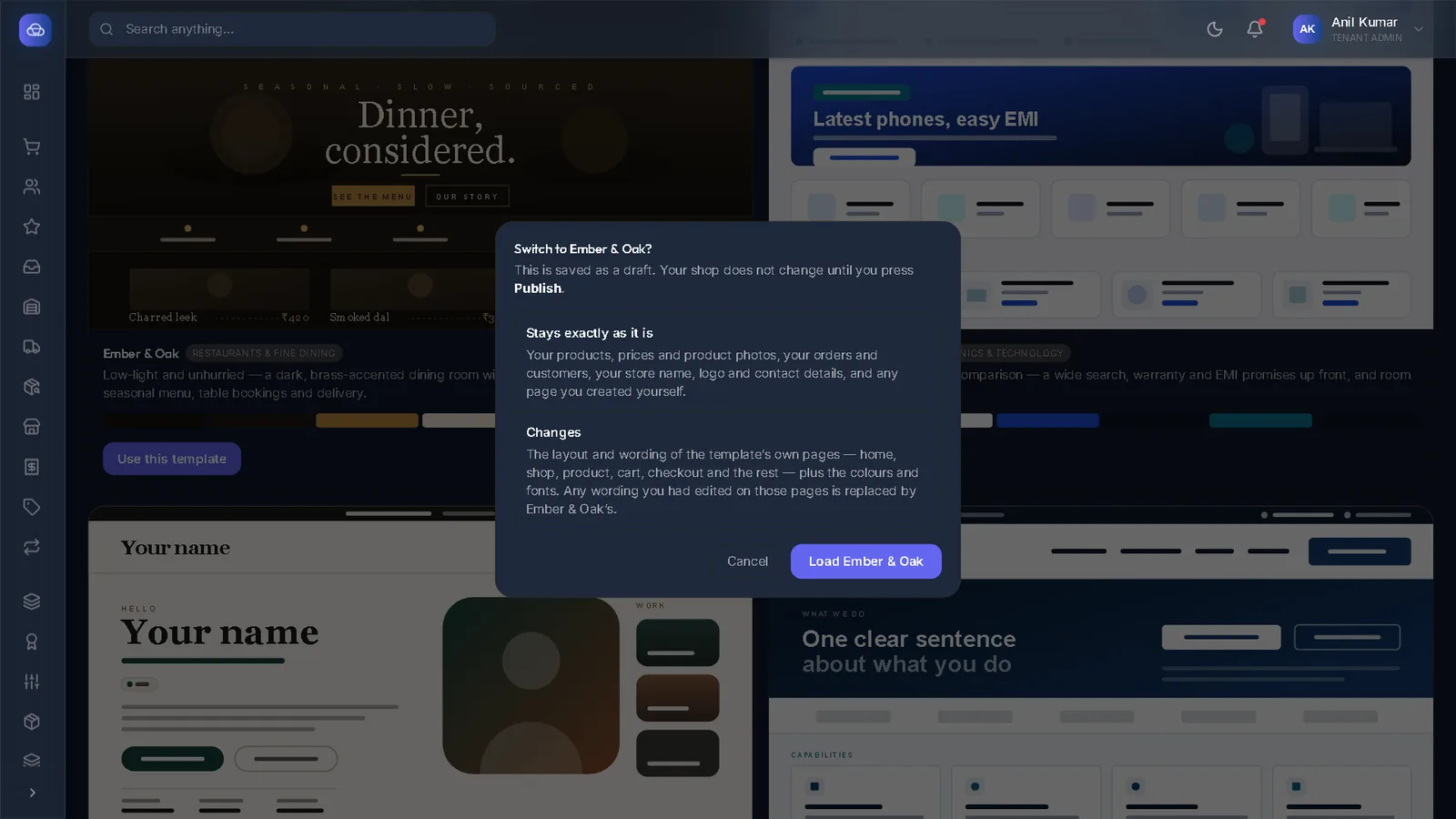
Shop design (Studio)
Choose a design, edit every page, publish, and translate your shop.
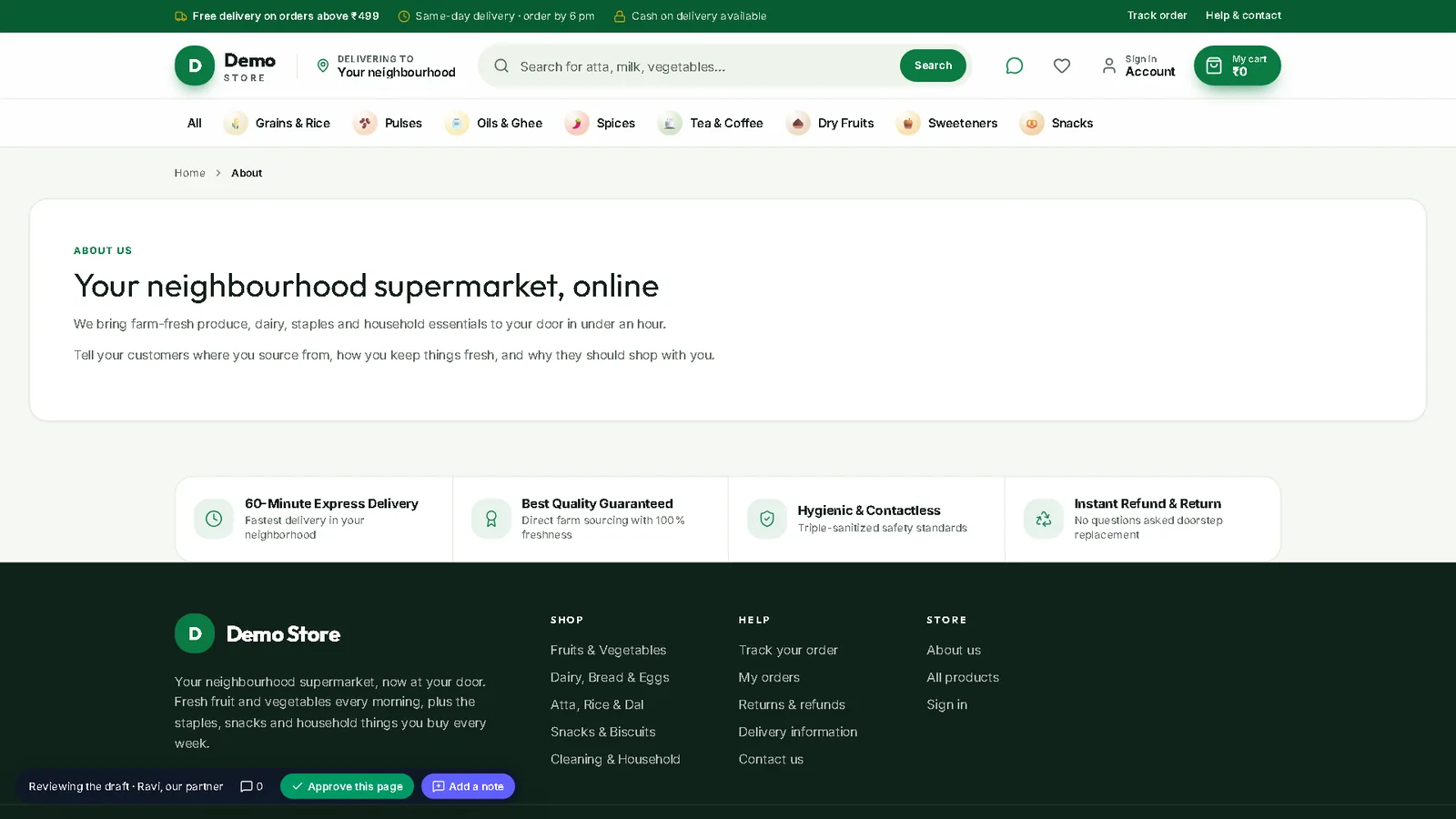
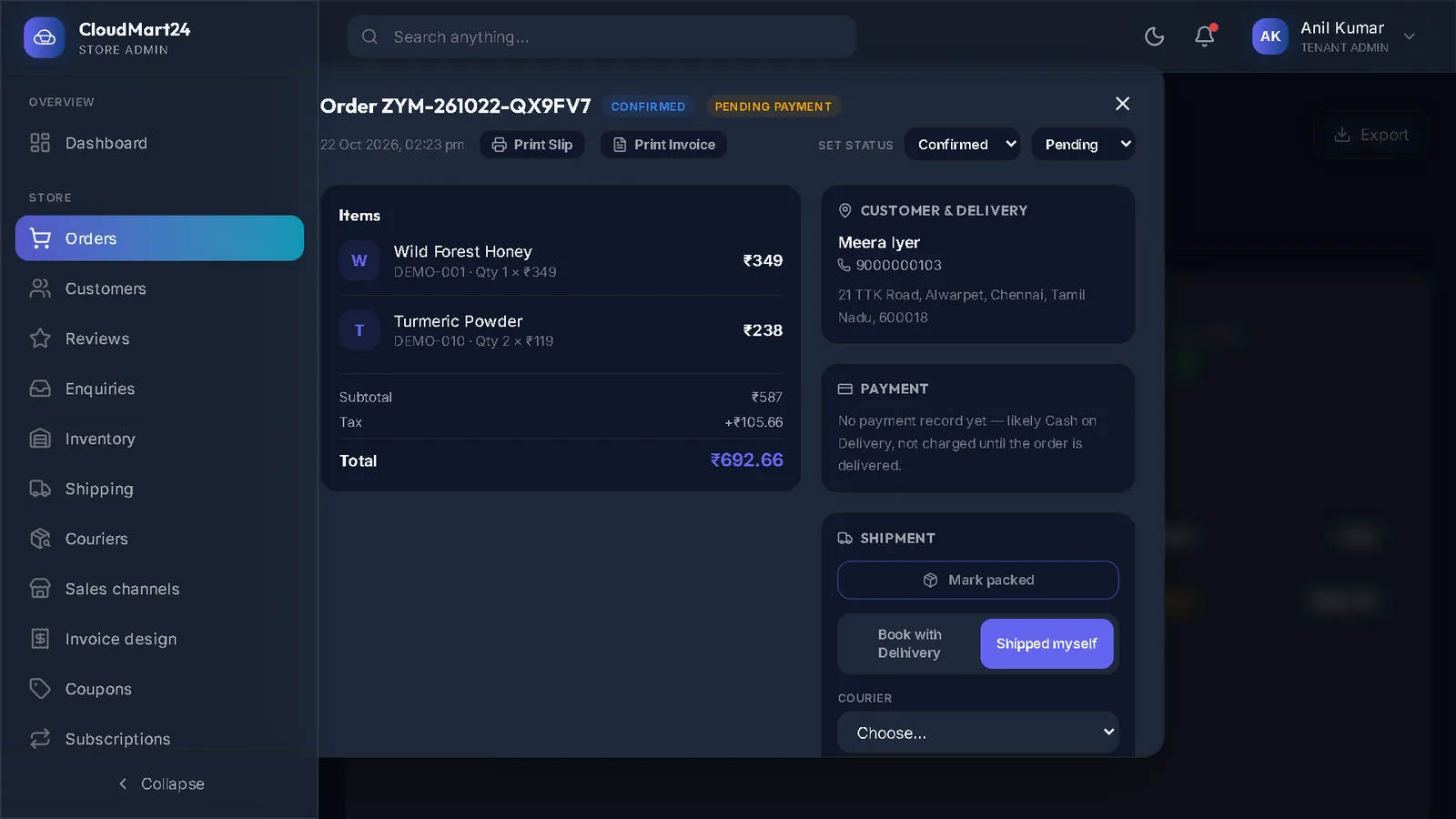
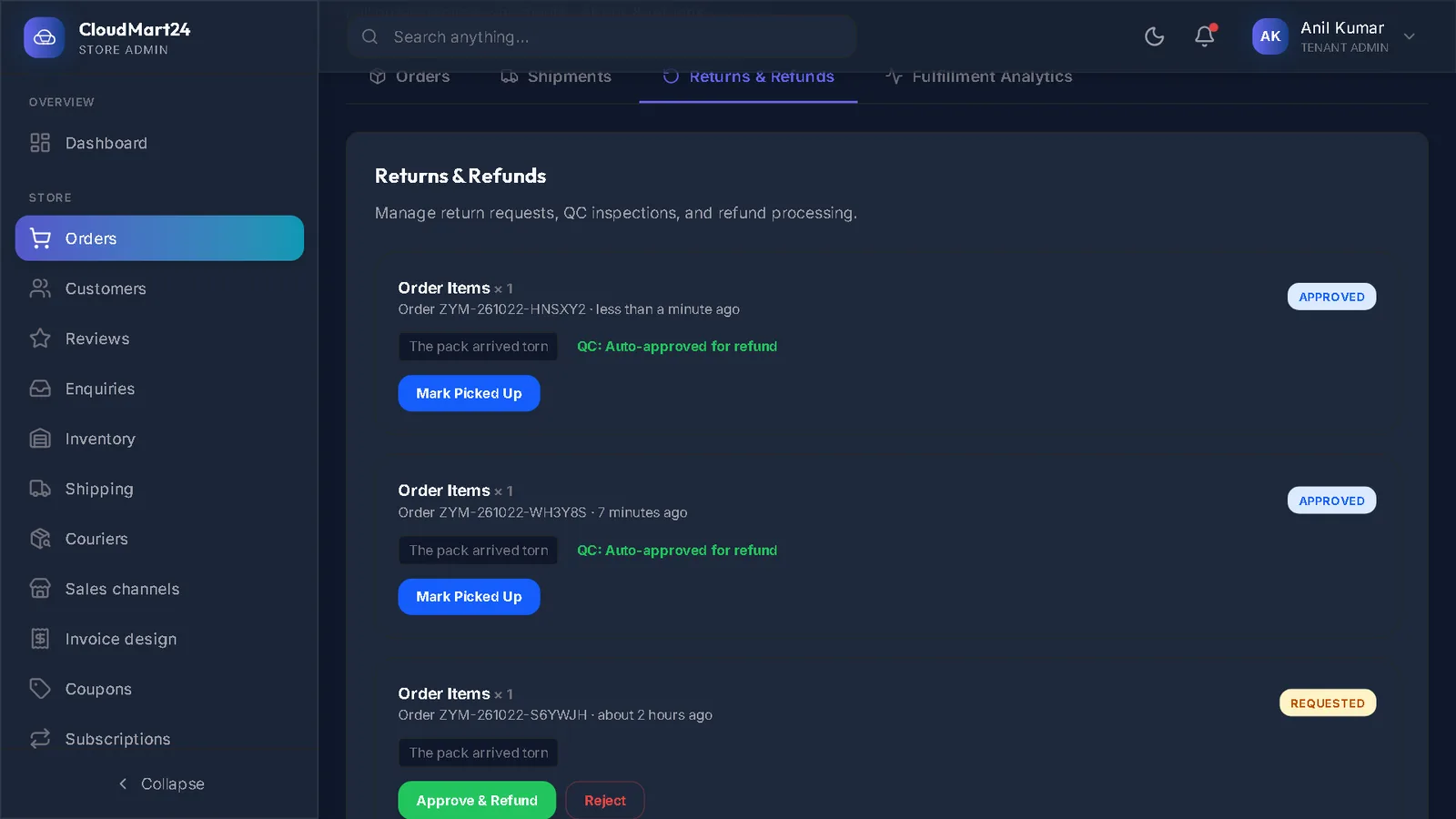
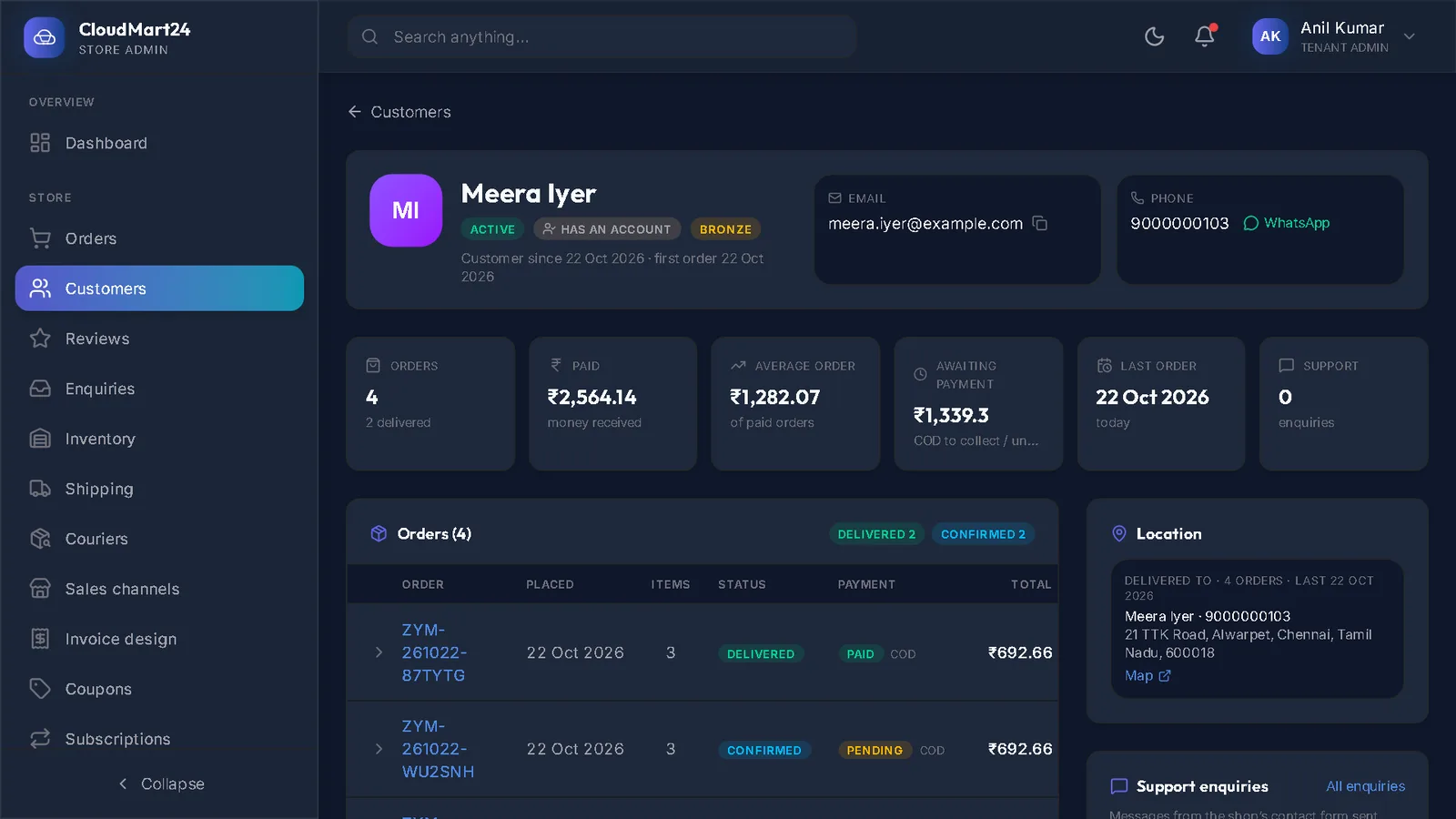
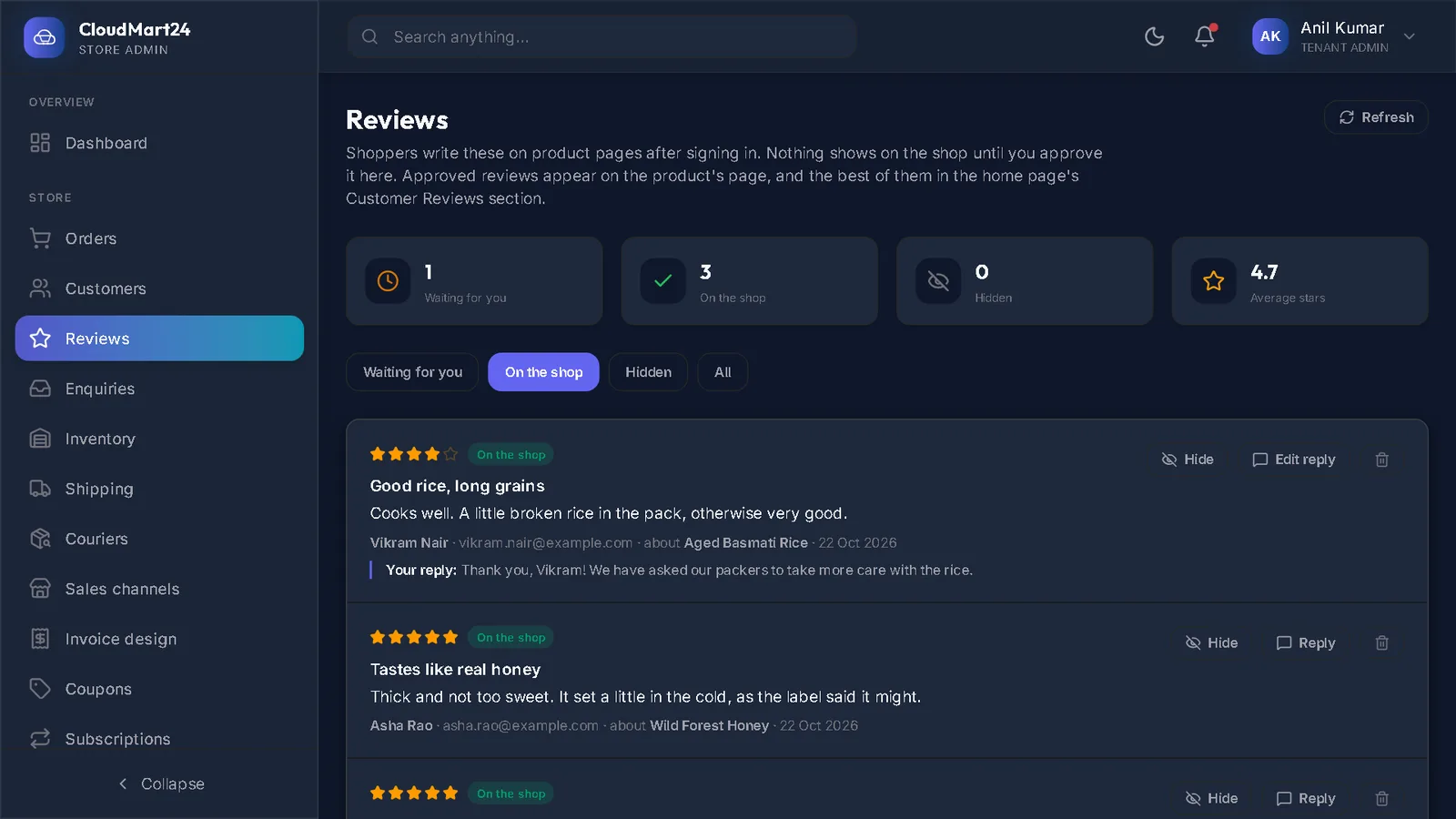
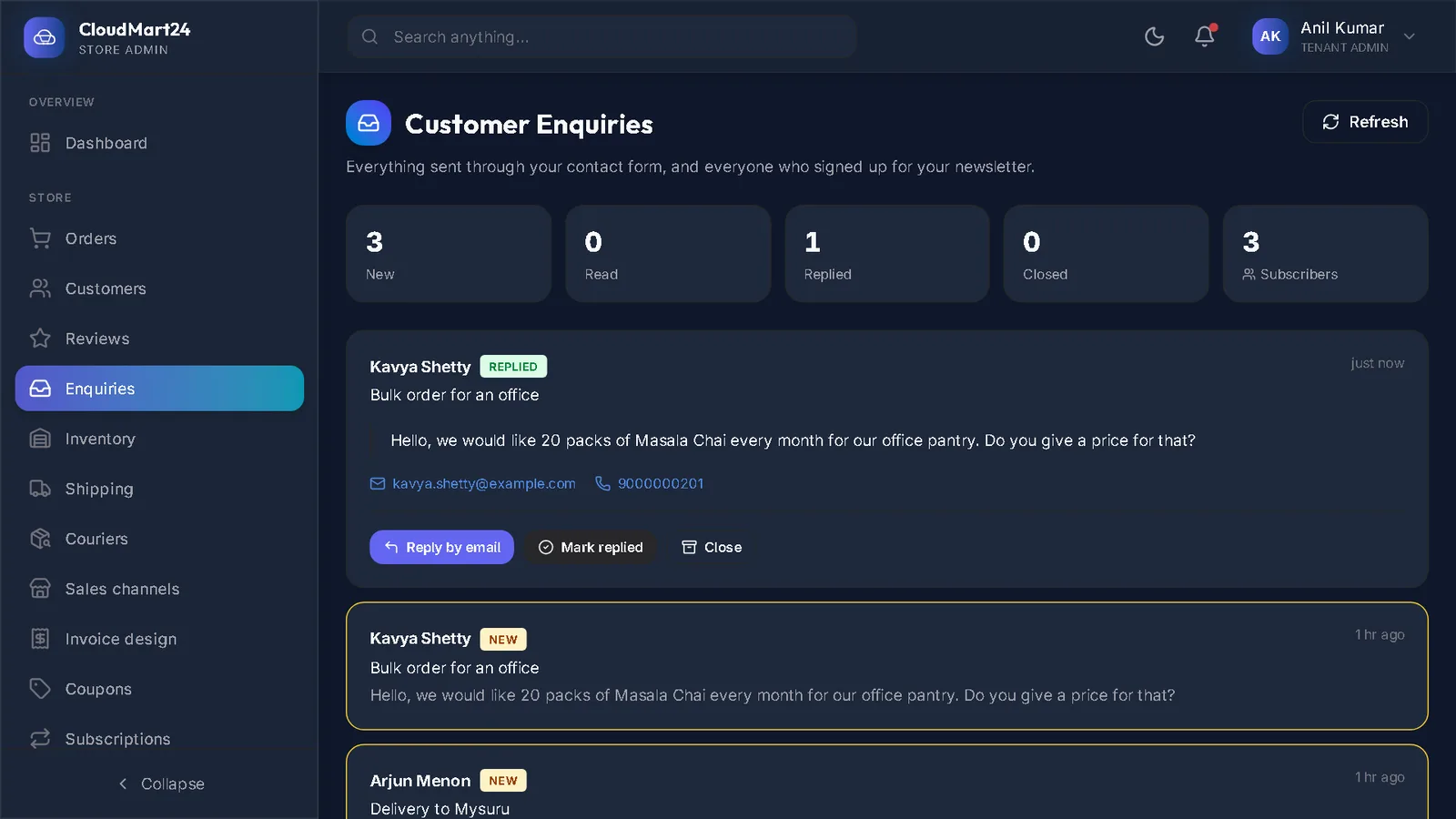
Orders & customers
Take an order from new to delivered, and look after customers, reviews and coupons.
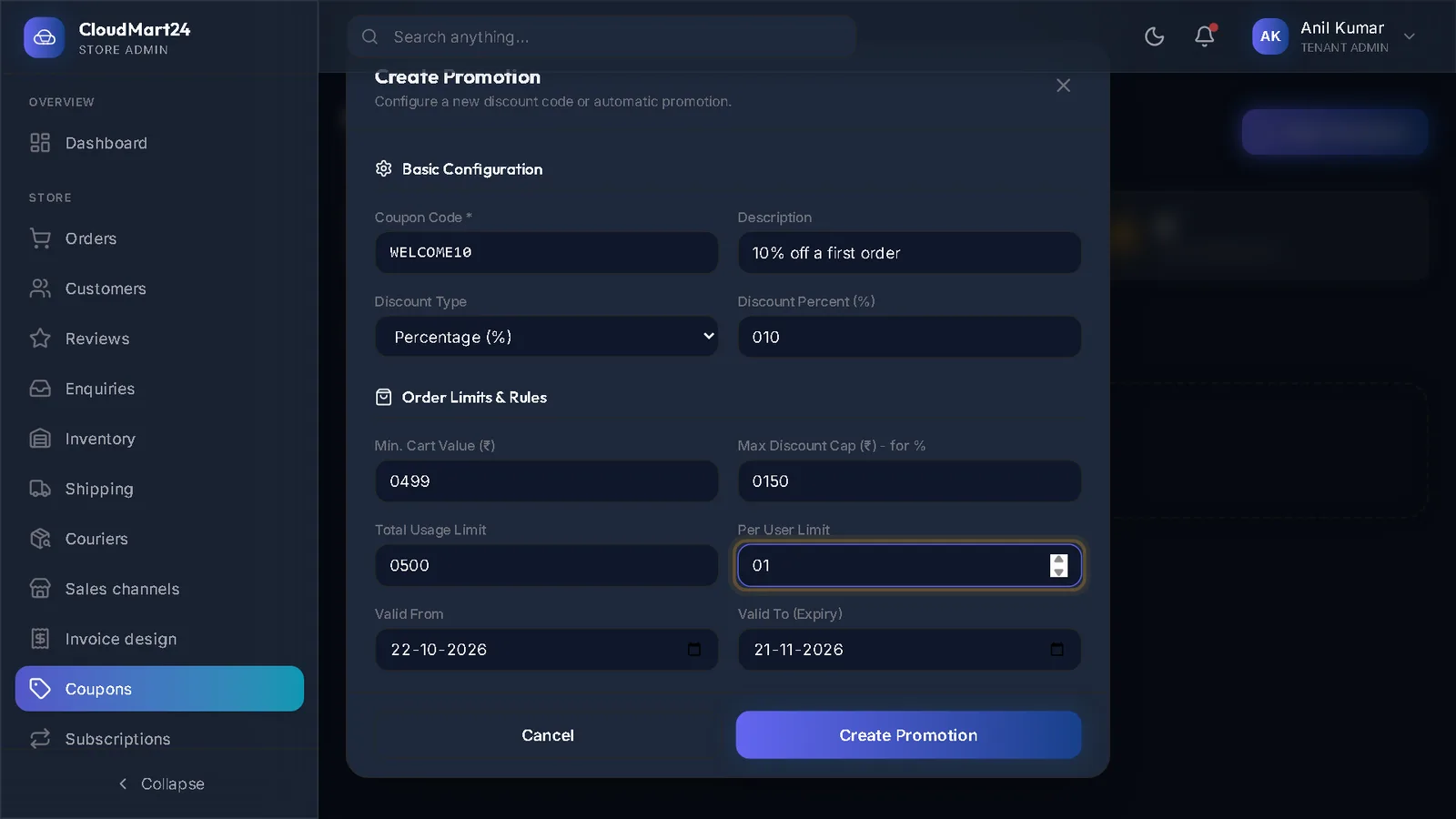
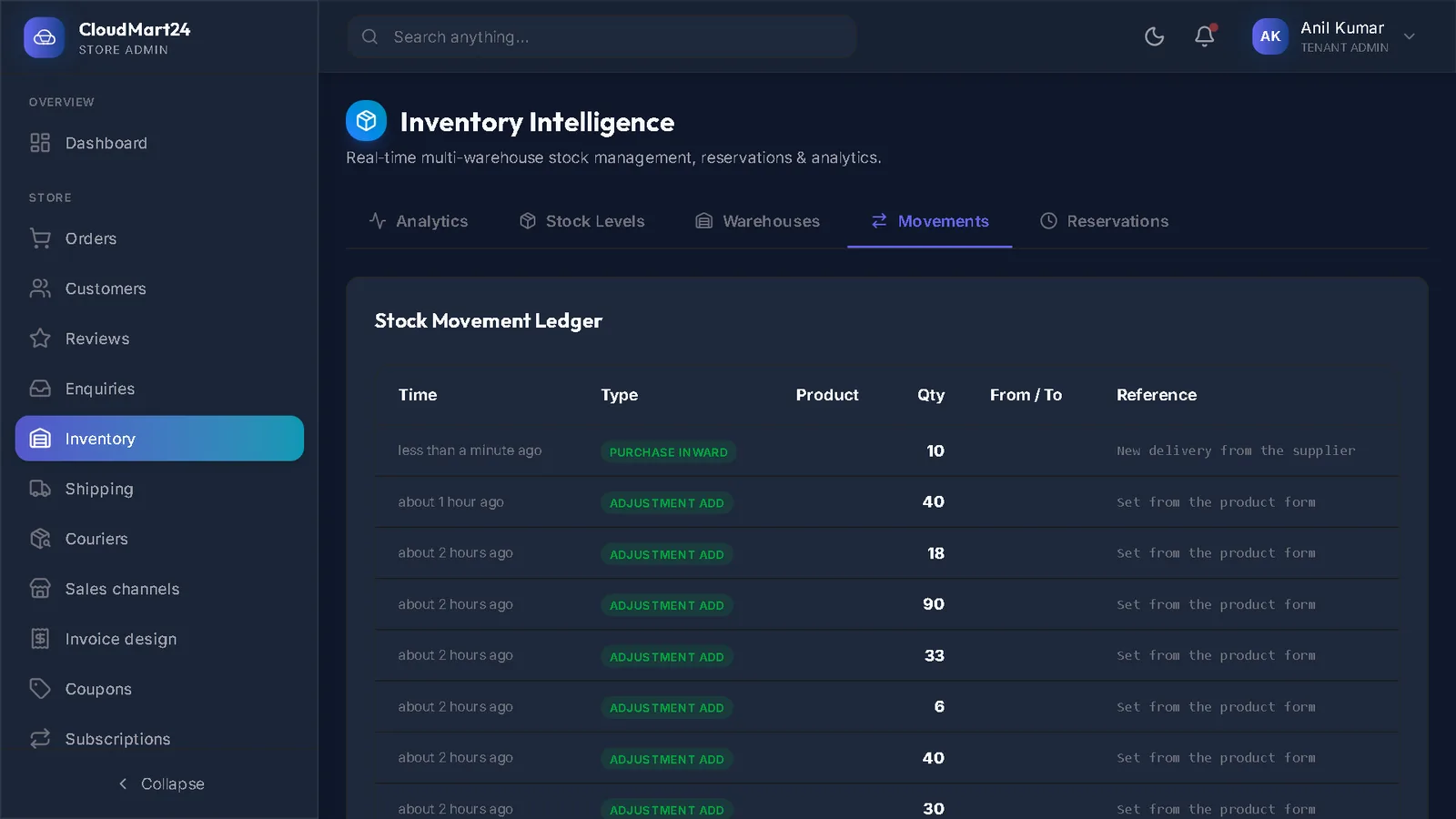
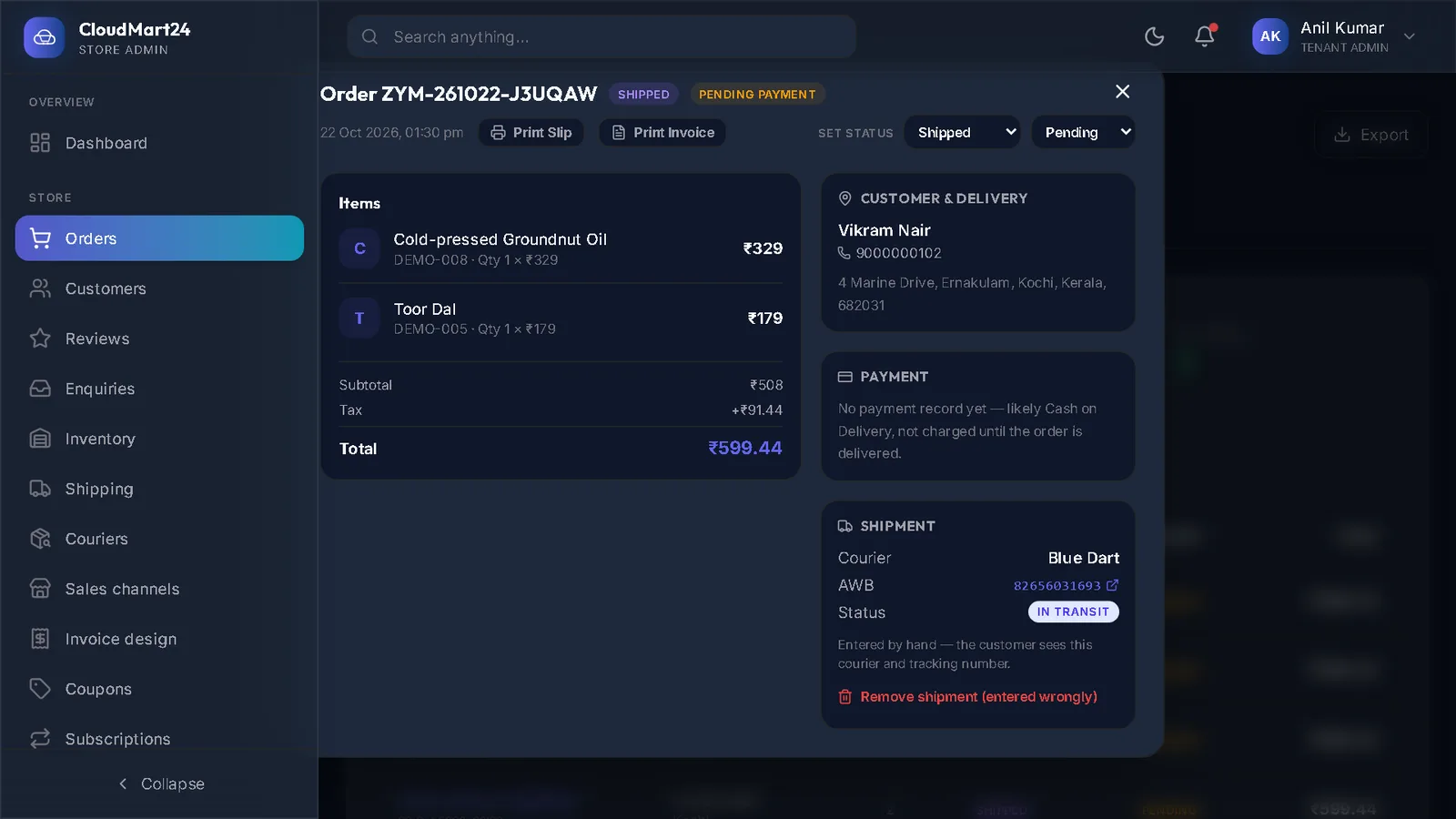
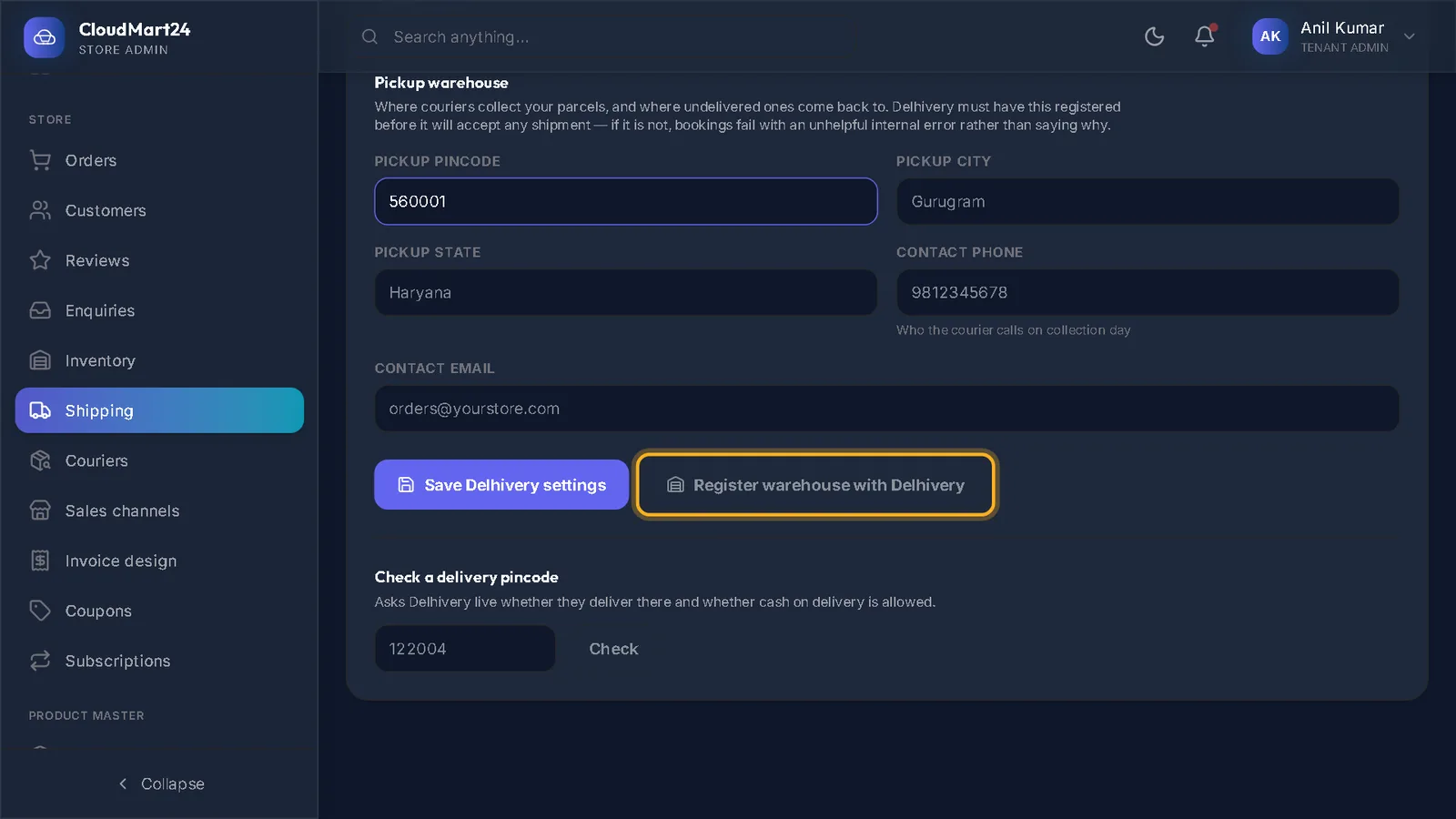
Shipping & delivery
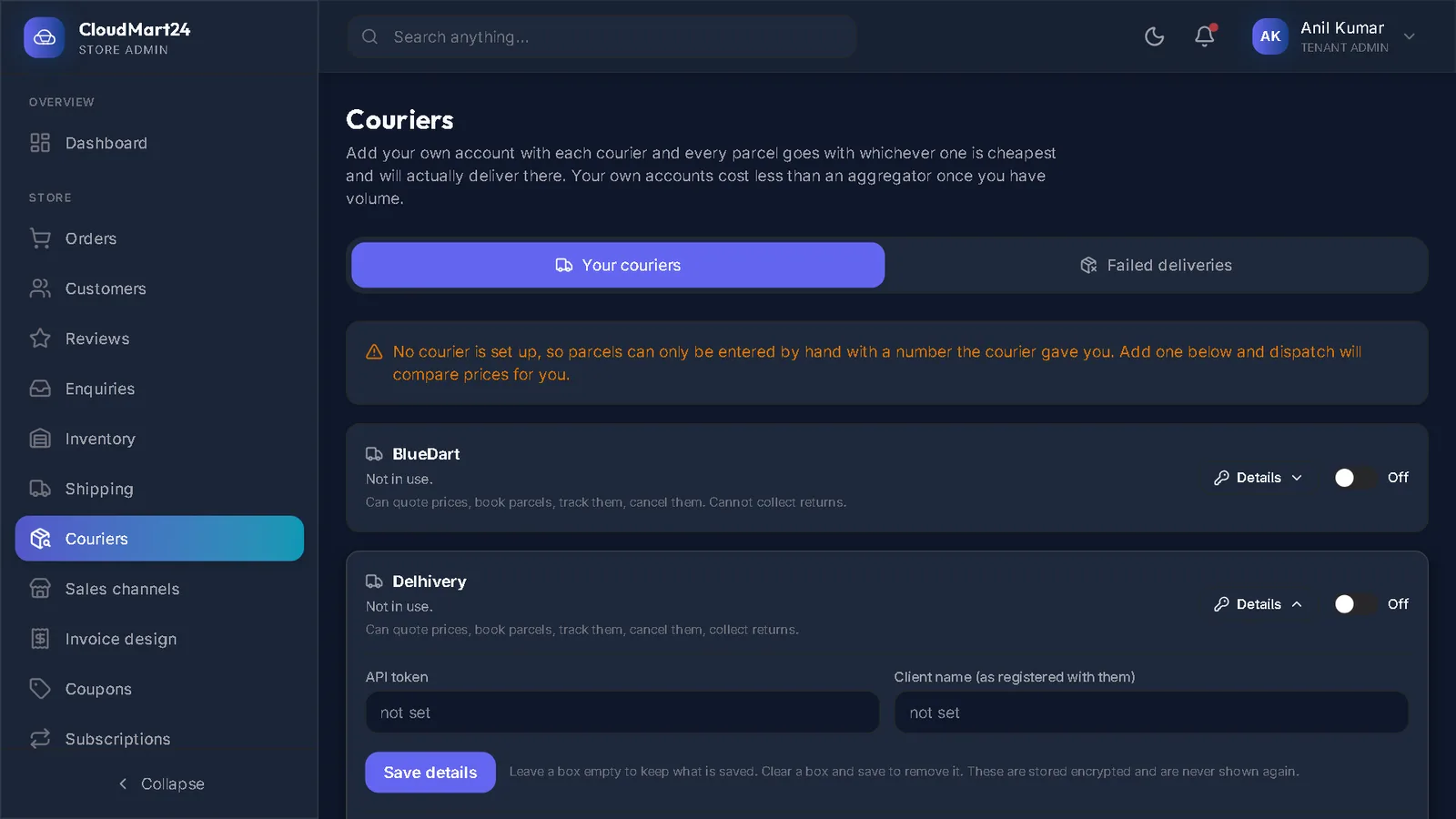
Delivery charges, courier accounts, shipping an order and failed deliveries.
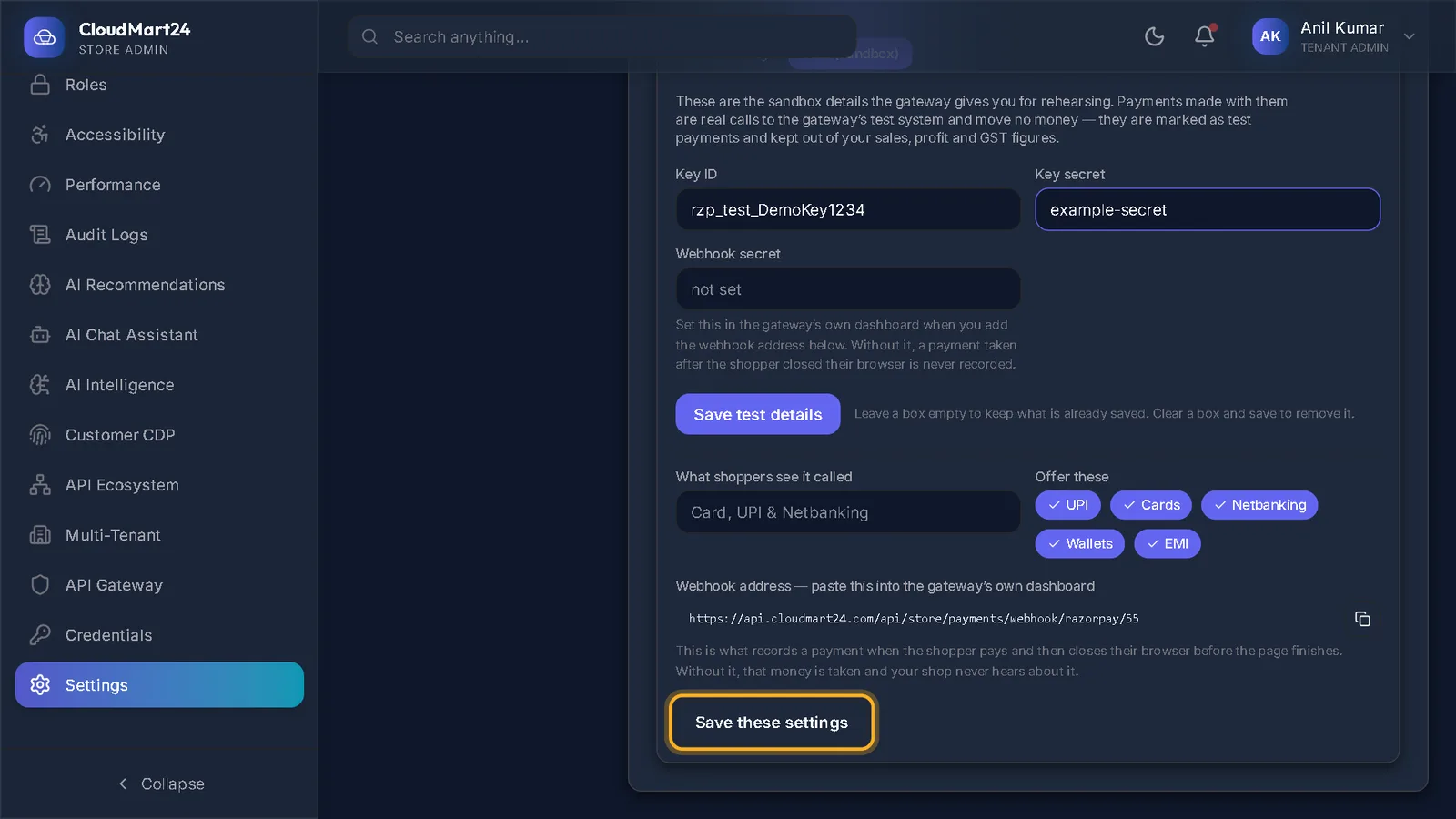
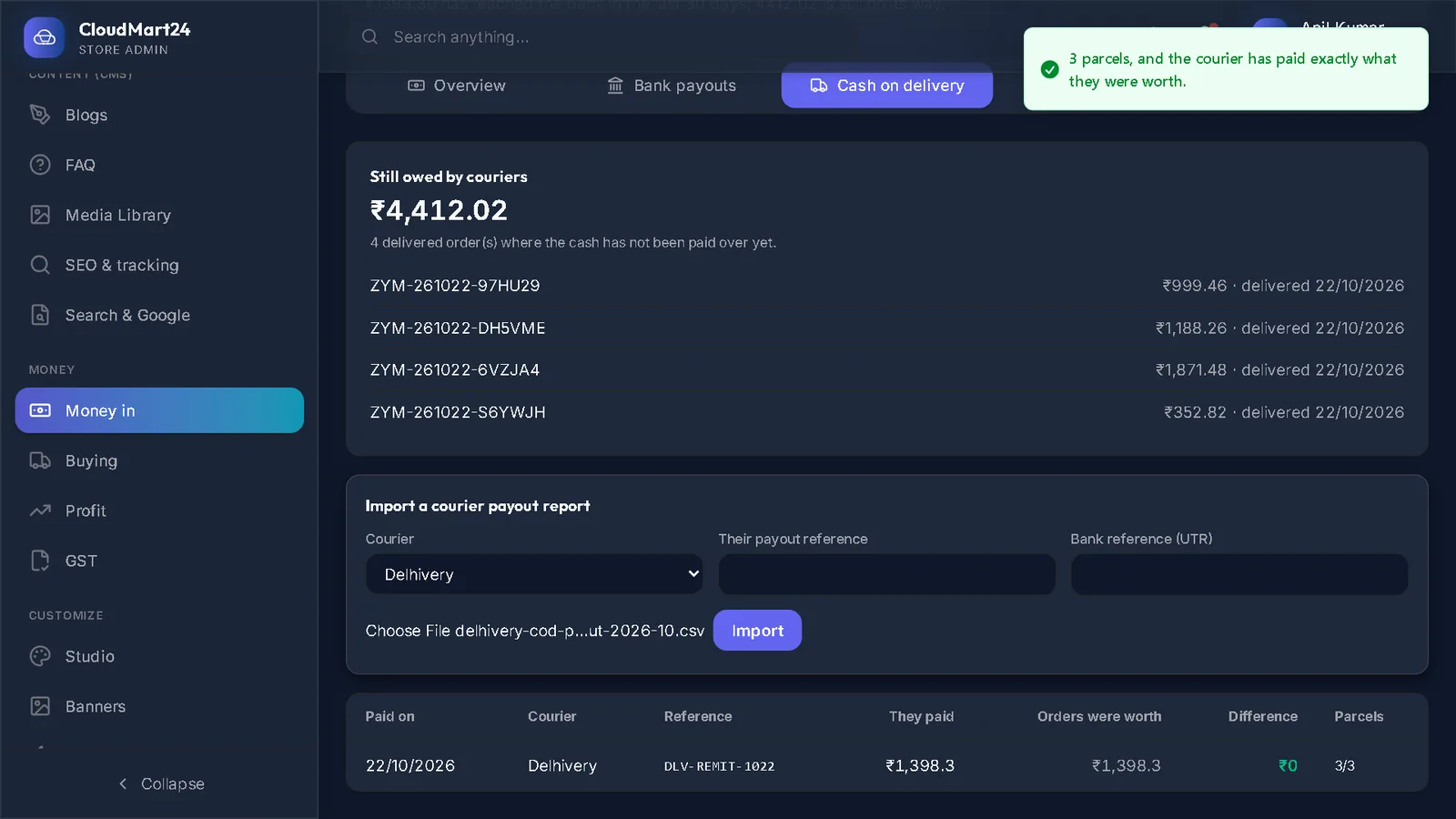
Payments & money in
Take online payments, and see what actually reached your bank.
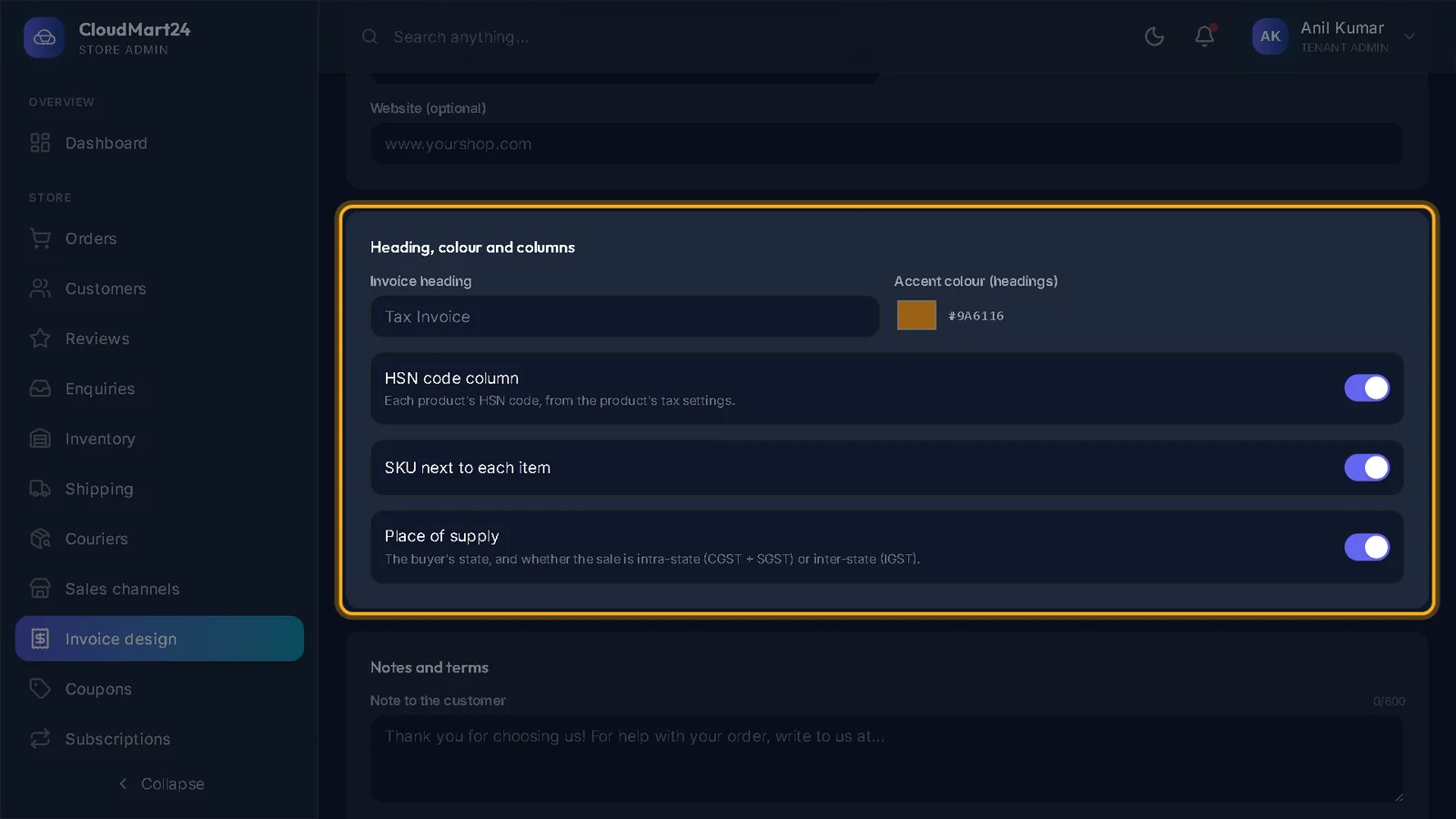
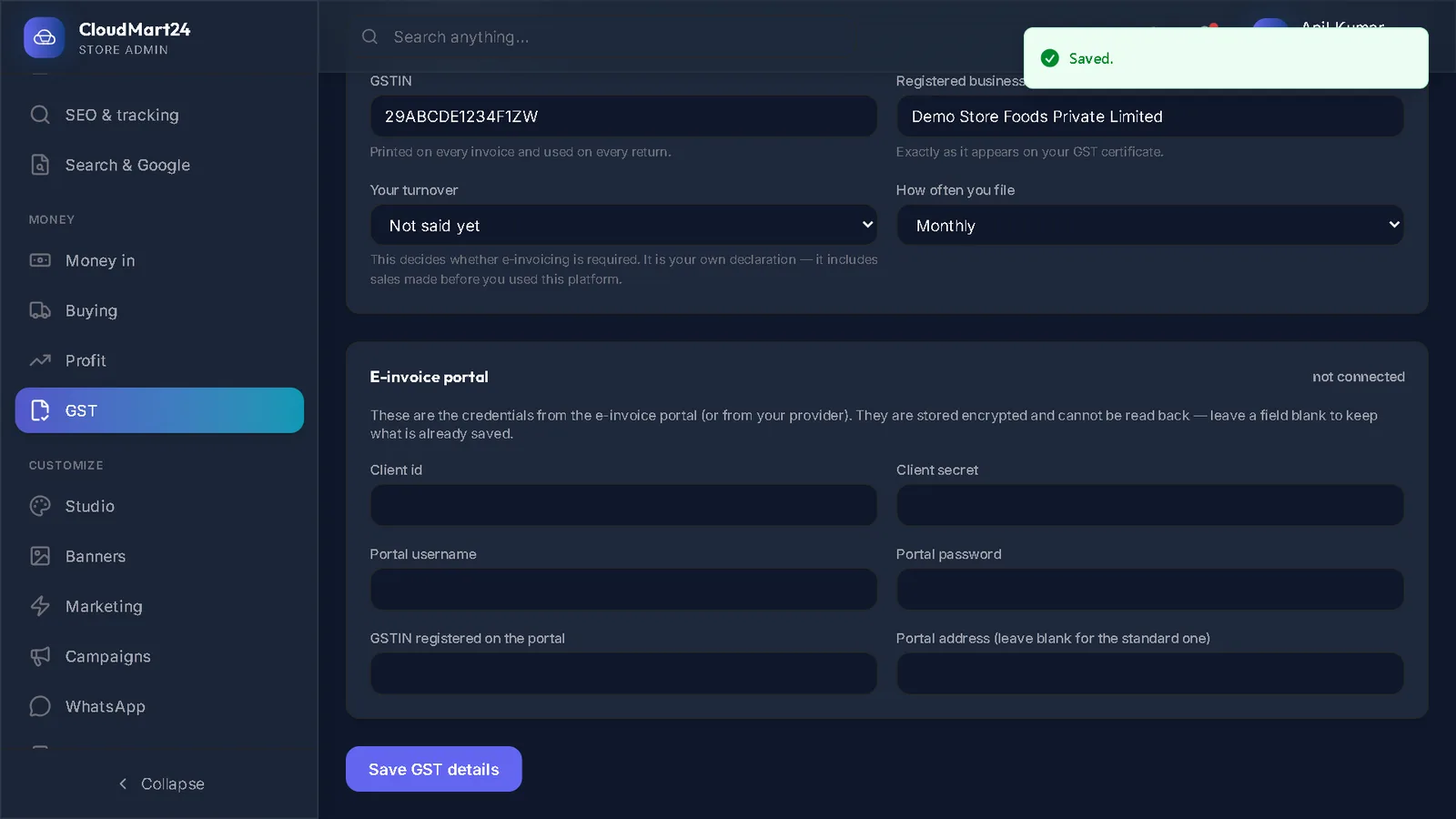
GST & accounts
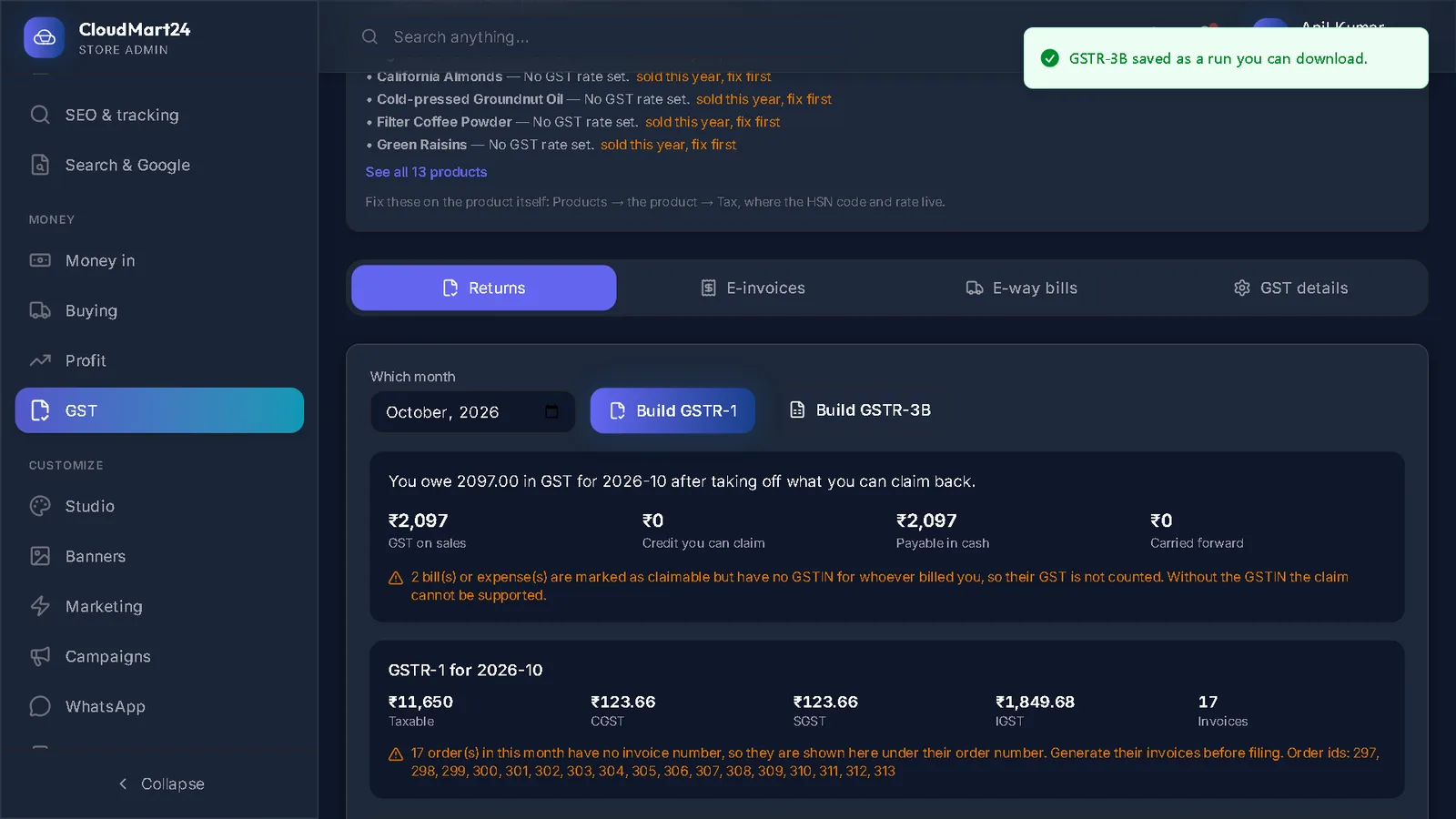
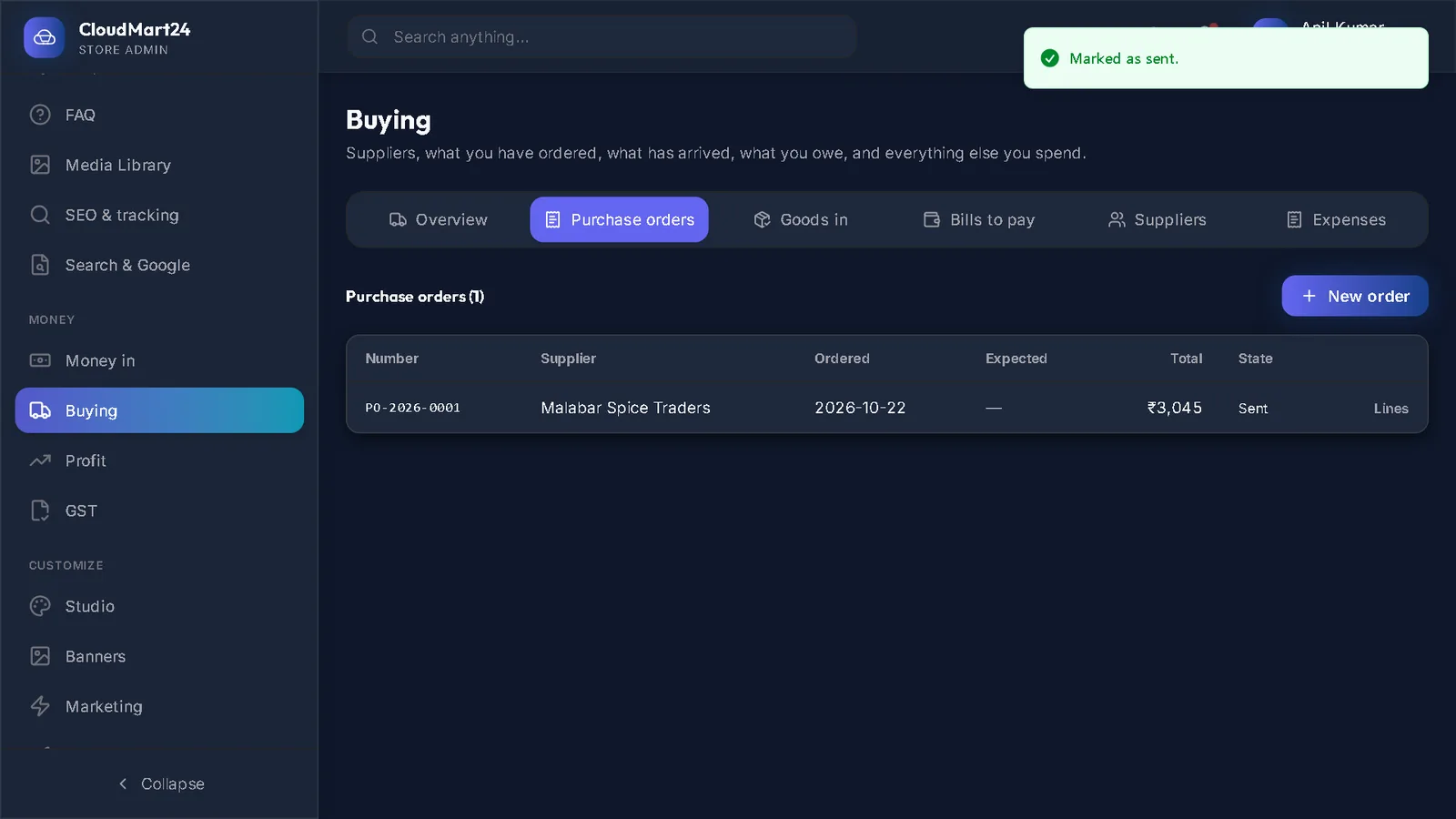
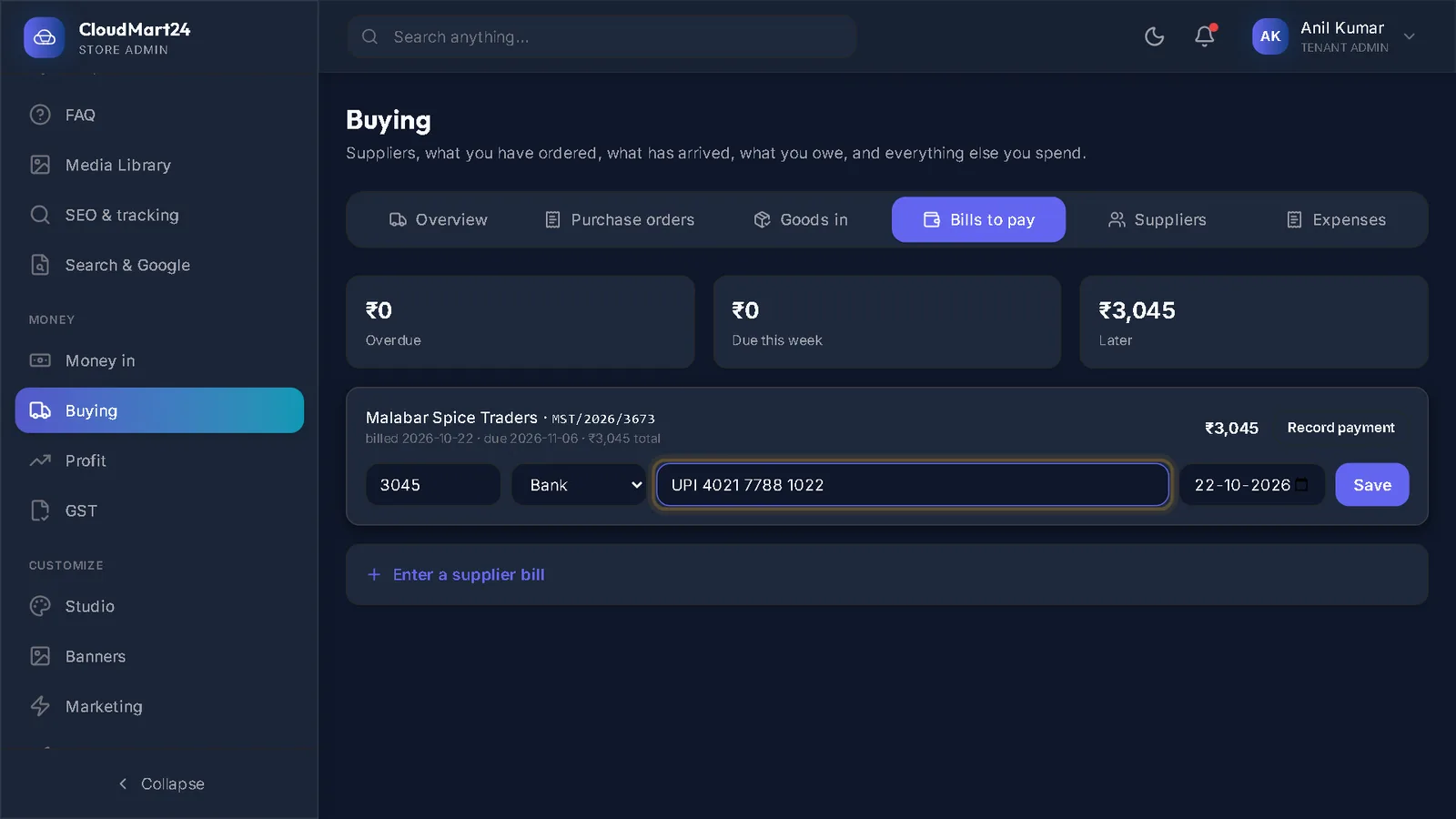
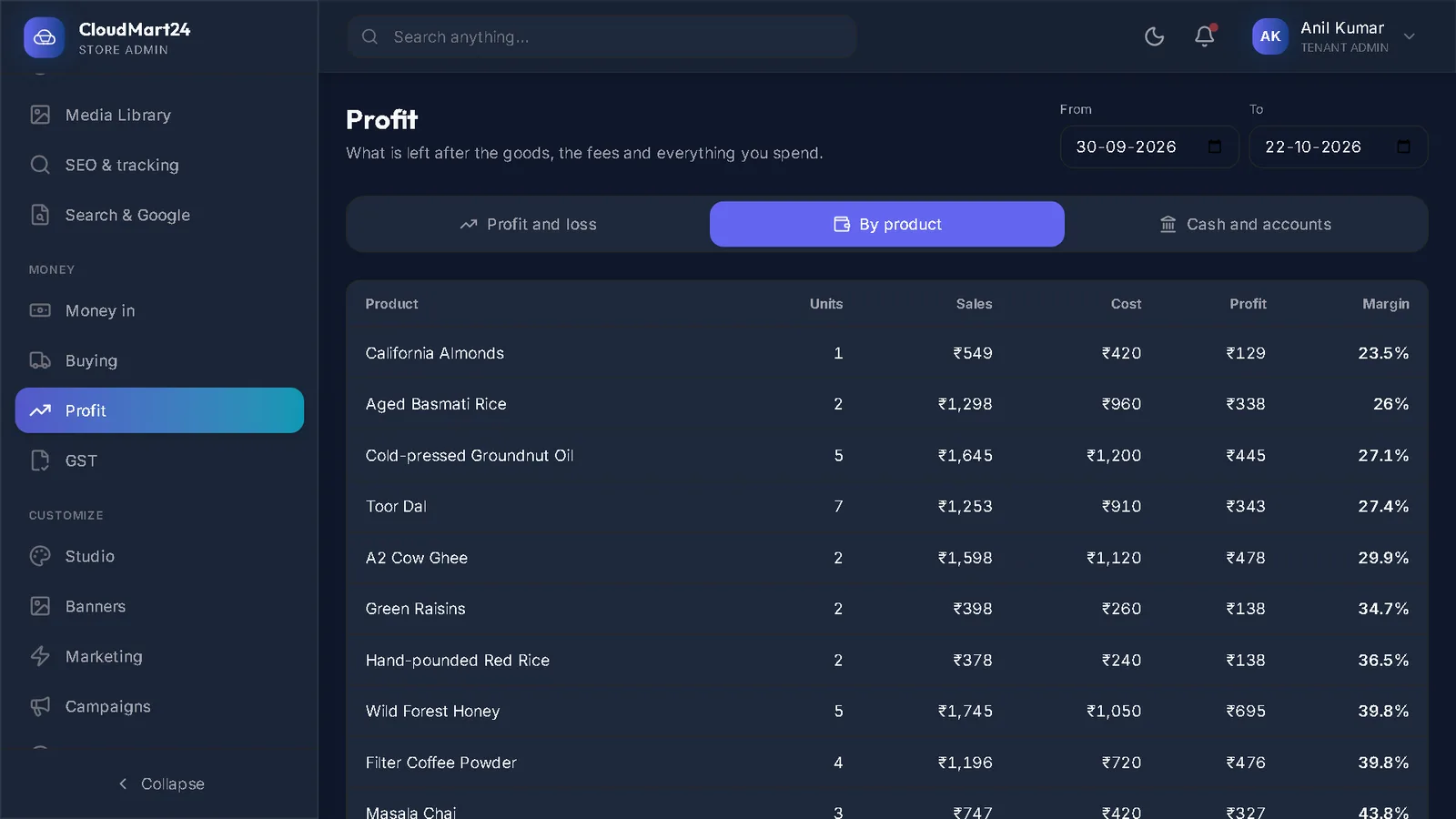
GST invoices, monthly returns, buying stock and your real profit.
Marketing & selling more
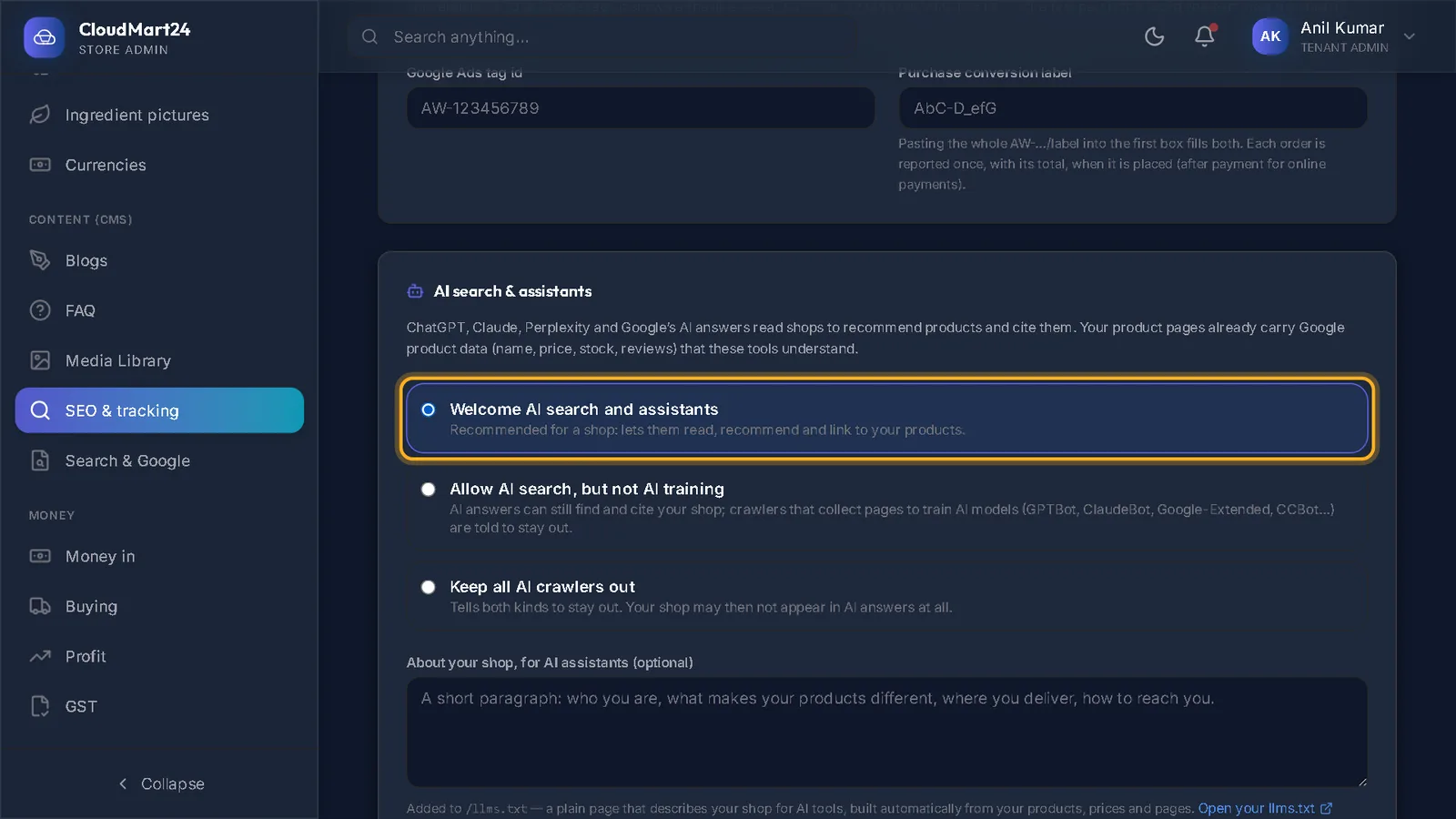
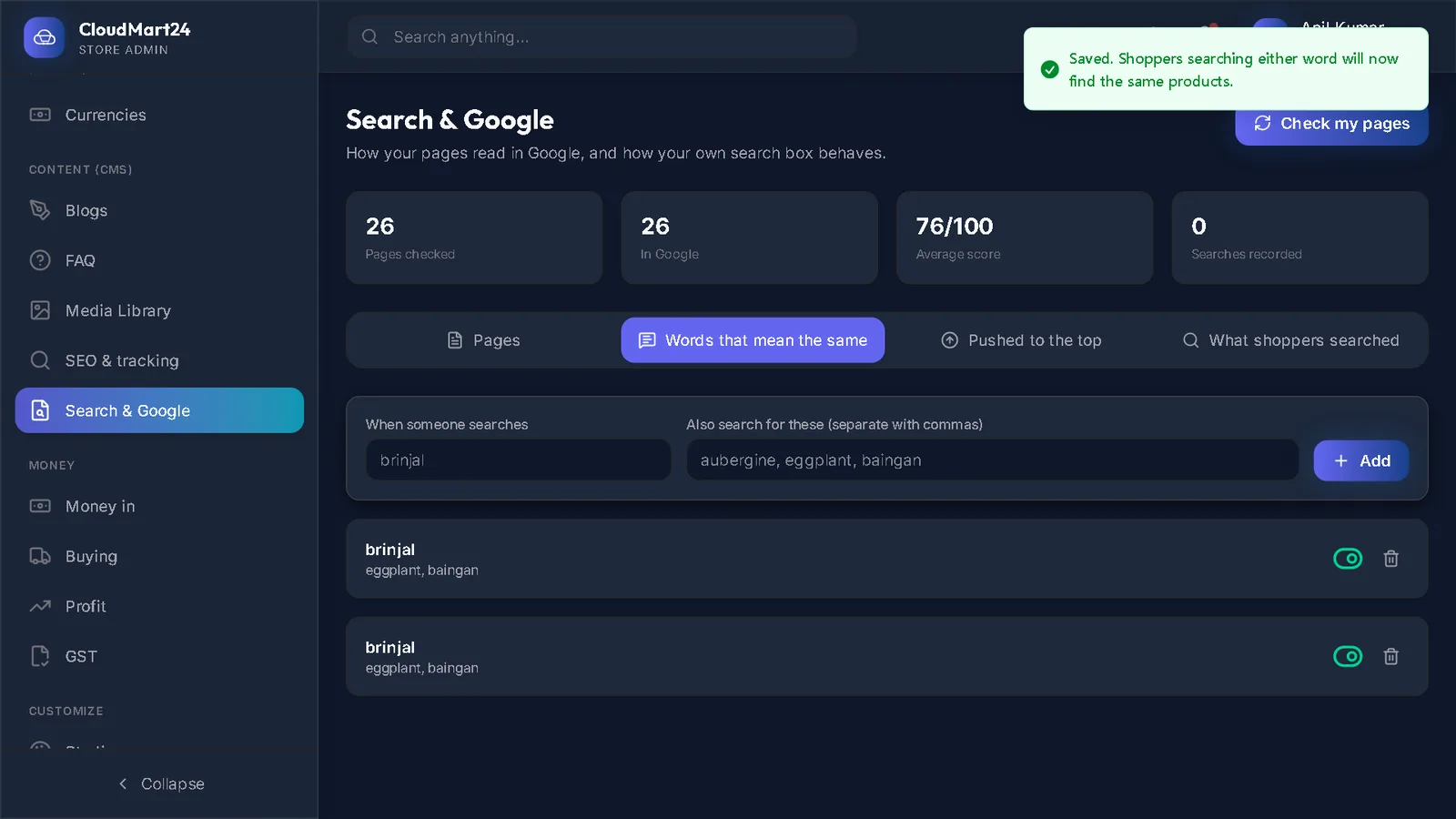
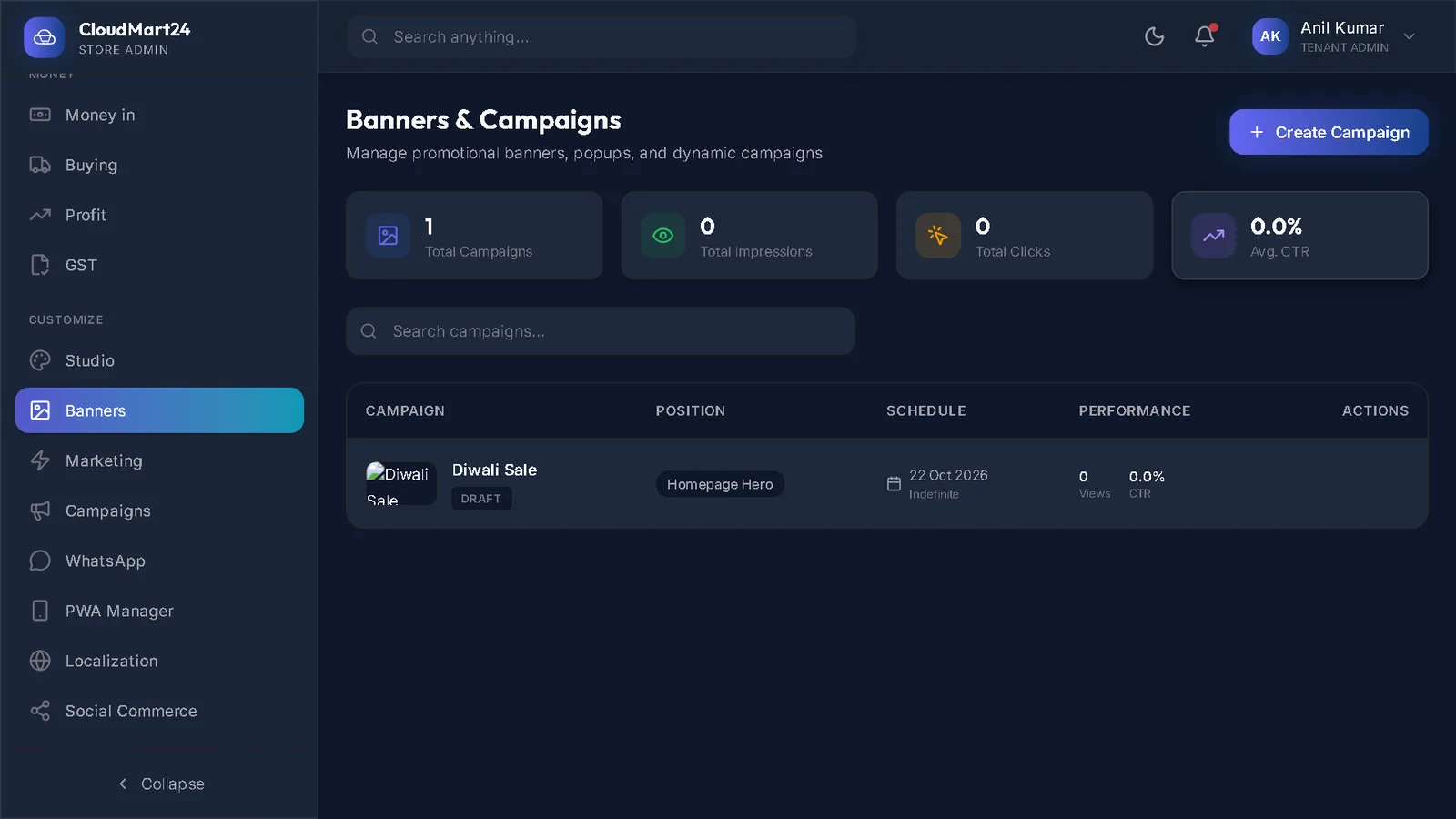
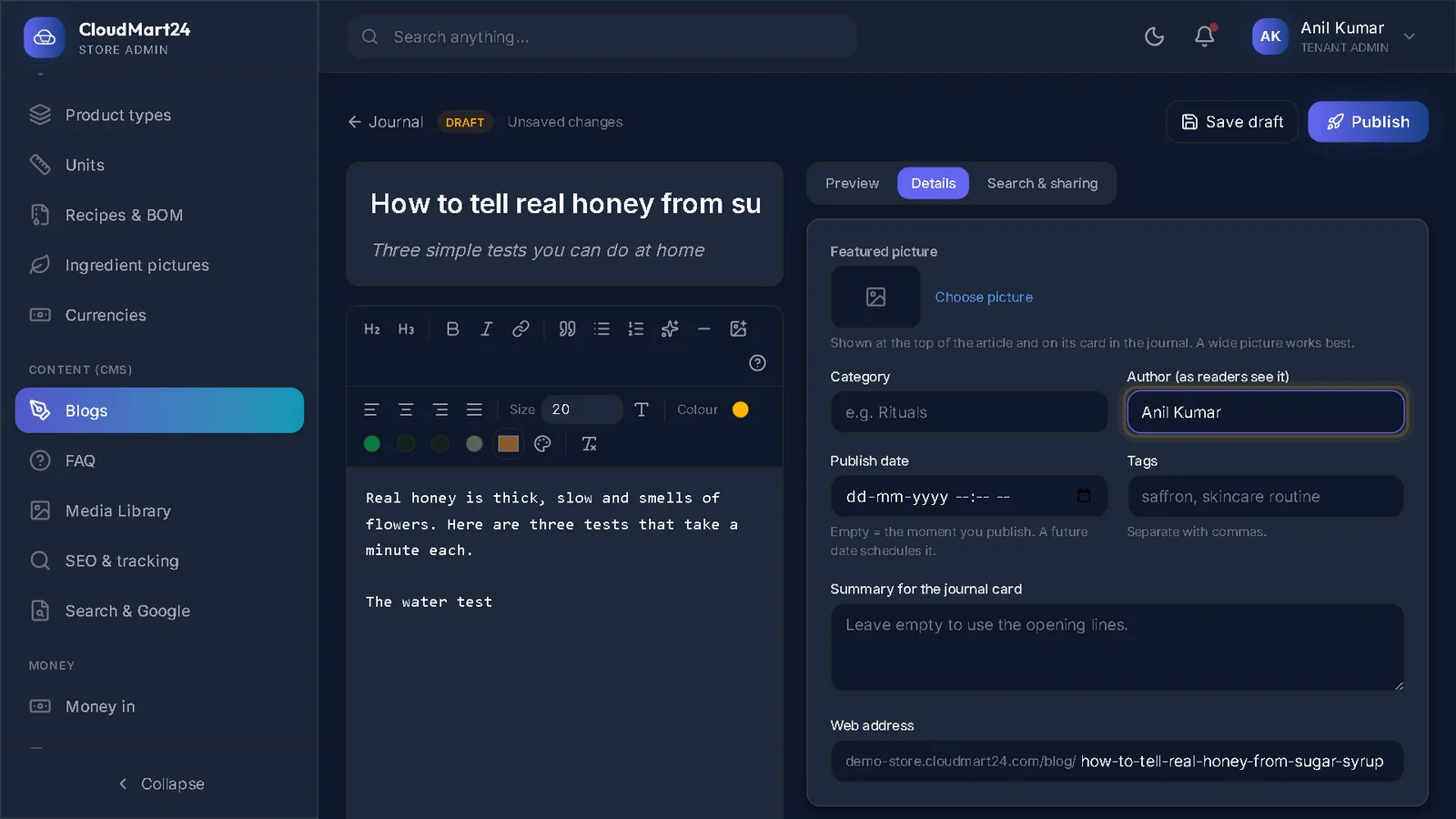
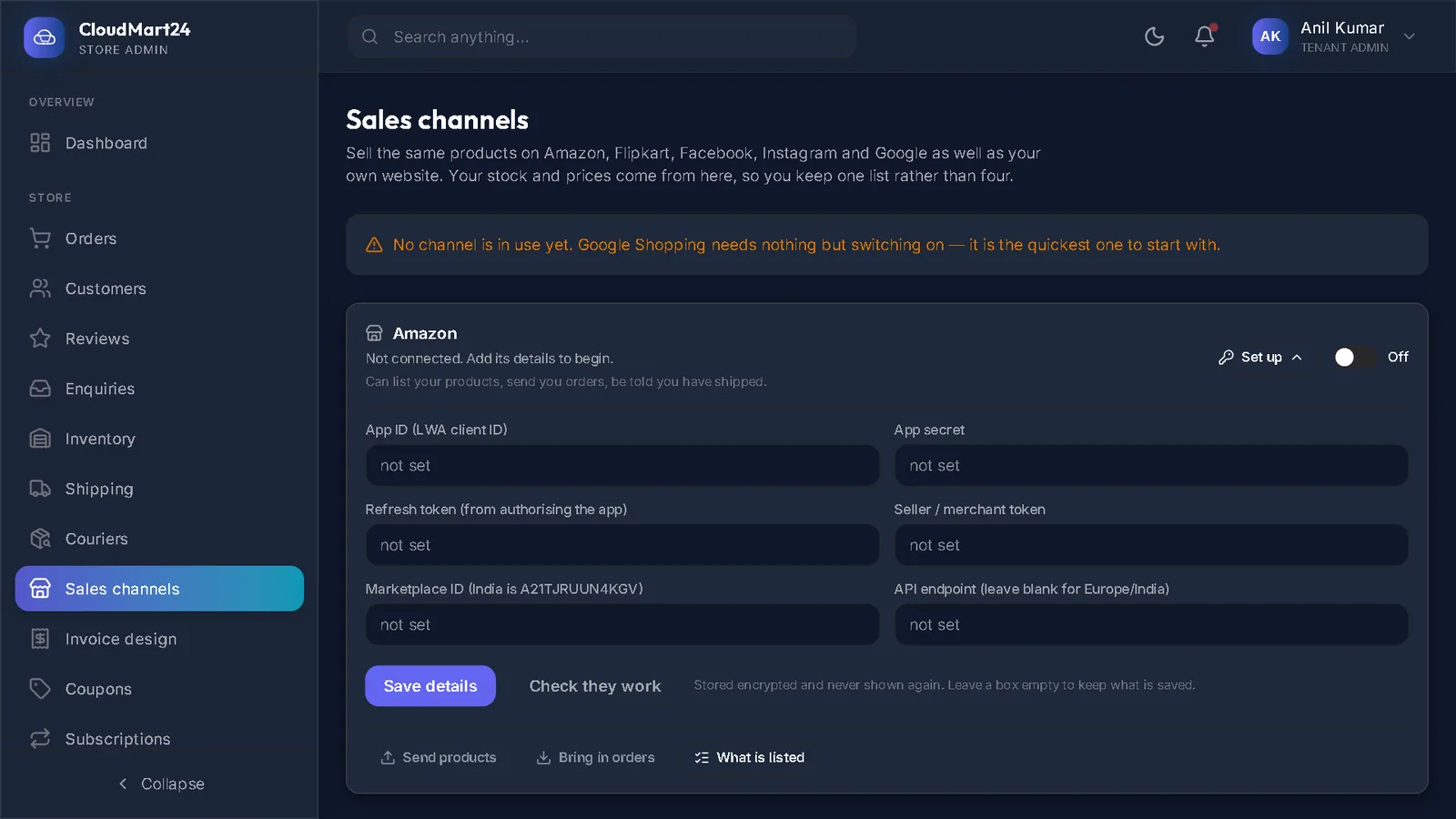
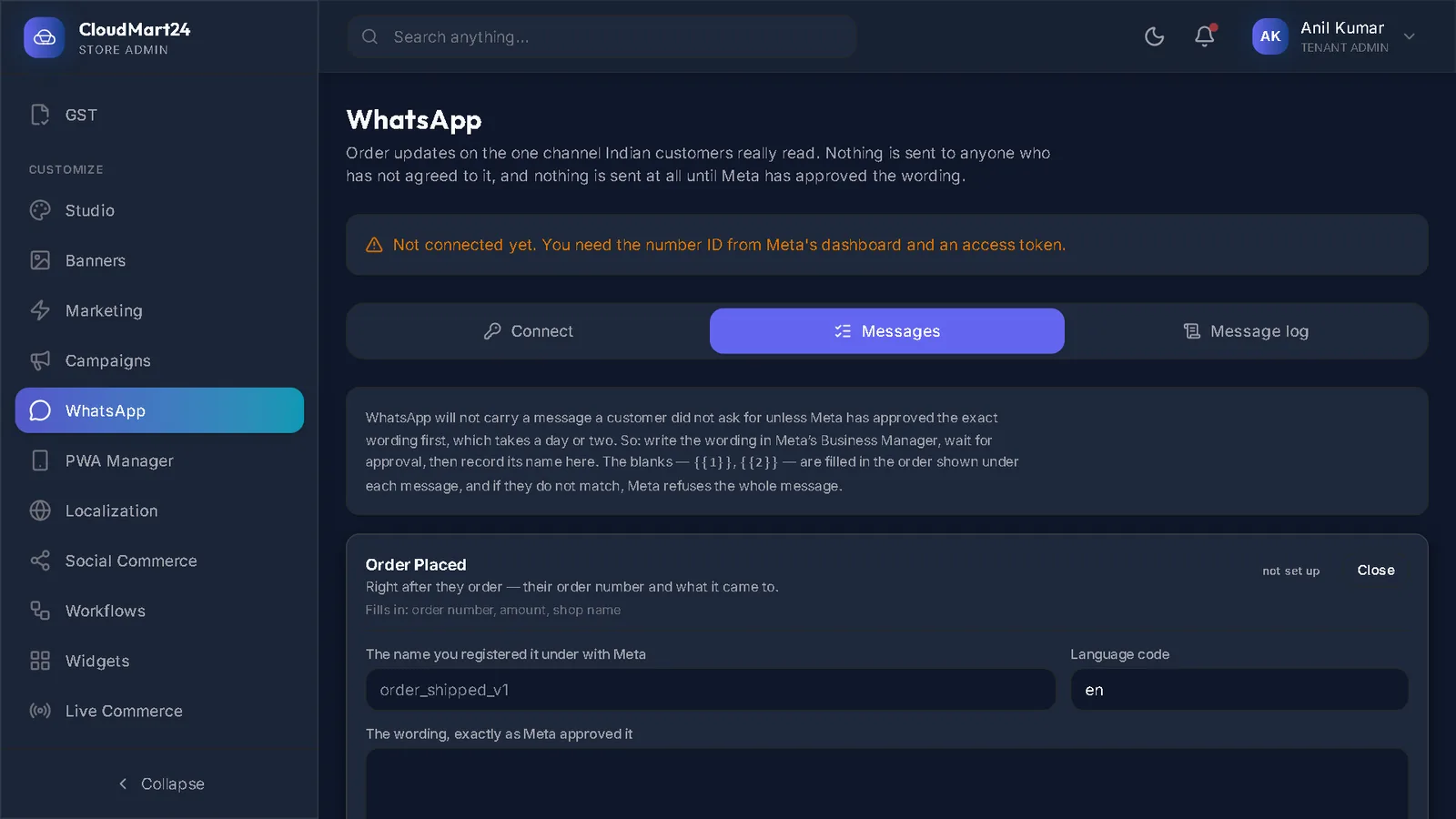
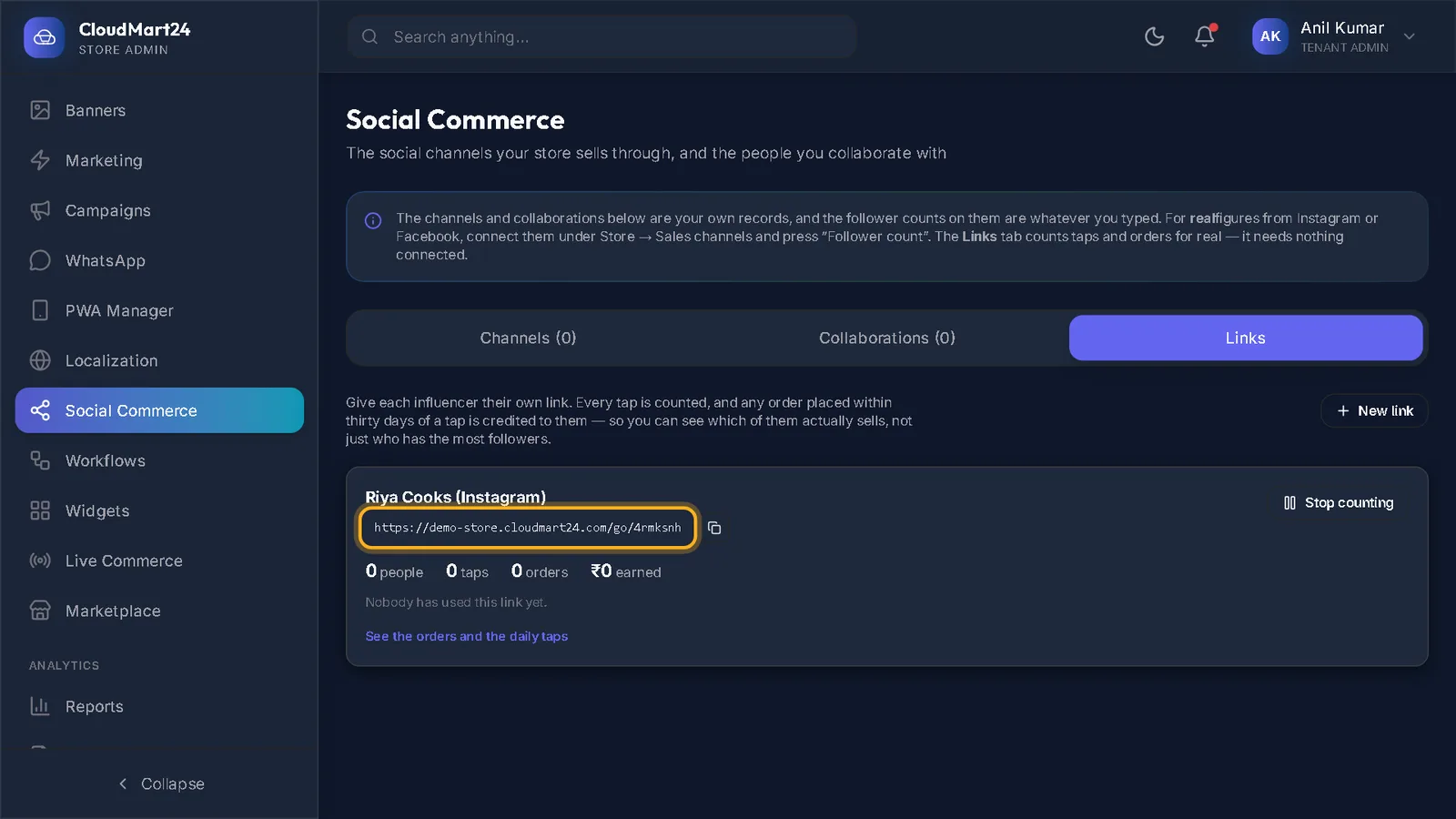
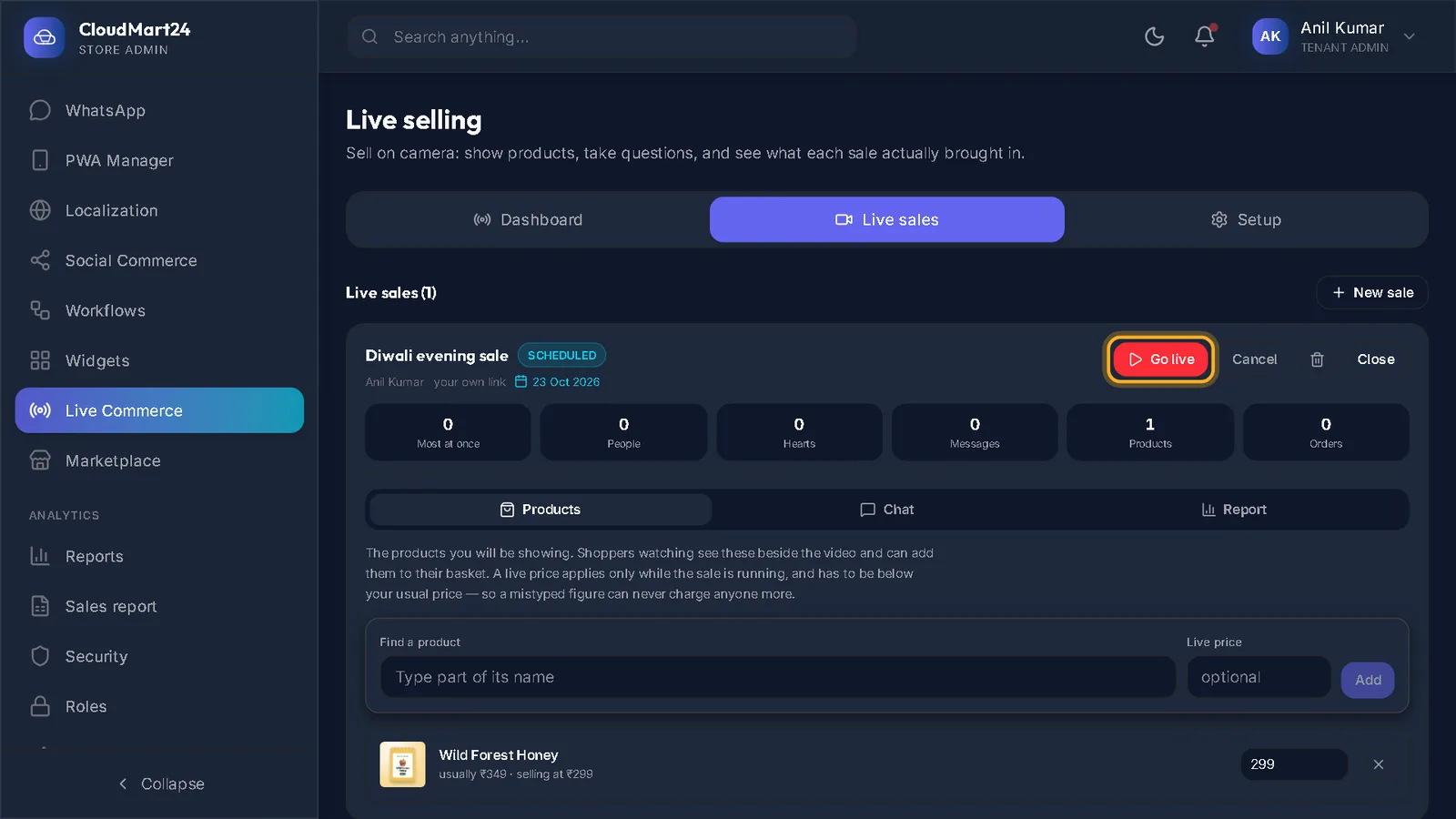
Google, banners, campaigns, your journal and other places to sell.
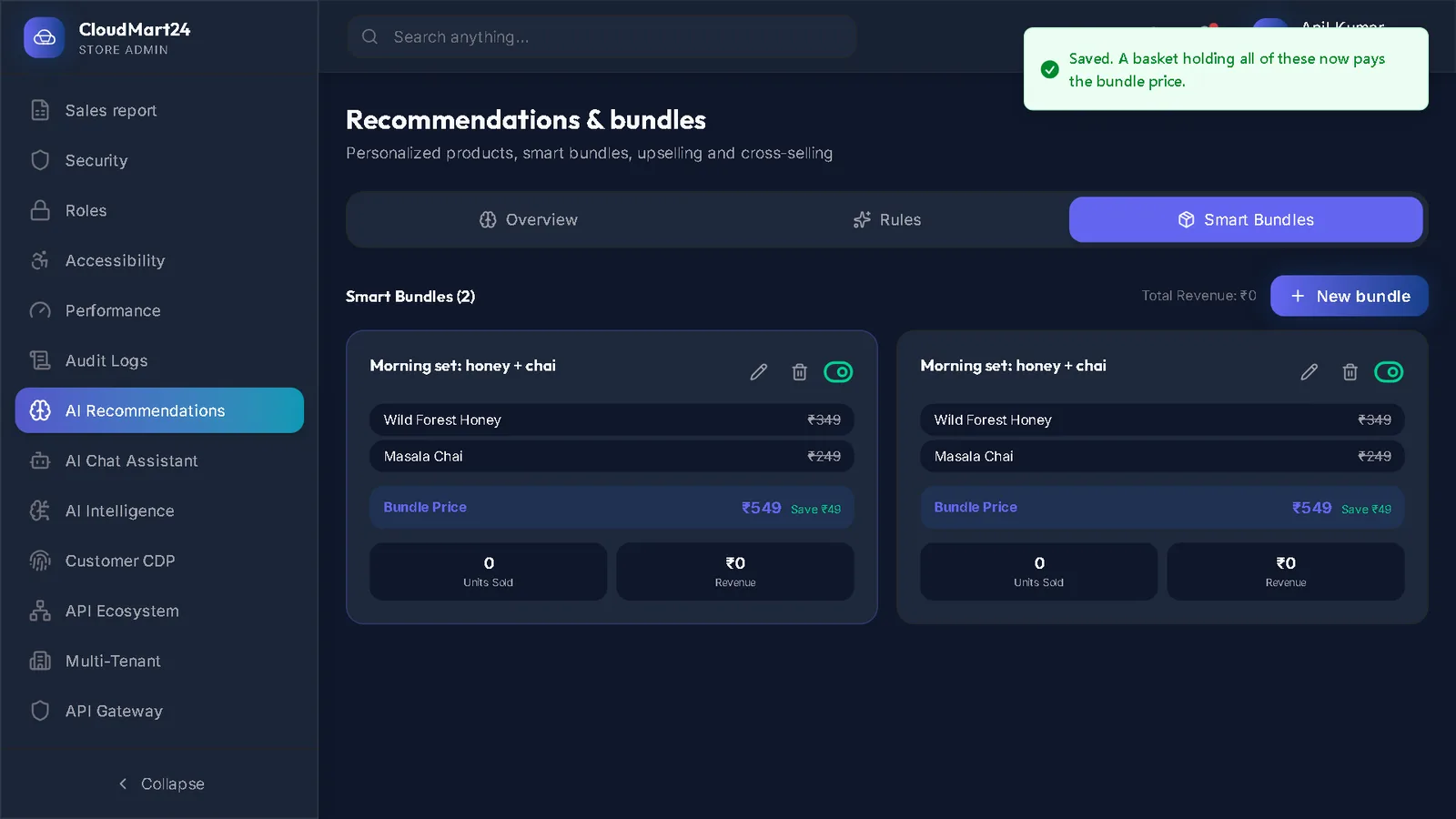
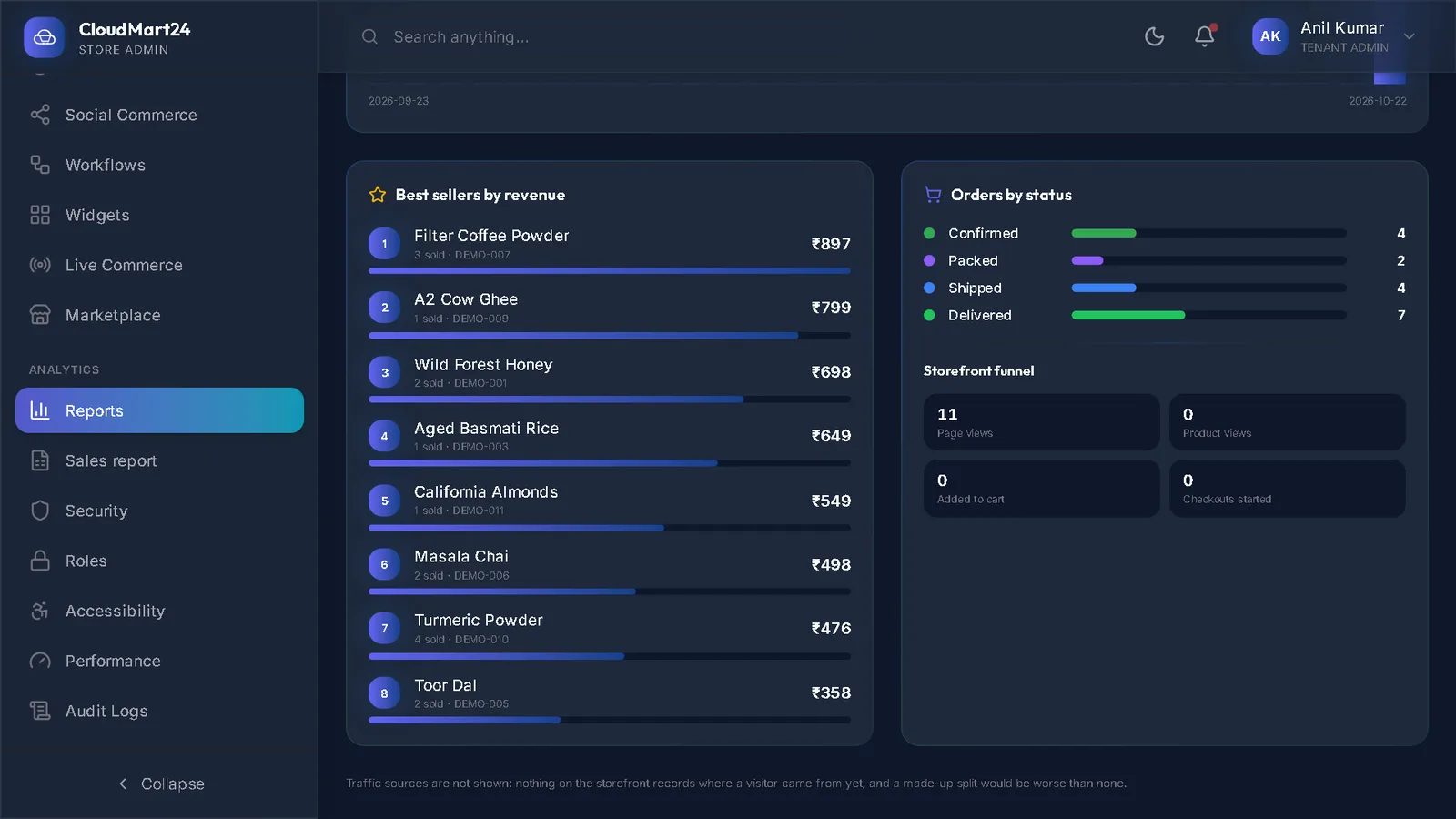
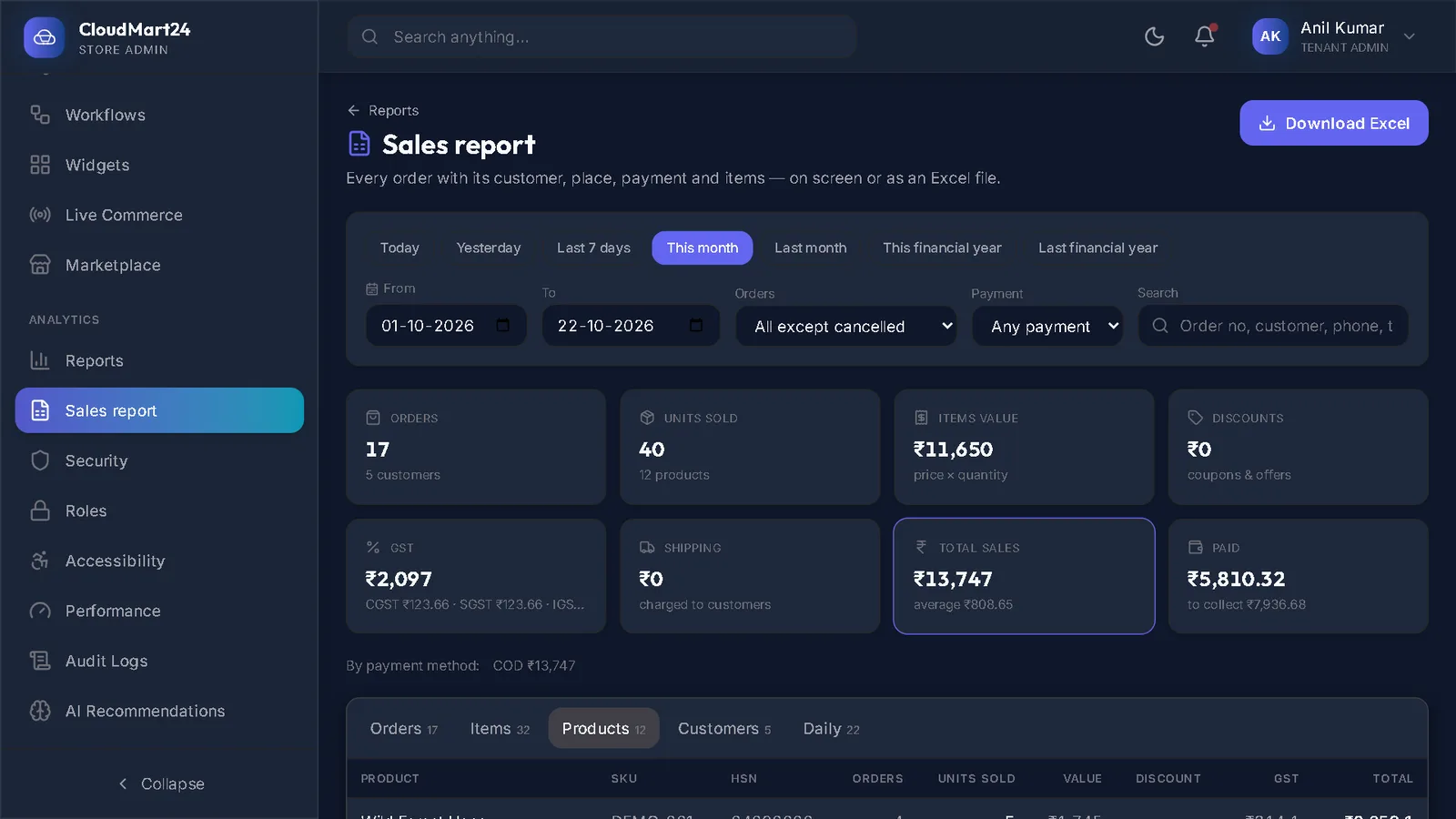
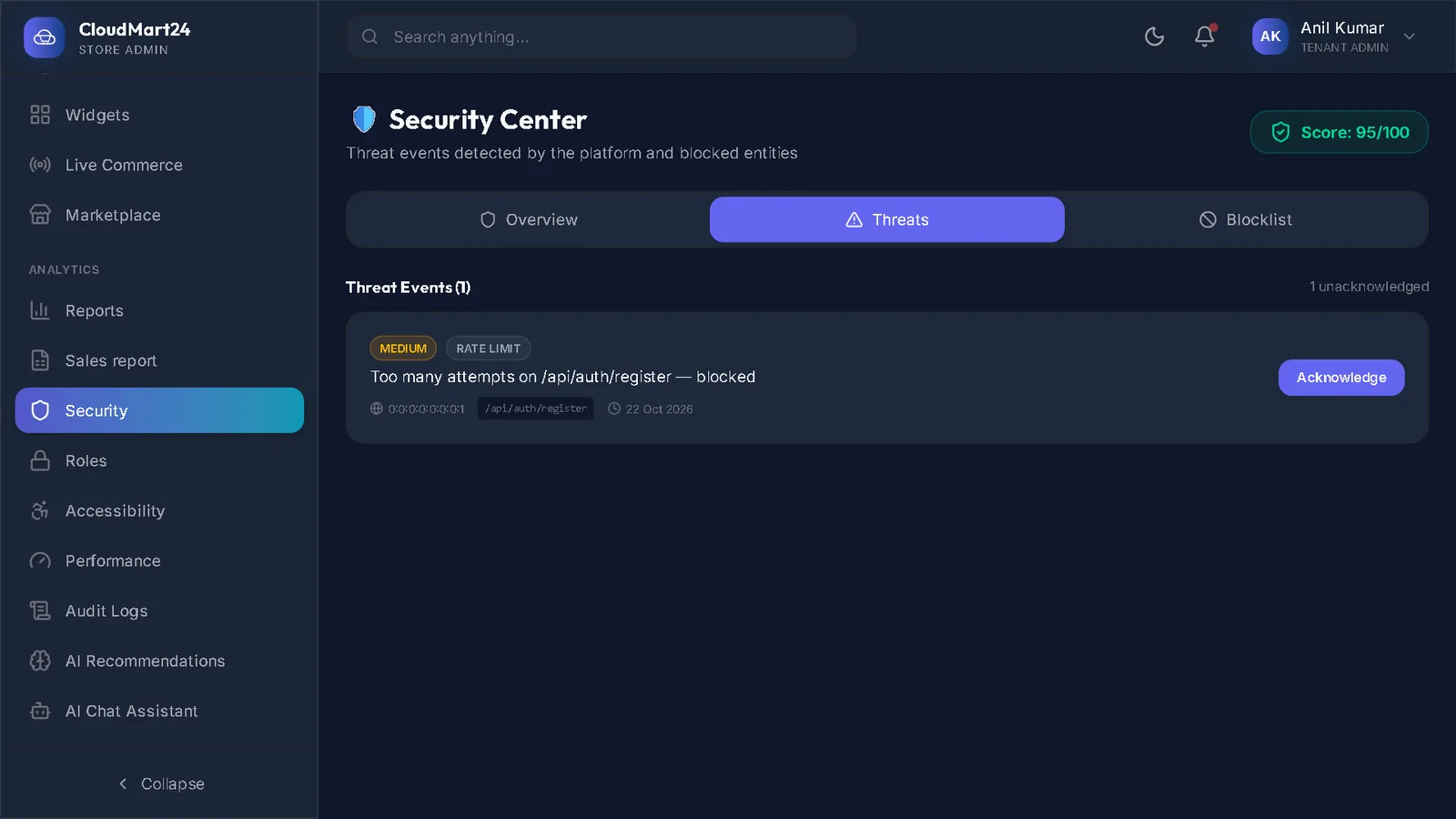
Reports, team & security
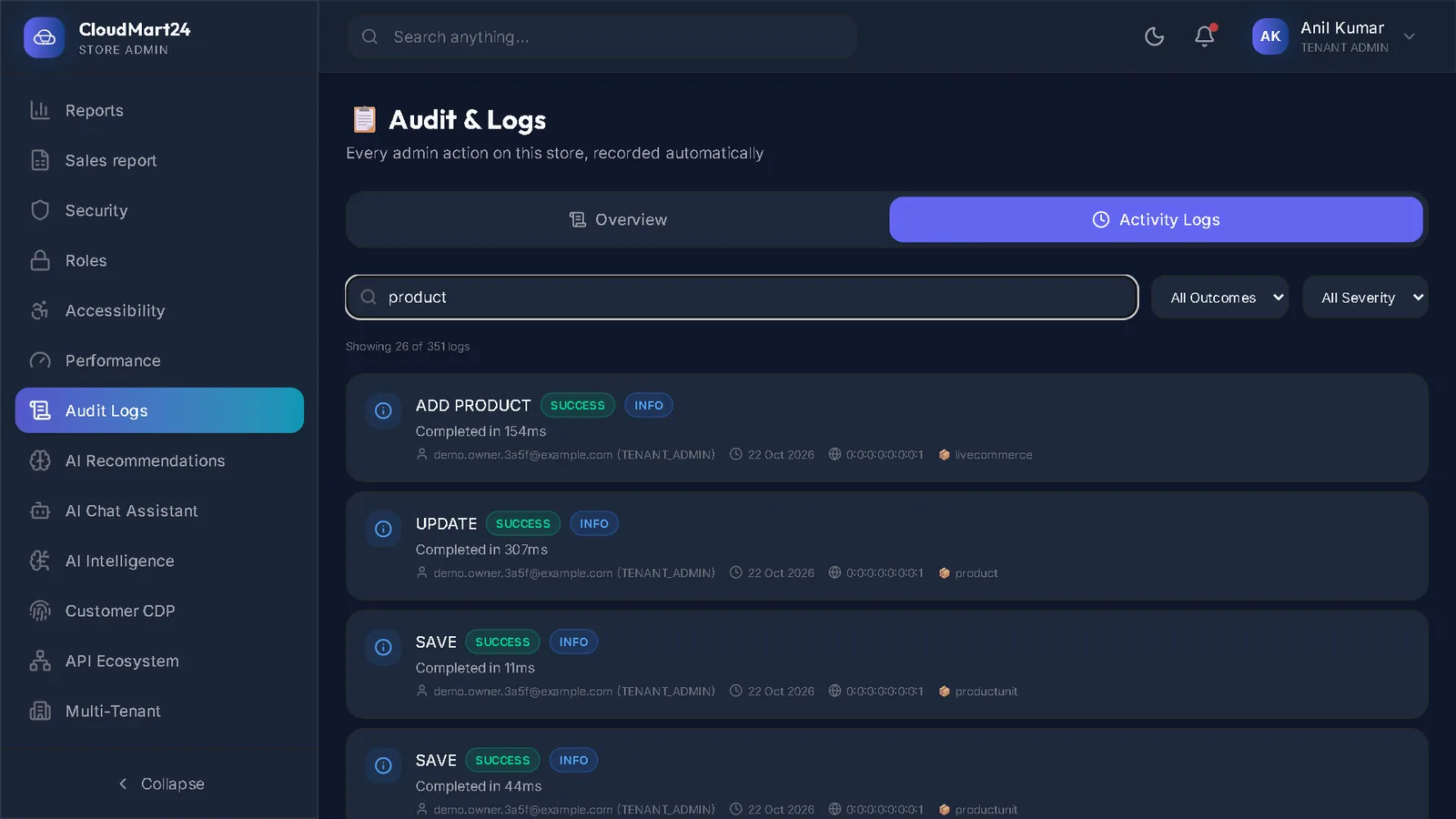
The figures, the Excel sales report, your staff logins and who changed what.
About the training
How these guides work.
Still wondering about something? Book a short call — we will answer it with your own shop on screen.
Do the videos have sound?
No. Each video shows the real store admin with a pointer, a highlight and a caption for every step, so you can watch it anywhere without headphones. Every step is also written out under the video with its own screenshot.
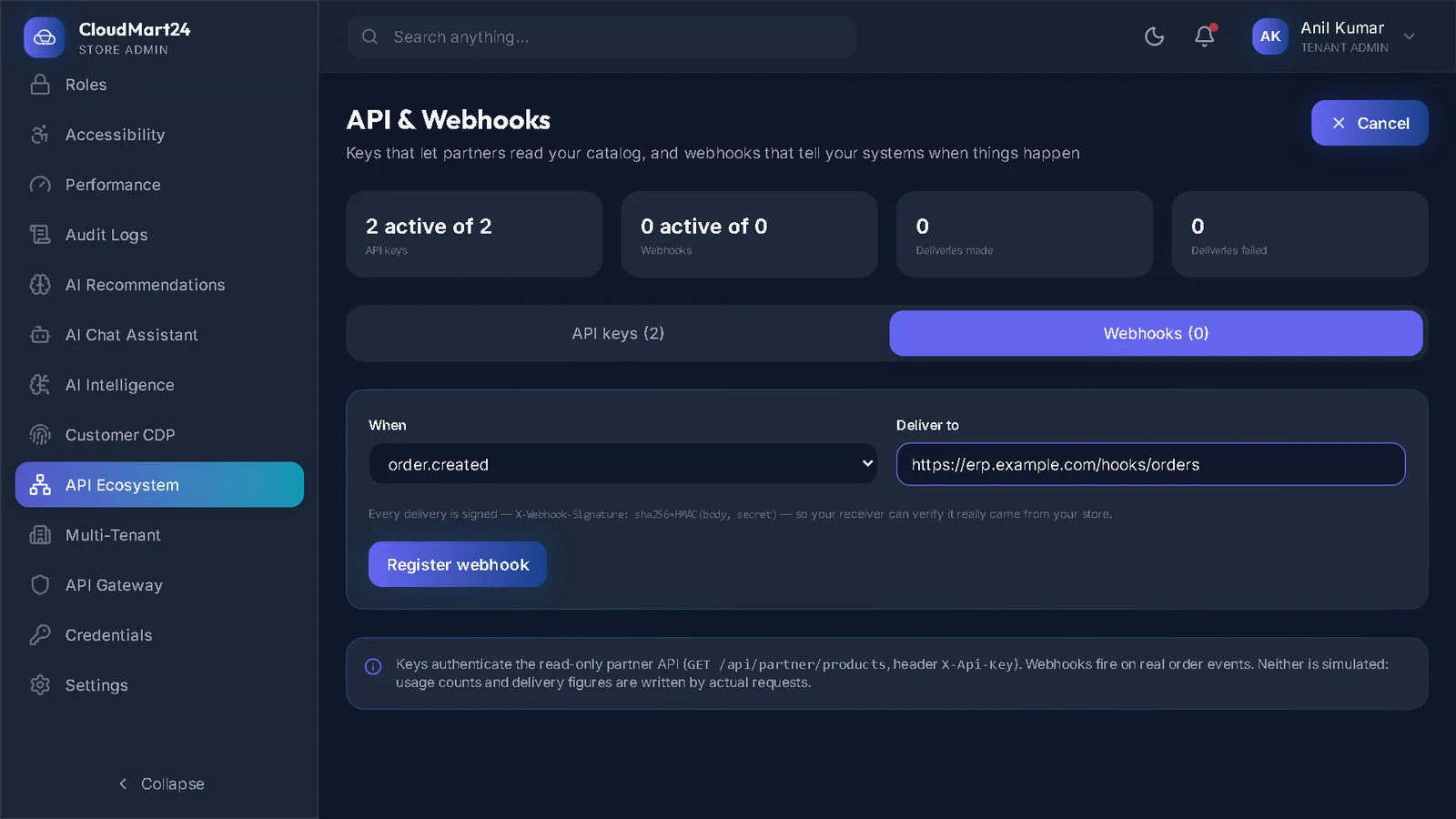
Whose shop is in the pictures?
A demo store made for training, with invented products and customers. Your admin looks the same, with your own products, orders and design.
A screen looks different from the guide. What now?
We improve the admin often, so a button may have moved or changed its name. The guide says when it was recorded. If you are stuck, book a short call and we will go through it with you.
Can I ask for a guide that is not here?
Yes — tell us through the Book a demo page what you were trying to do. Guides are added in the order stores ask for them.
Your shop could be taking orders this week.
Create your store yourself in a few minutes, or book a demo and we will set it up with you — your products, your design, your domain.