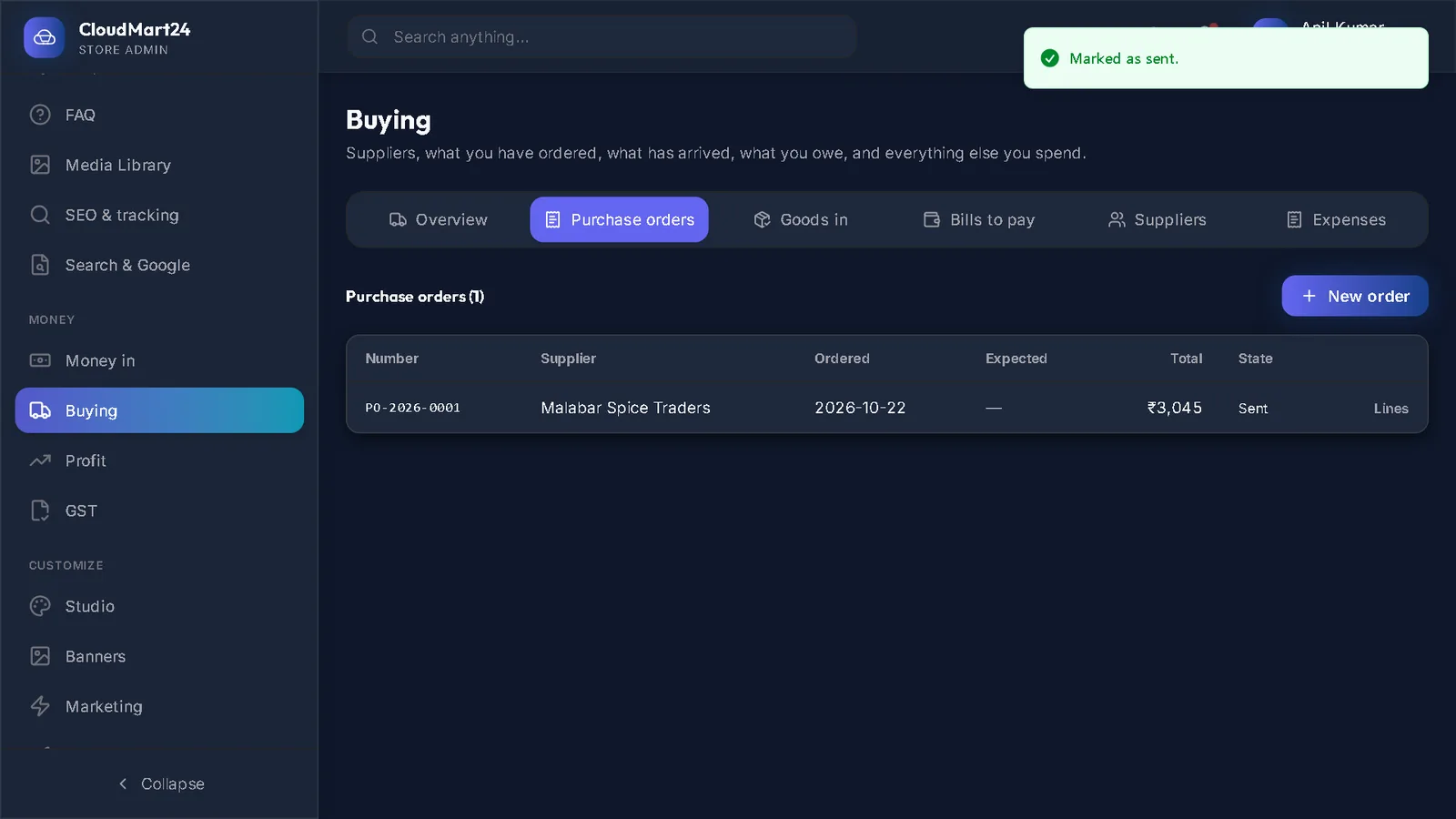
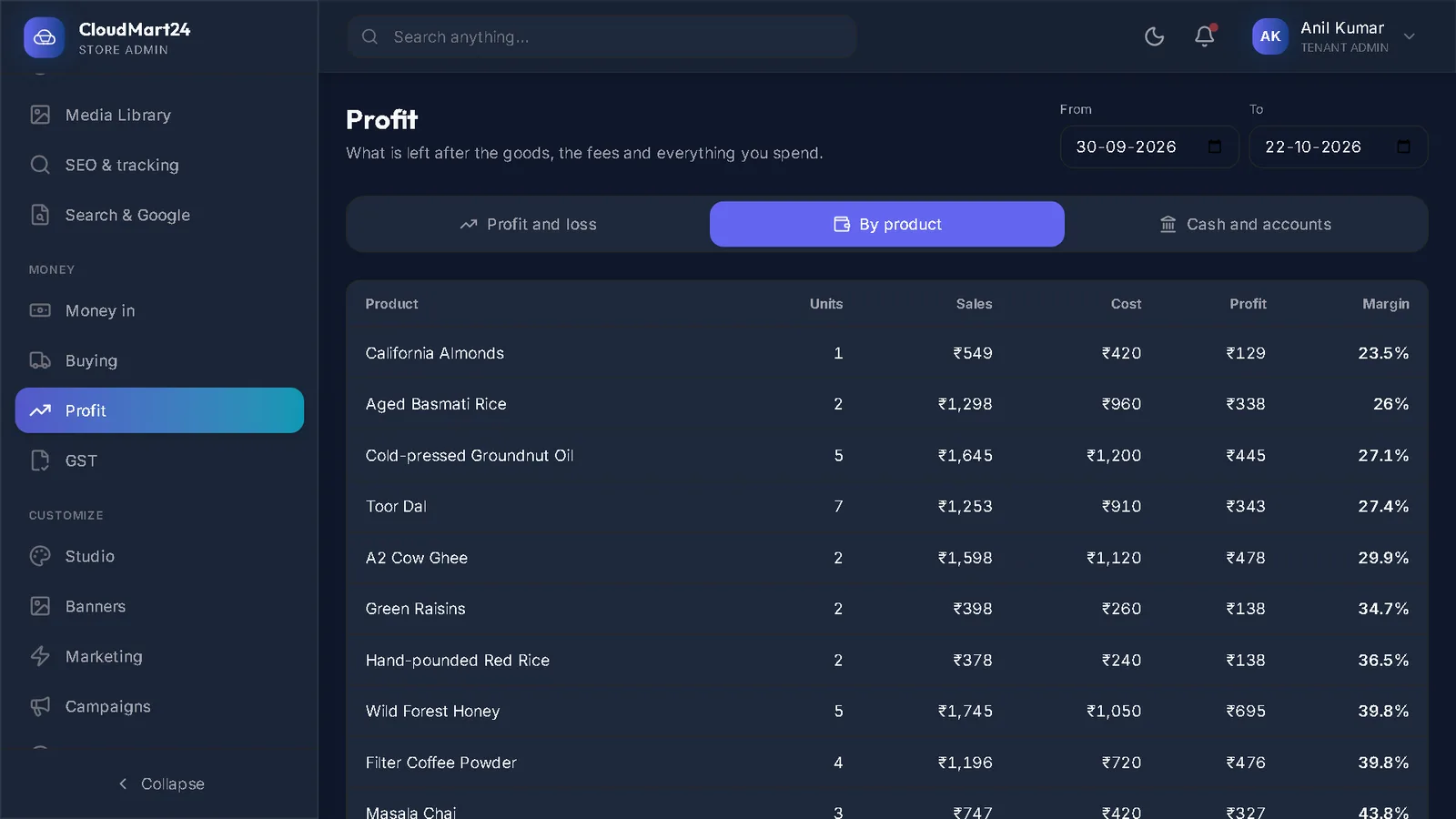
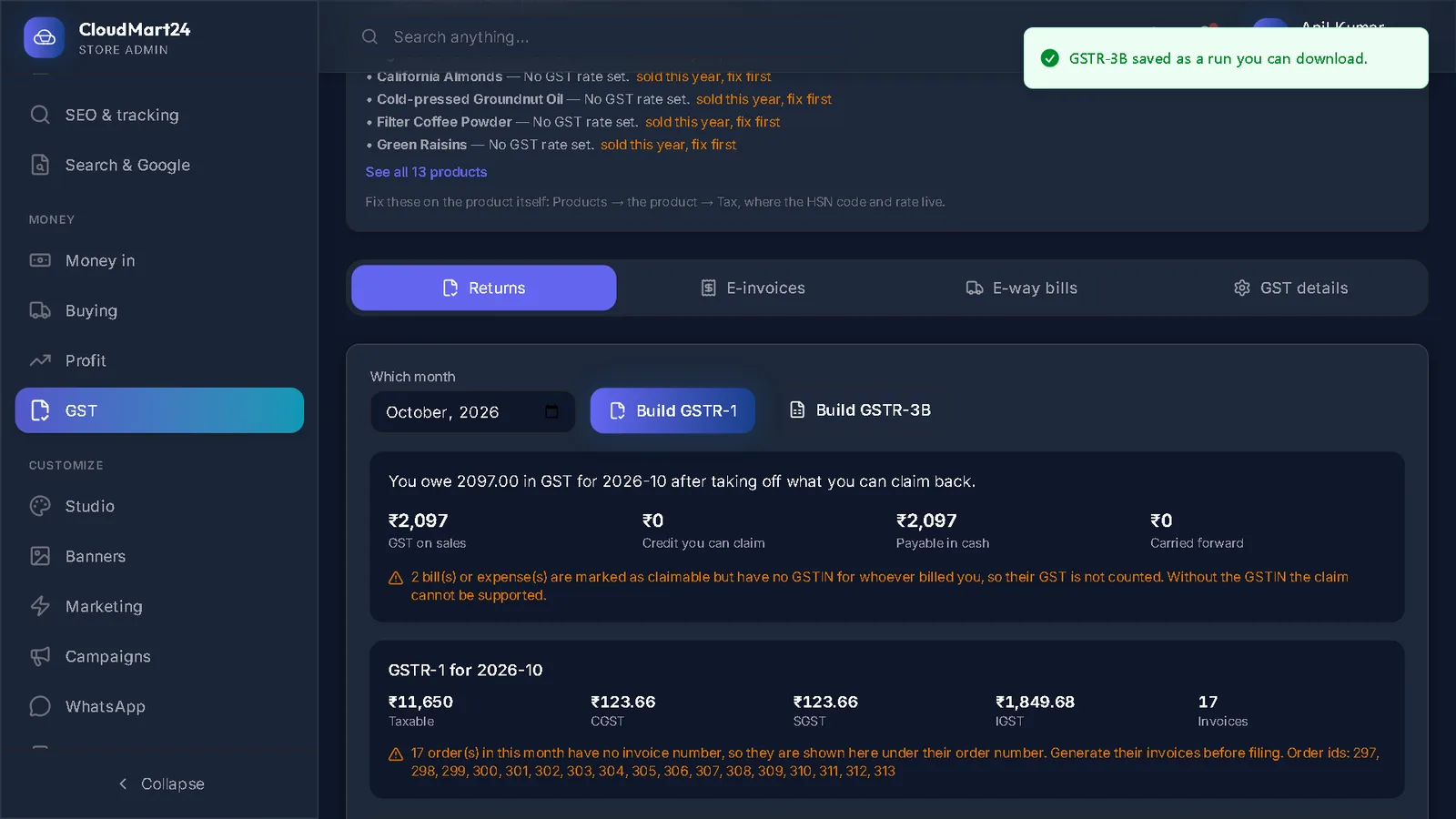
Jump to a step
The video has no sound: the captions on screen explain each step, and every step is written out below with a picture.
- 1
Enter a supplier bill
On Bills to pay press Enter a supplier bill. Choose the supplier or the order it is for, type Their bill number and the Bill date, attach a photo or PDF of it if you like, and press Save bill.
- 2
Record a payment
Press Record payment on the bill: the amount, how you paid (bank, UPI, cash, cheque or card), the reference and the date. Press Save.
- 3
Record an expense
On Expenses, under Record what you spent, choose What kind (rent, salaries, packing material and more), what it was for, the date, the amount before GST and the GST on it, and press Record.
Tick the repeat box for something you pay every month.
Good to know: GST on an expense can only be recorded with the GSTIN of whoever billed you — that is what lets you claim it.
Stuck on a step?
Book a short call and we will walk through it with your own shop on screen. Book a call