Jump to a step
The video has no sound: the captions on screen explain each step, and every step is written out below with a picture.
Before you start
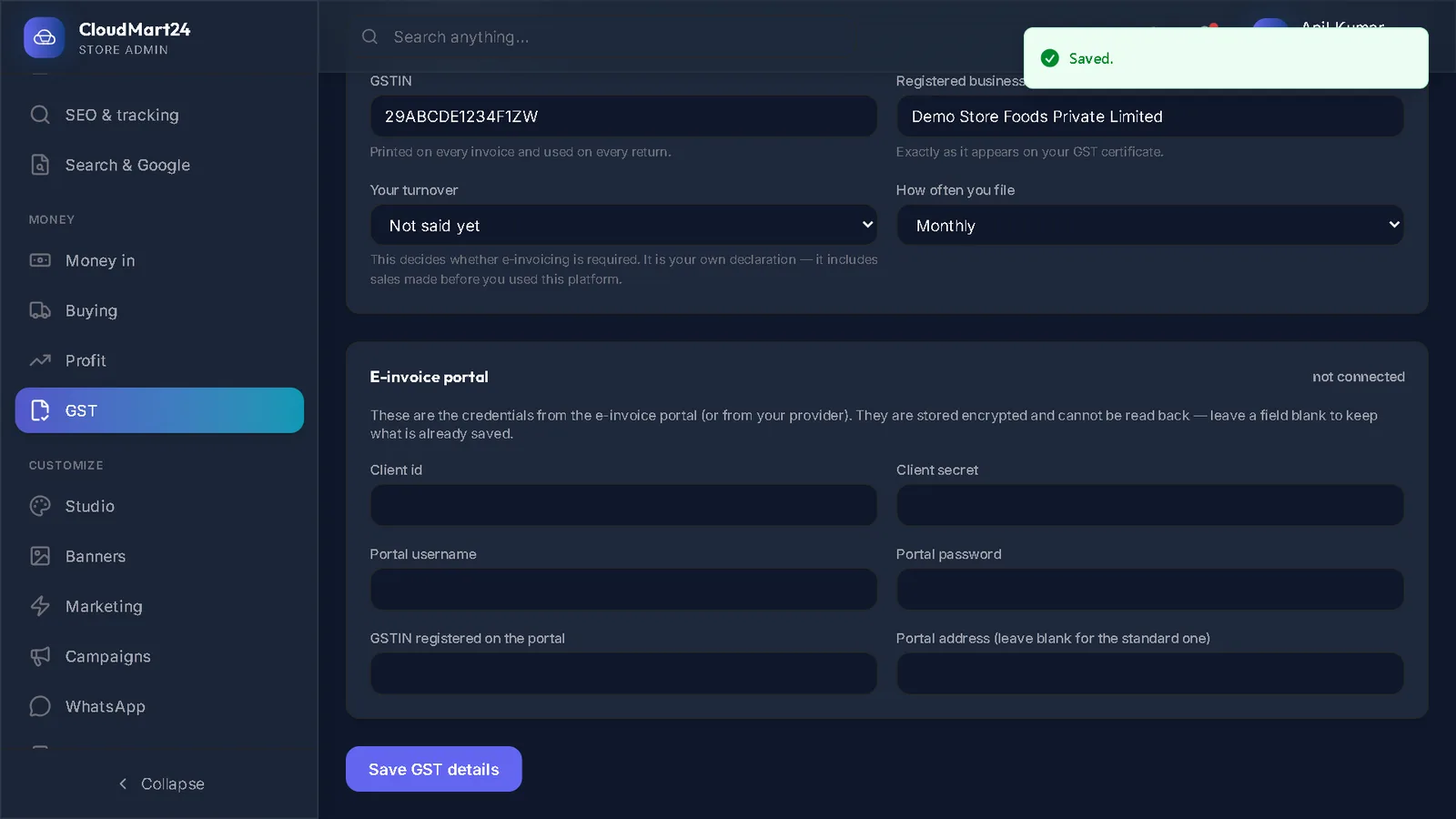
- Your GST details saved, and HSN codes on your products — see Set up GST for your store.
- 1
Pick the month
On the Returns tab, choose Which month. It starts on last month.
- 2
Build GSTR-1
Press Build GSTR-1. The box shows the taxable value, CGST, SGST, IGST and the number of invoices — and any warnings to fix before filing, or Nothing stands in the way of filing this.
- 3
Check GSTR-3B
The GSTR-3B summary shows GST on sales, Credit you can claim (from your supplier bills), Payable in cash and Carried forward. Press Build GSTR-3B to keep it as a run you can download.
- 4
Download for filing
Each built return in the list has Portal JSON (to upload on the GST portal), Excel, and Mark filed — type the acknowledgement number once it is filed.
- 5
Files for your accountant
For your accountant: Tally XML downloads the month’s sales for Tally; CSV (Zoho and others) for Zoho Books or any other software.
Stuck on a step?
Book a short call and we will walk through it with your own shop on screen. Book a call