Jump to a step
The video has no sound: the captions on screen explain each step, and every step is written out below with a picture.
- 1
Add a supplier
Open Buying under Money, choose Suppliers and press New supplier. Fill the Name, GSTIN, state, phone, email and Pays within (days), and press Save.
- 2
Raise a purchase order
On Purchase orders press New order and choose the supplier. Under What you are ordering, add each line — the product’s number, a description, quantity, cost each and GST %. + another line adds more.
Press Save draft, then Send on the order when you have sent it to the supplier.
Tip: The product’s number is the number at the end of its address when you open it in Products (…/products/123). Without it, the goods are recorded but no stock is added.
- 3
Receive the goods
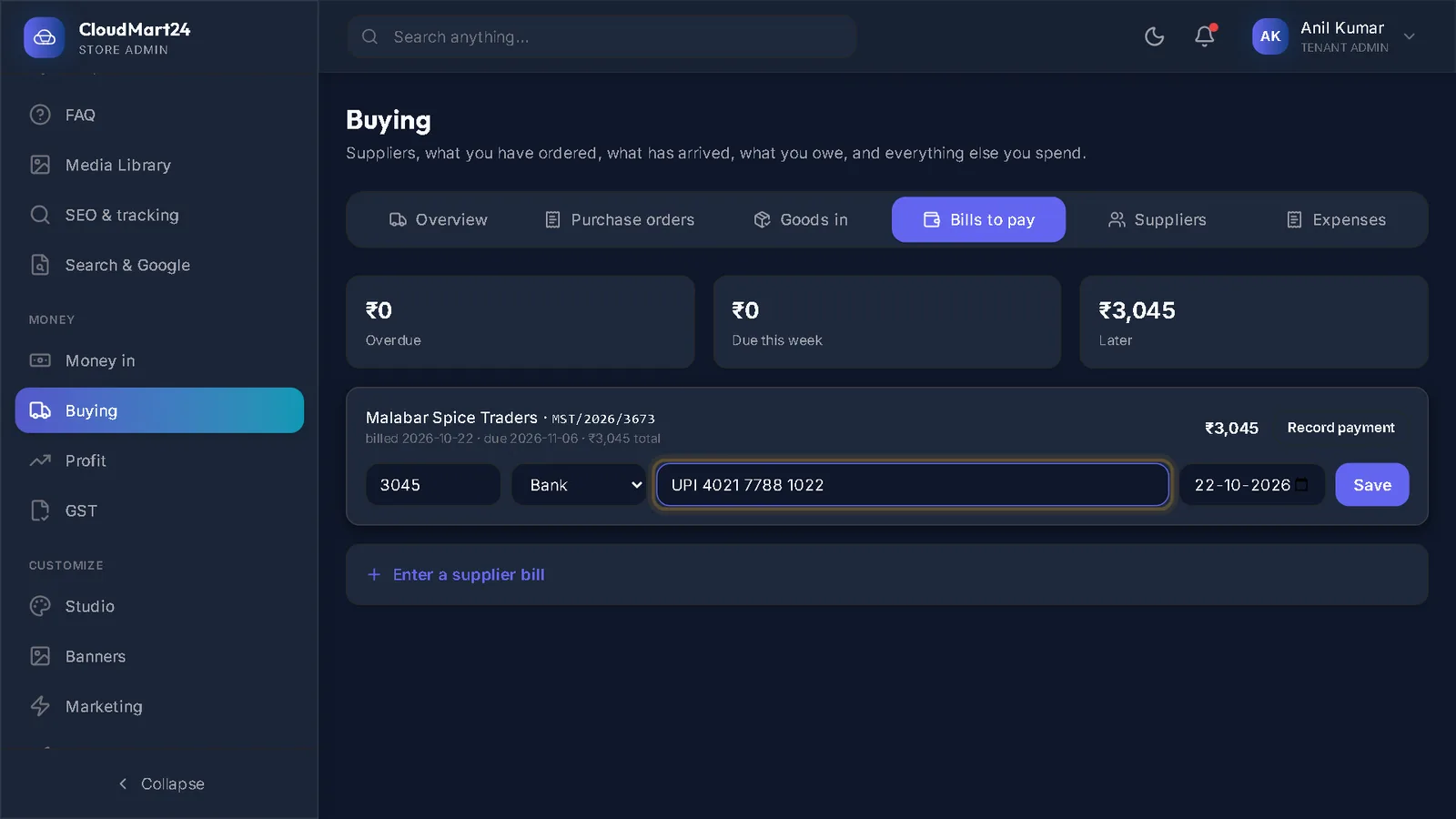
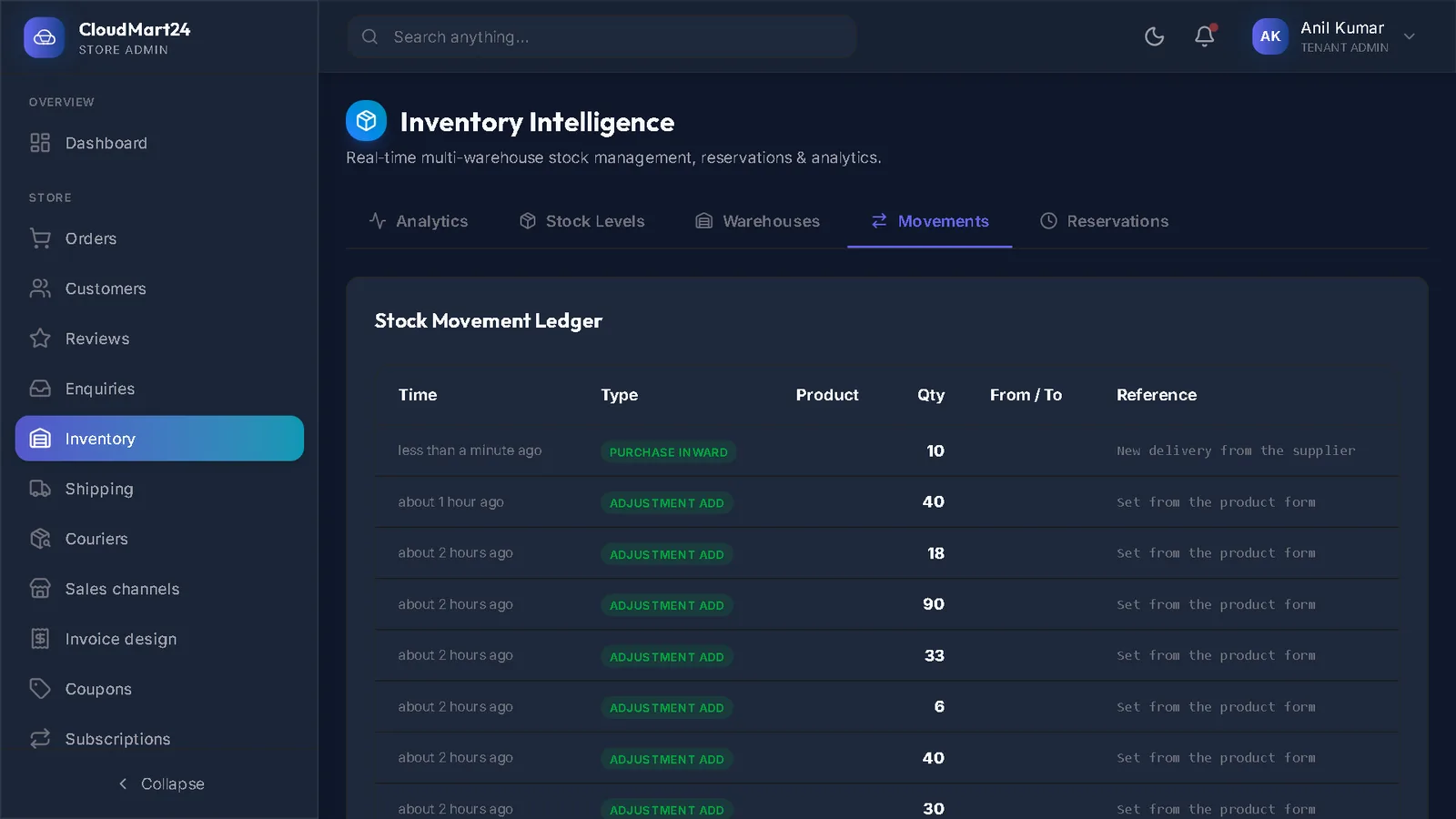
When the delivery arrives, open Goods in and click the order. Type the supplier’s invoice number and date, how many you Accepted (and turned away), and press Record what arrived. The stock goes up and the cost is recorded.
Stuck on a step?
Book a short call and we will walk through it with your own shop on screen. Book a call