Jump to a step
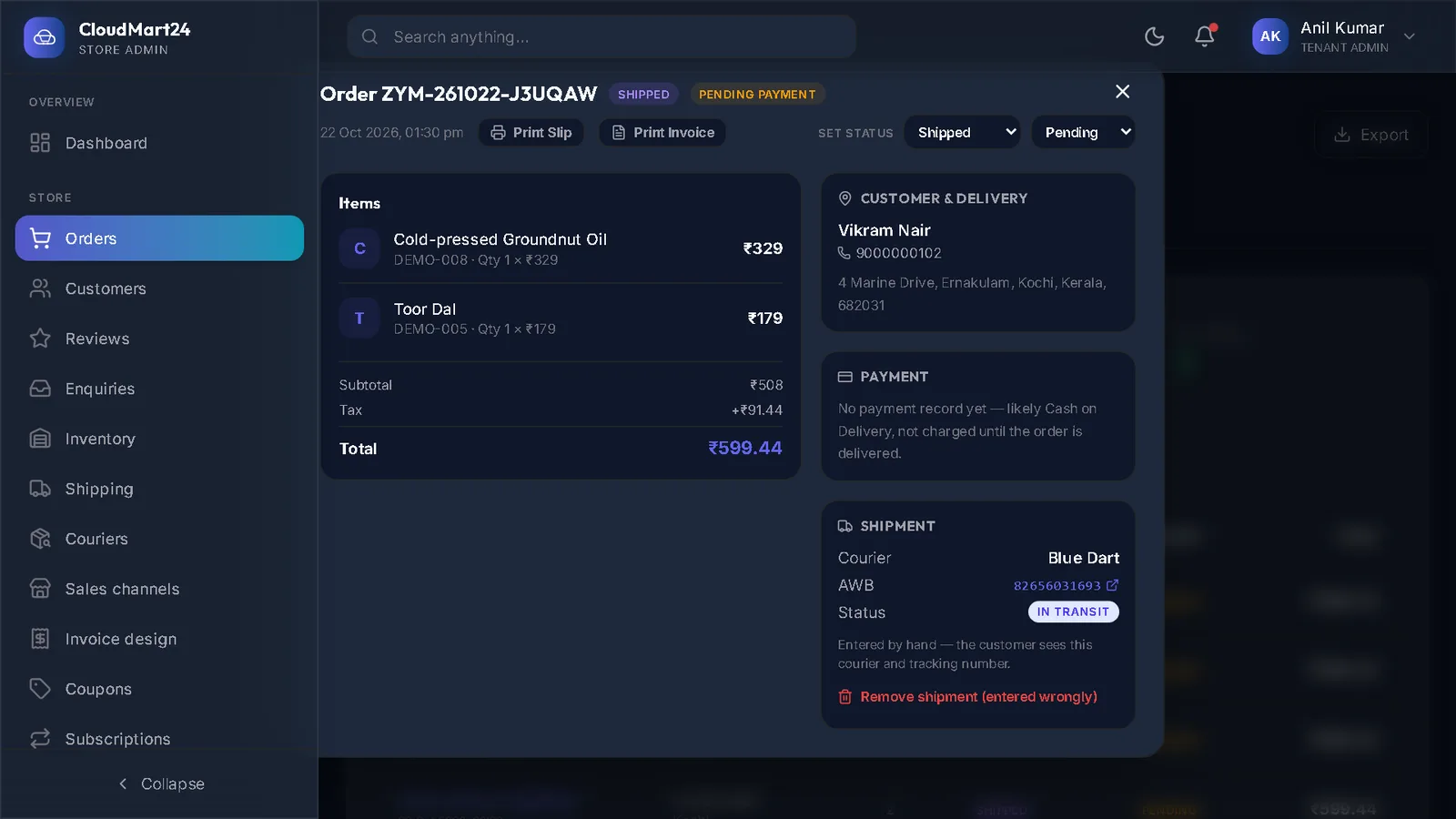
The video has no sound: the captions on screen explain each step, and every step is written out below with a picture.
Before you start
- A Delhivery business account, and its API token — ask your Delhivery account manager or find it in the Delhivery One dashboard.
- 1
Paste the API token
Open Credentials (at the bottom of the menu, under Analytics). On the Delhivery card, paste the token into API token and press Save Delhivery credentials.
It is stored encrypted; afterwards only its last few characters are shown.
- 2
Fill your pickup details
Open Shipping under Store. On Courier Integrations, fill the Registered warehouse name, Seller name, Seller GSTIN, Seller address, Pickup pincode, city, state and contact, and press Save Delhivery settings.
- 3
Register the warehouse
Press Register warehouse with Delhivery once. Delhivery now knows where to collect your parcels from. Check a delivery pincode tells you whether Delhivery delivers to an address.
- 4
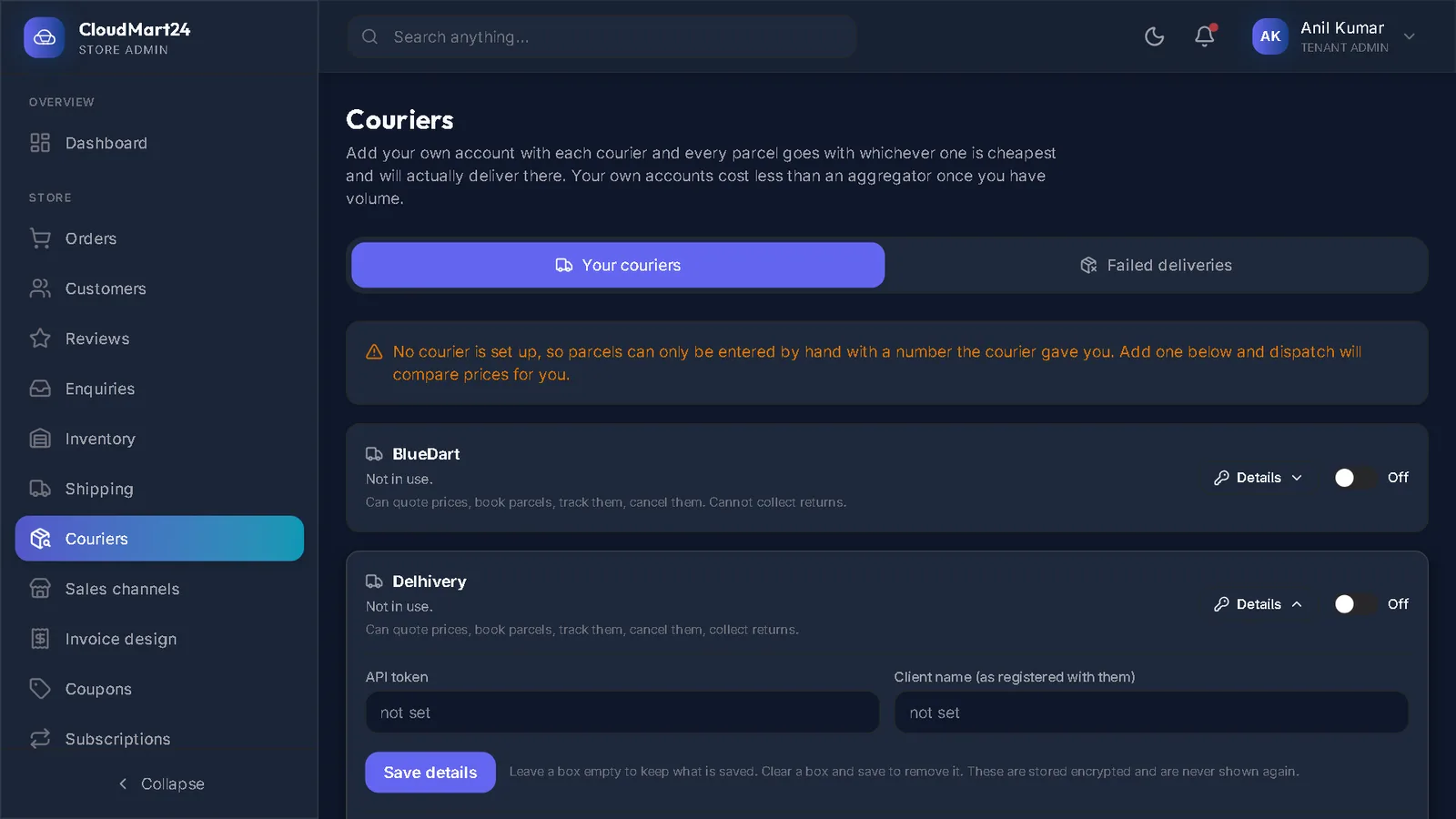
Switch Delhivery on
Open Couriers under Store. On the Delhivery card, set Collected from (pincode) and the Service (surface or express), press Save these settings, and switch it to In use.
Stuck on a step?
Book a short call and we will walk through it with your own shop on screen. Book a call