Jump to a step
The video has no sound: the captions on screen explain each step, and every step is written out below with a picture.
- 1
Open the order
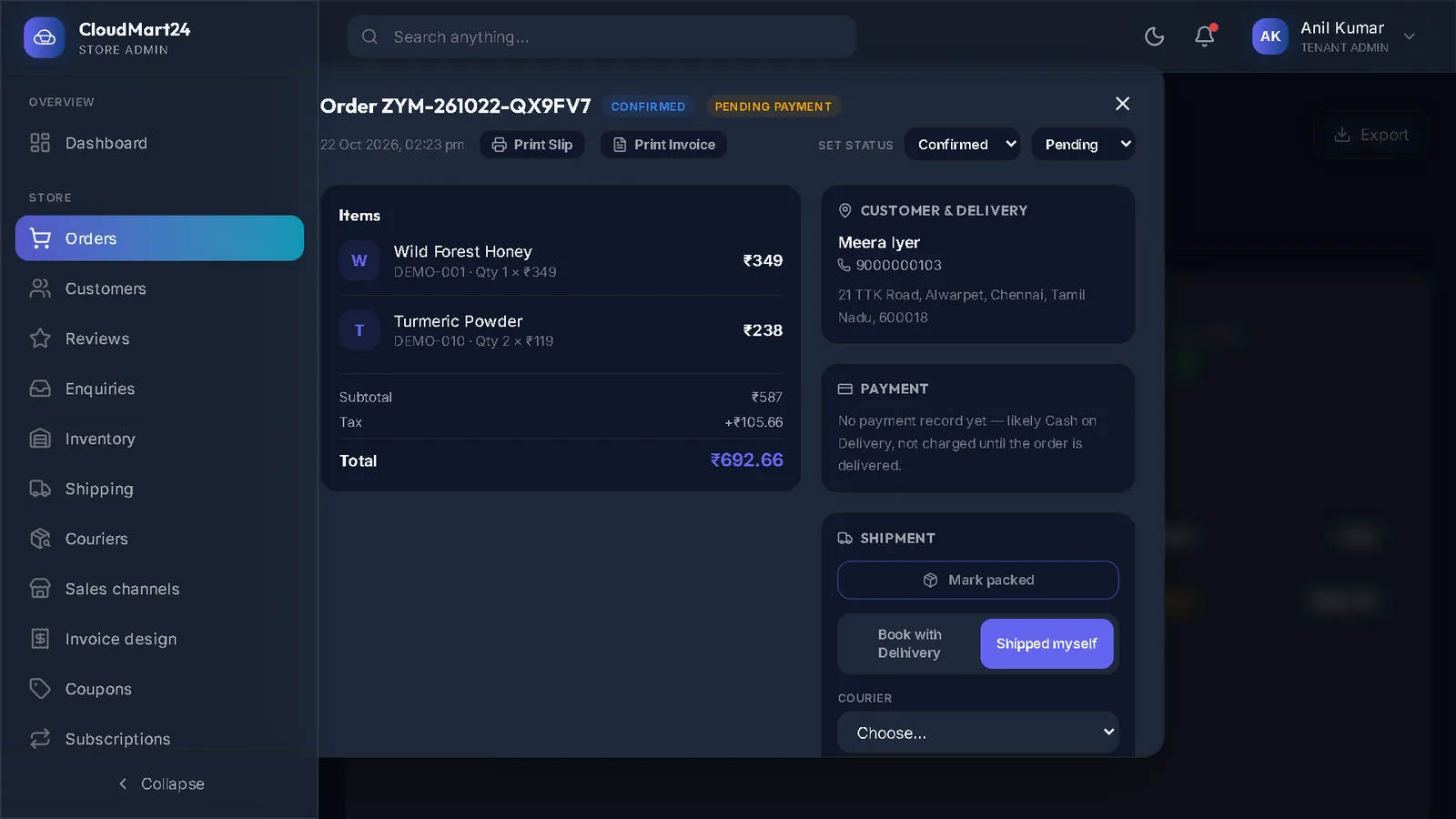
In Orders, click the order. The Shipment box is on the right, under Payment.
- 2
Book with Delhivery
Choose Book with Delhivery and press the button. The parcel is booked on your Delhivery account, the tracking number (waybill) comes back, and the order is marked Shipped. Delhivery collects it on the next pickup.
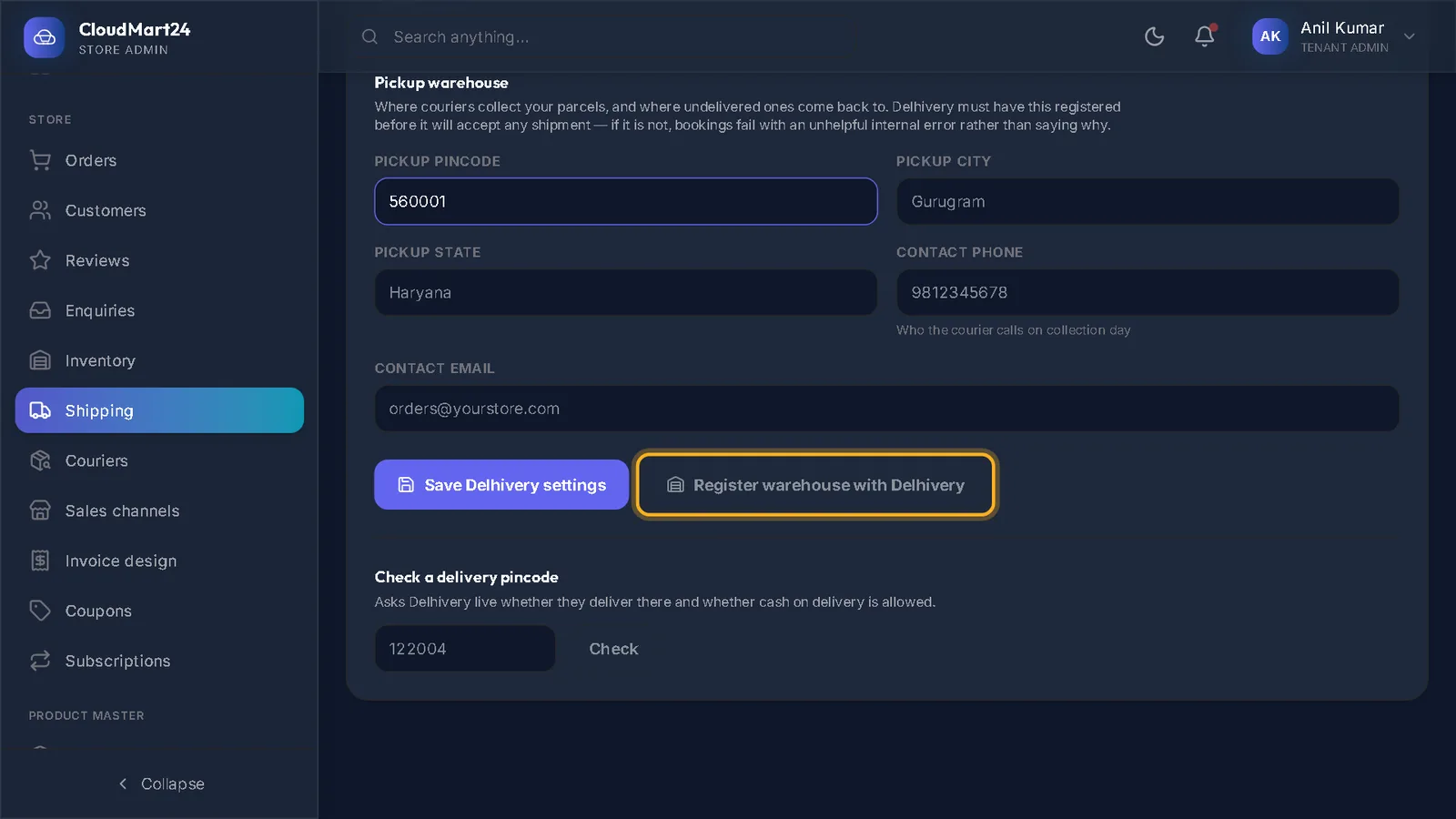
If Delhivery is not connected yet, the box says so and links to the setup — see Connect your Delhivery account.
- 3
Or: shipped with your own courier
Choose Shipped myself, pick the Courier (Blue Dart, DTDC, India Post, Xpressbees and more, or Other…), type the Tracking number (AWB) and press Save & mark shipped. For well-known couriers the tracking link is filled in for you.
- 4
Follow your shipments
The Shipments tab in Orders lists every parcel with its courier, AWB and status. Delhivery parcels update by themselves and move to Delivered when they arrive.
- 5
Entered it wrongly?
In the order, Remove shipment (entered wrongly) takes the shipment off and puts the order back to Processing.
Questions
Where do I set the delivery charge shoppers pay?
The delivery charge setting is being corrected. Until it is, ask CloudMart24 support to set your charge and free-delivery amount.
Can I compare courier prices before booking?
Not yet — booking from the order works with Delhivery. For other couriers, book on their website and enter the AWB with Shipped myself.
Stuck on a step?
Book a short call and we will walk through it with your own shop on screen. Book a call