Jump to a step
The video has no sound: the captions on screen explain each step, and every step is written out below with a picture.
- 1
Open Header & footer
In Studio → Pages, the first card is Header & footer. Press Edit.
- 2
The announcement bar
Show the announcement bar switches the strip on or off. Each line is one message with an icon; Add message adds another (up to four).
Scroll the messages across makes them move; the dates below show the bar only for a while.
- 5
Publish
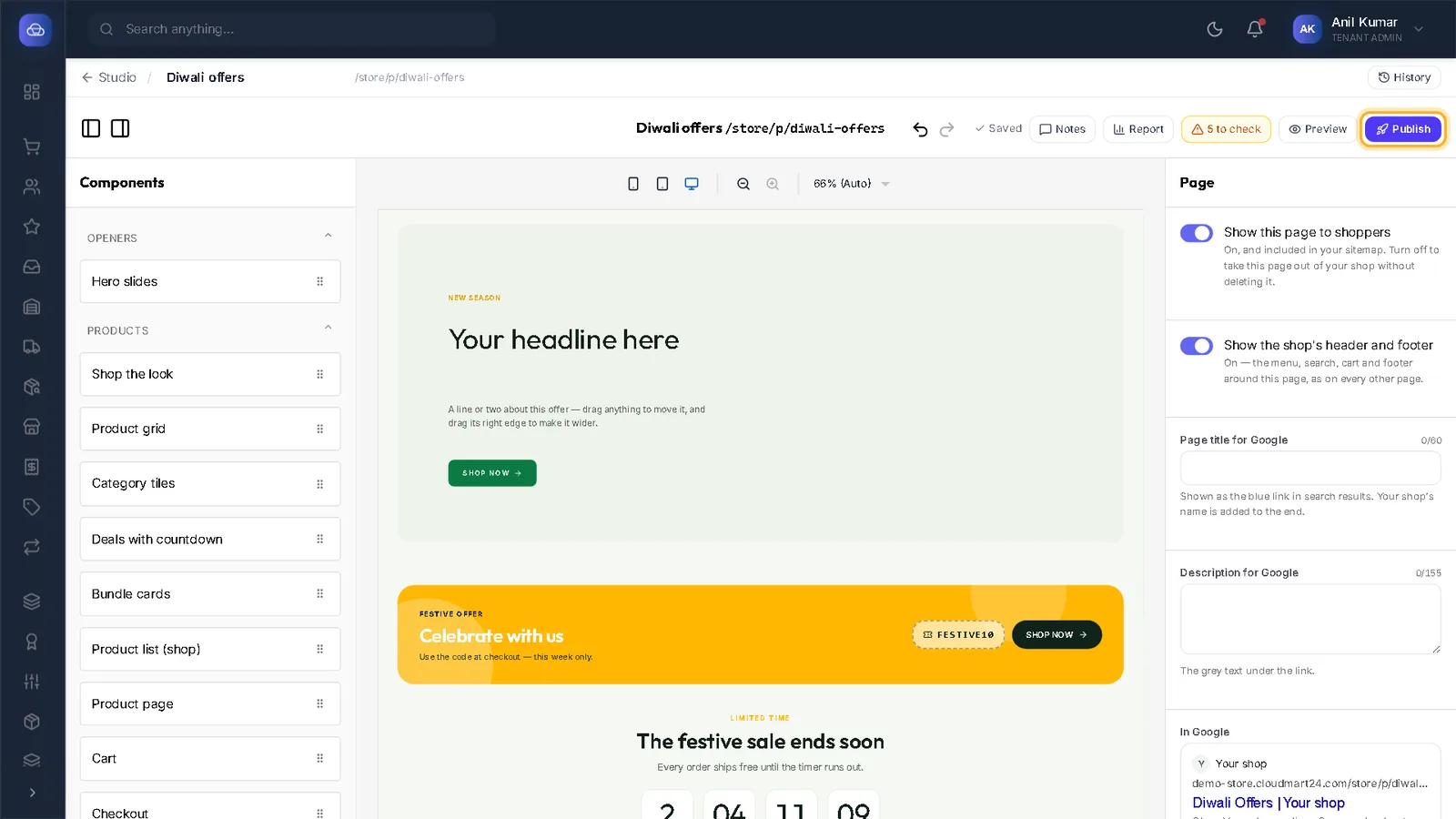
Changes save themselves; press Publish at the top to put them on every page.
Stuck on a step?
Book a short call and we will walk through it with your own shop on screen. Book a call