Jump to a step
The video has no sound: the captions on screen explain each step, and every step is written out below with a picture.
- 1
Choose the period
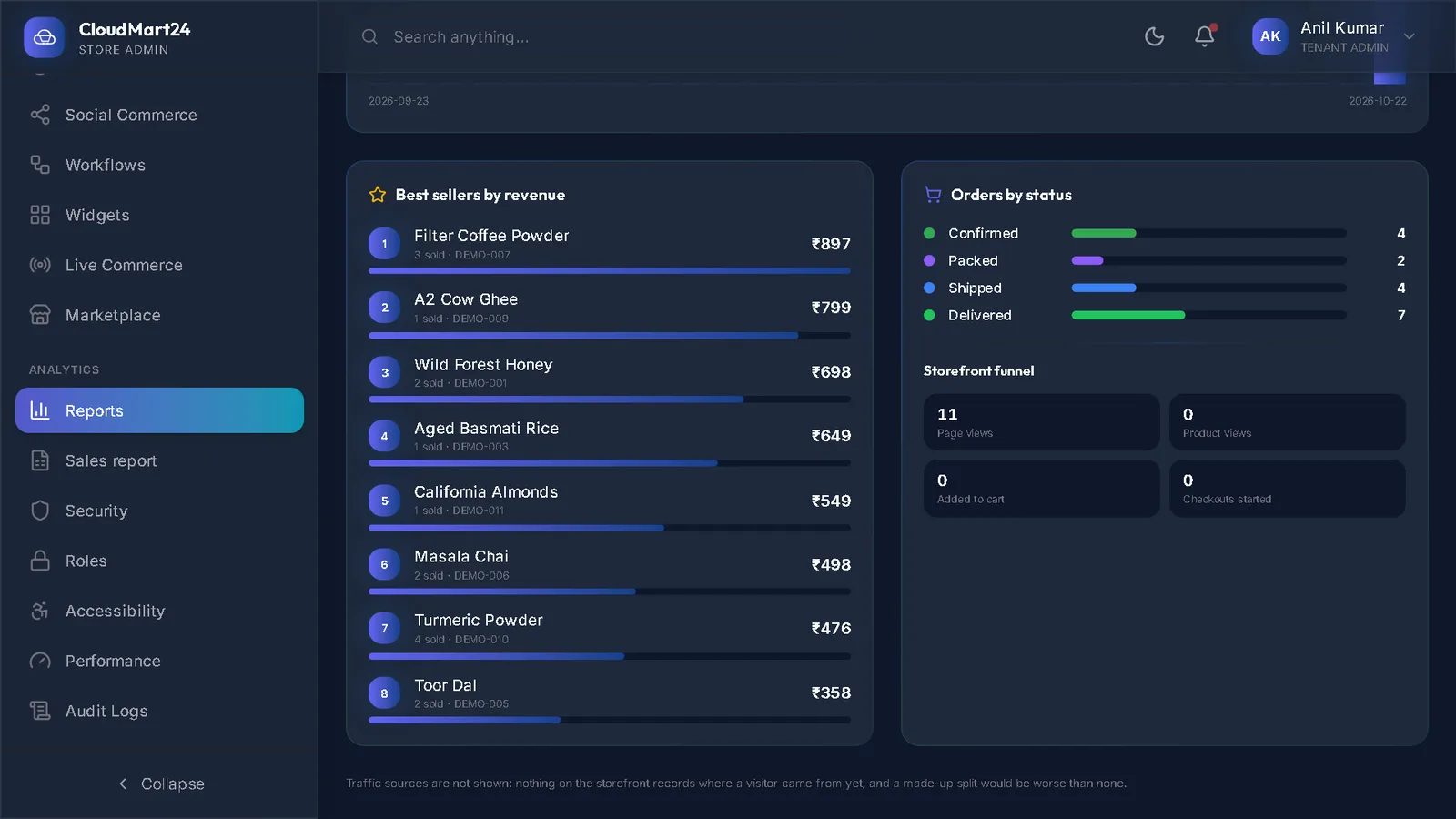
Open Sales report under Analytics. Pick Today, This month, Last month, This financial year and so on — or set From and To.
- 2
Filter it
Narrow it by order status and Payment, or search for an order number, customer, phone, town, product or coupon.
- 3
Read it
The cards total orders, units, discounts, GST, shipping, sales and what was paid. The tabs show the same period by Orders, Items, Products, Customers and Daily.
- 4
Download Excel
Press Download Excel. The file opens in Excel or Google Sheets, ready for your accountant.
Stuck on a step?
Book a short call and we will walk through it with your own shop on screen. Book a call