Jump to a step
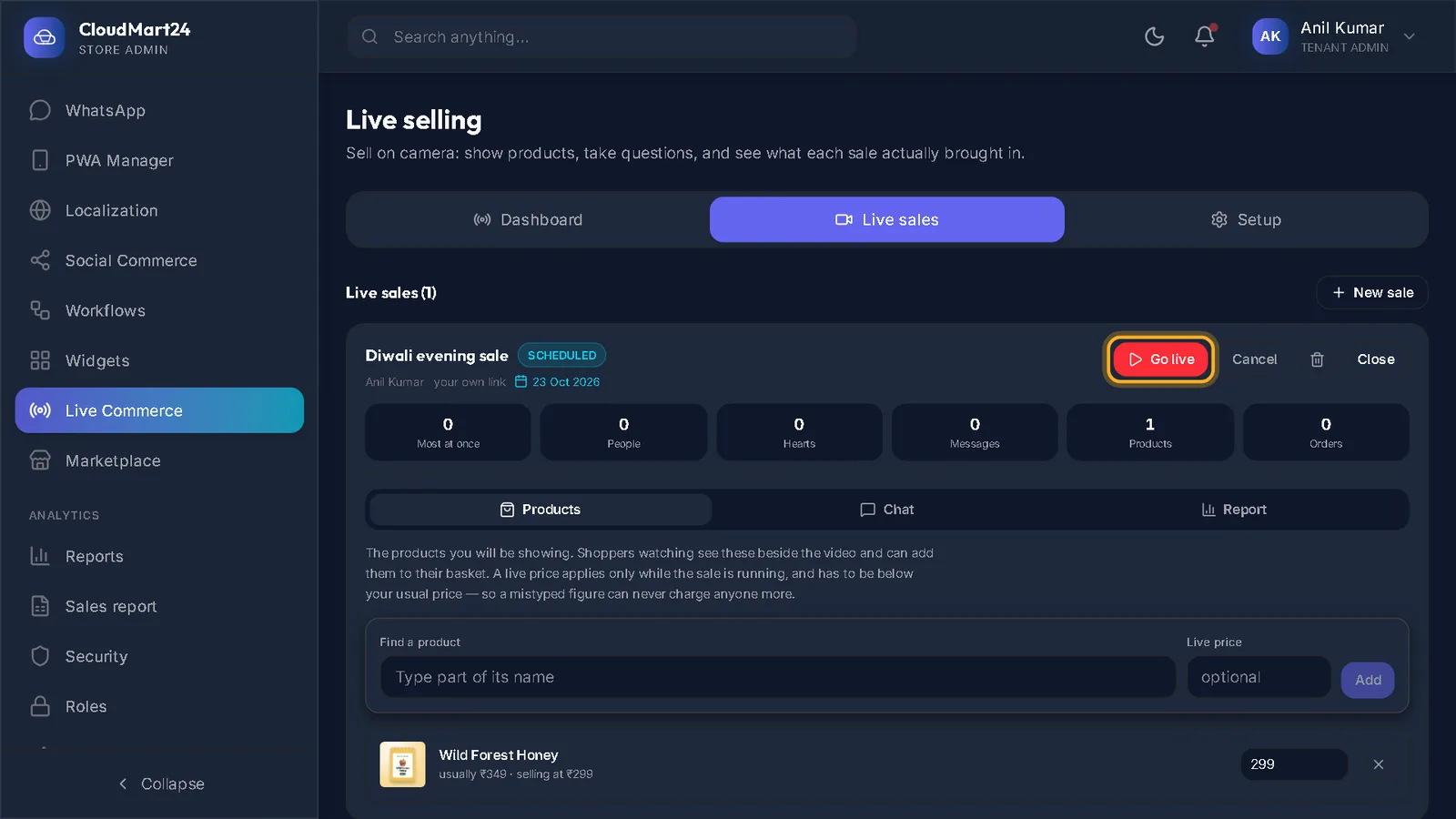
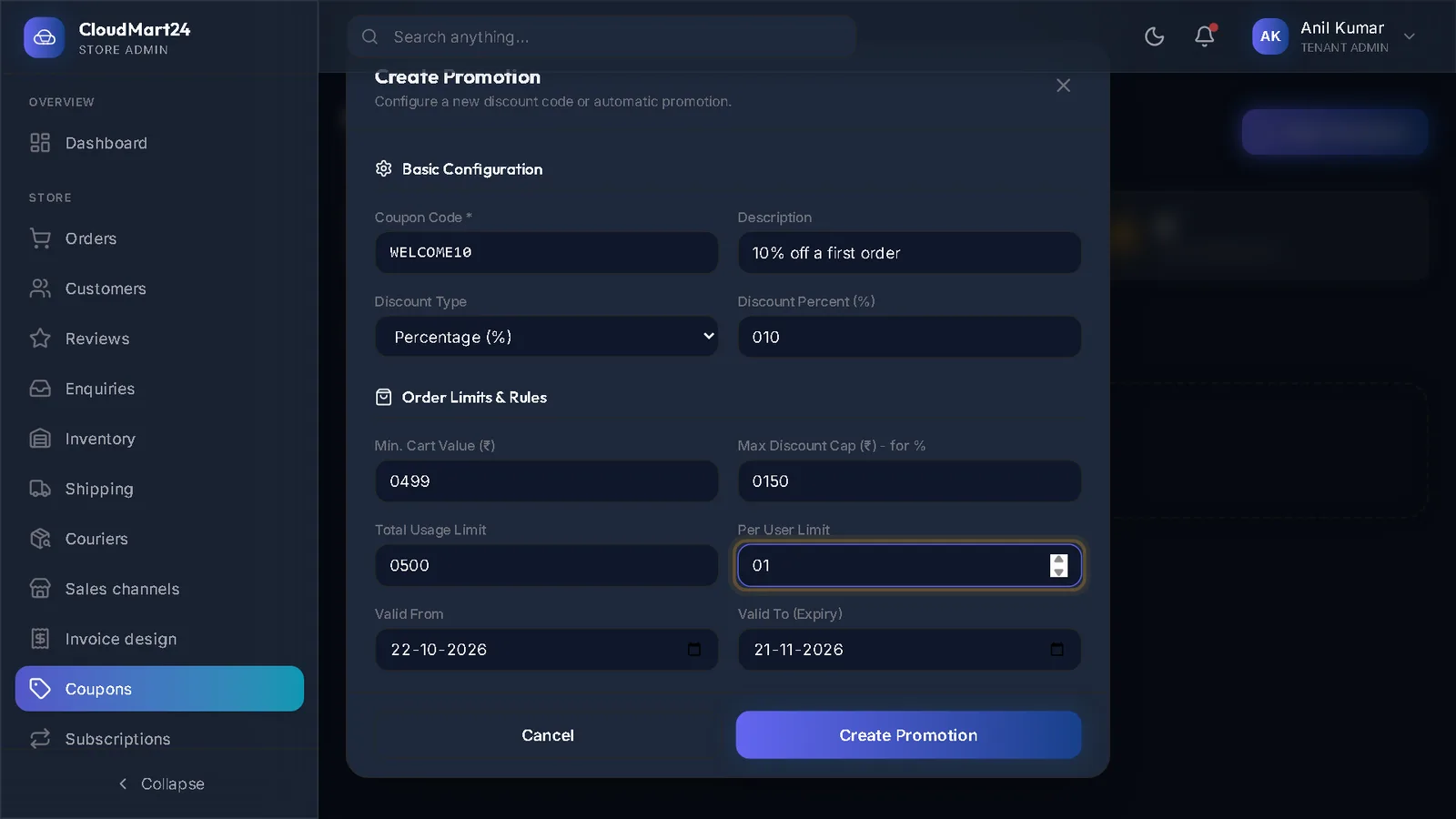
The video has no sound: the captions on screen explain each step, and every step is written out below with a picture.
- 1
Open Links
Open Social Commerce under Customize and choose the Links tab.
- 2
Make a link
Press New link. Type Whose link is it and Their share (%).
For Where it sends people, open the page in your shop — your home page or a product — and paste its full address, starting with https://. Press Make the link.
- 4
See the results
Each link shows people, taps, orders and what they earned. See the orders and the daily taps opens the detail; Stop counting pauses a link.
Stuck on a step?
Book a short call and we will walk through it with your own shop on screen. Book a call